Pane
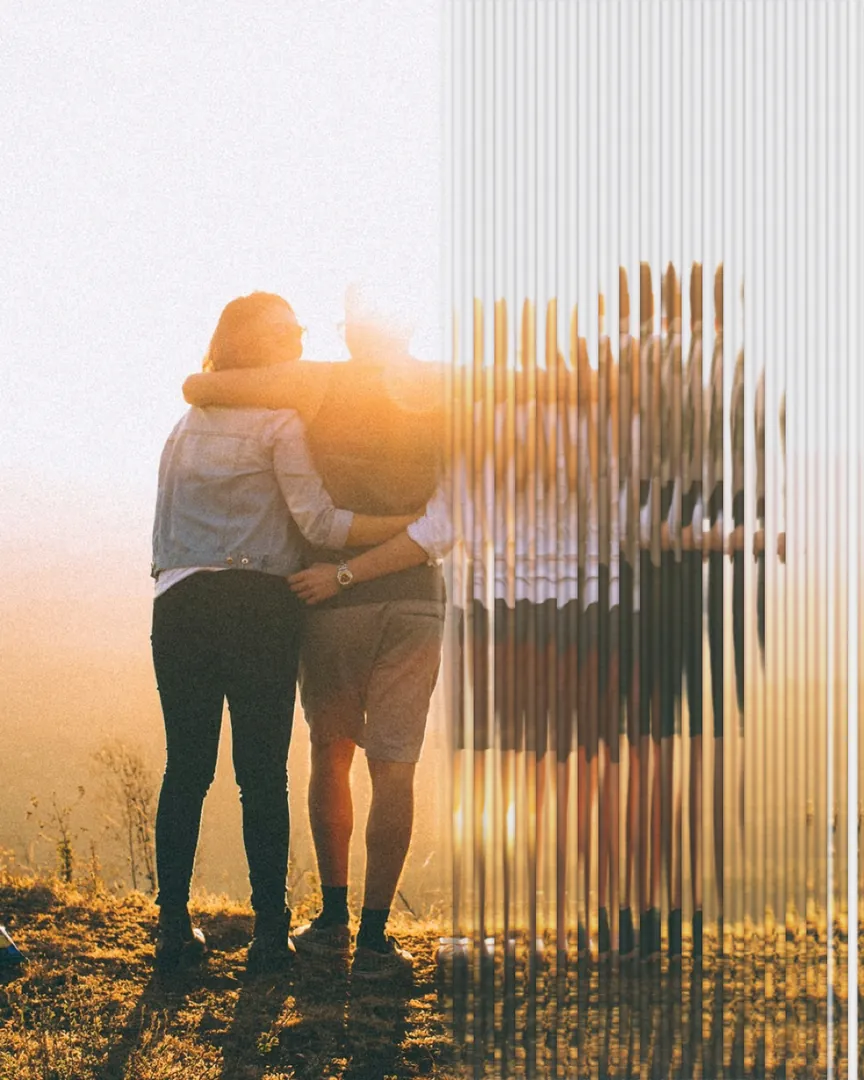
Reeded
Fine round ribs, half over the picture, its inner edge soft.
 GLASSKID
Get the app
Light Bending Studio · iPhone · iPad · Mac
Real glass and your words over your photos and videos, made for the feed. Lay a pane over the picture, set your type on it, post it. Small, quick, from the makers of FRAMEKID.
Beauty, portraits, fashion, products, travel, food, stories: whatever you shoot, glass gives it a look of its own.
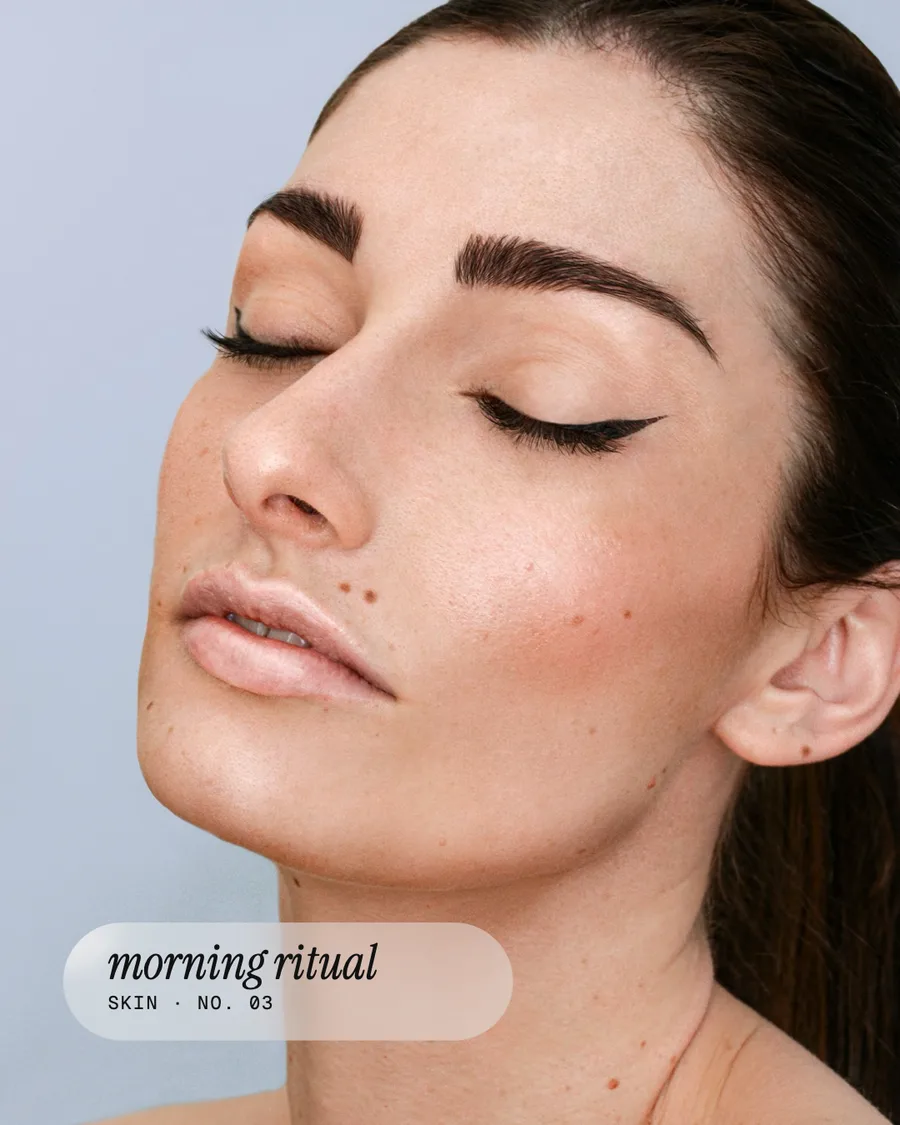
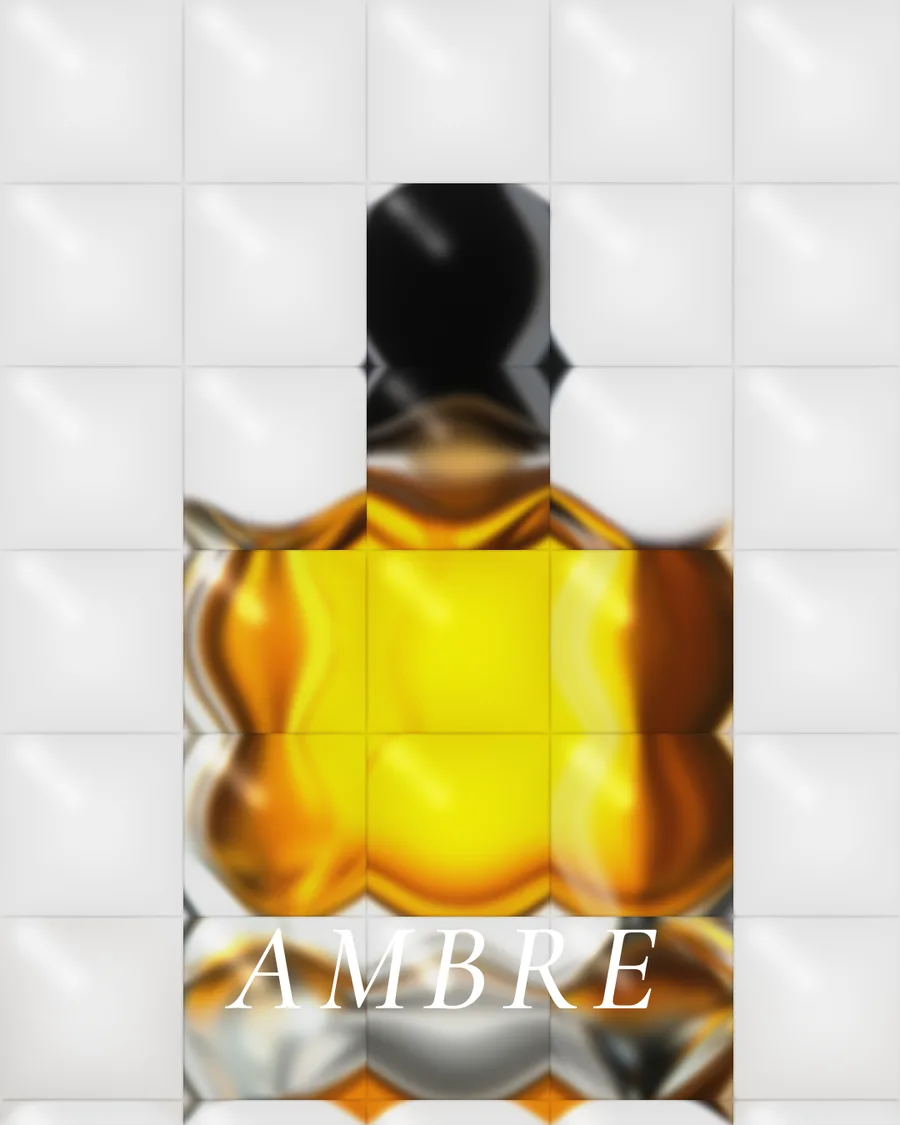
Every picture below was made with GLASSKID's own glass, from one photo each, and every one is set differently: fluted, reeded, waved, domed, blocks, prism or plain; round, arched, striped or ticket-shaped; steam, drops and dust; tinted, frosted or clear, with the type chosen for its motif. Warm amber over oil, milk glass over skin, rain over a night street. Nothing was retouched afterwards.


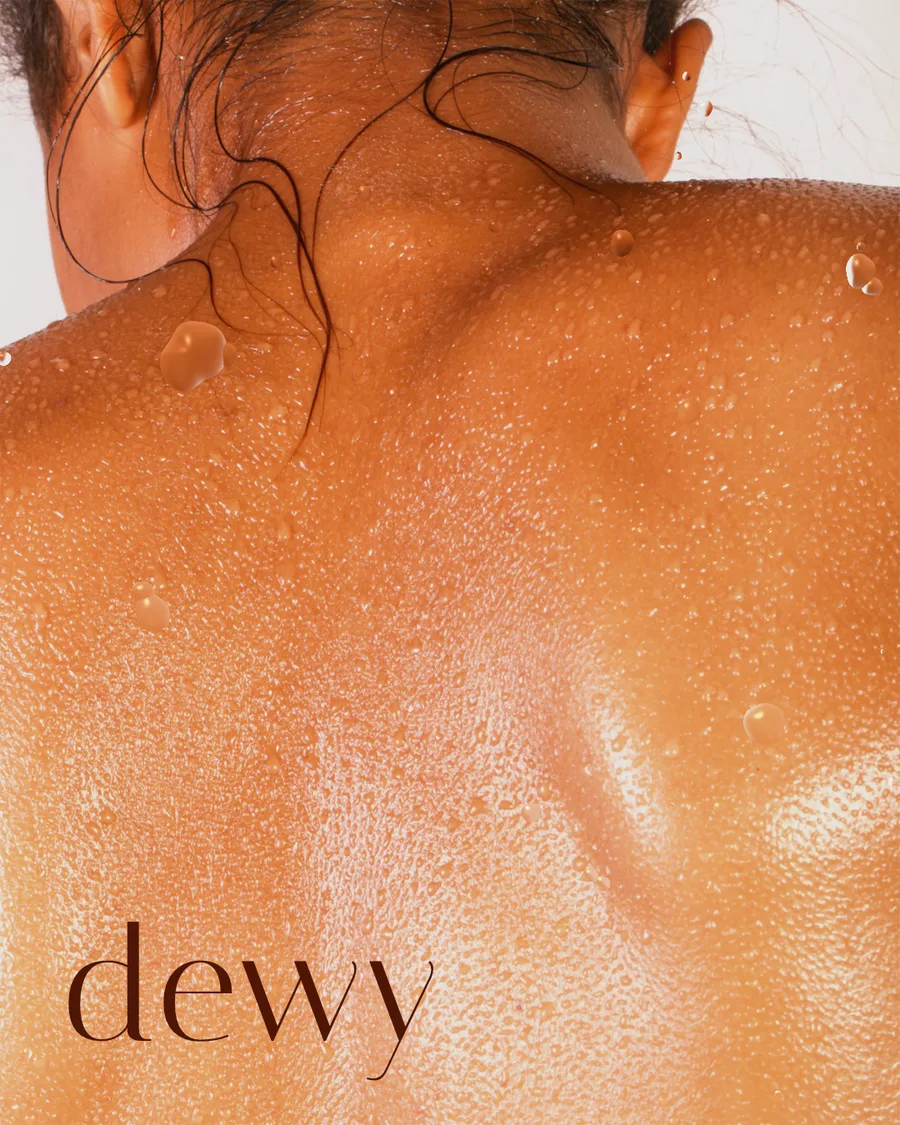
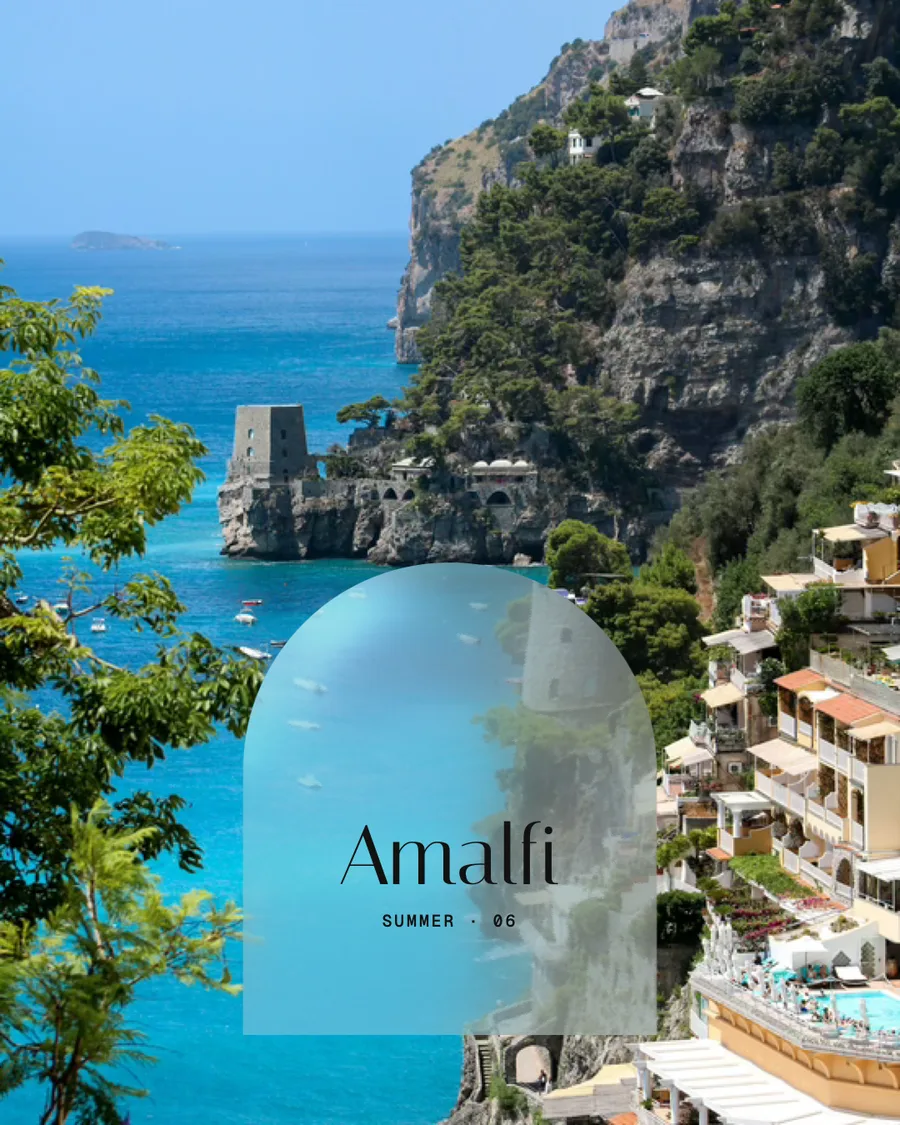
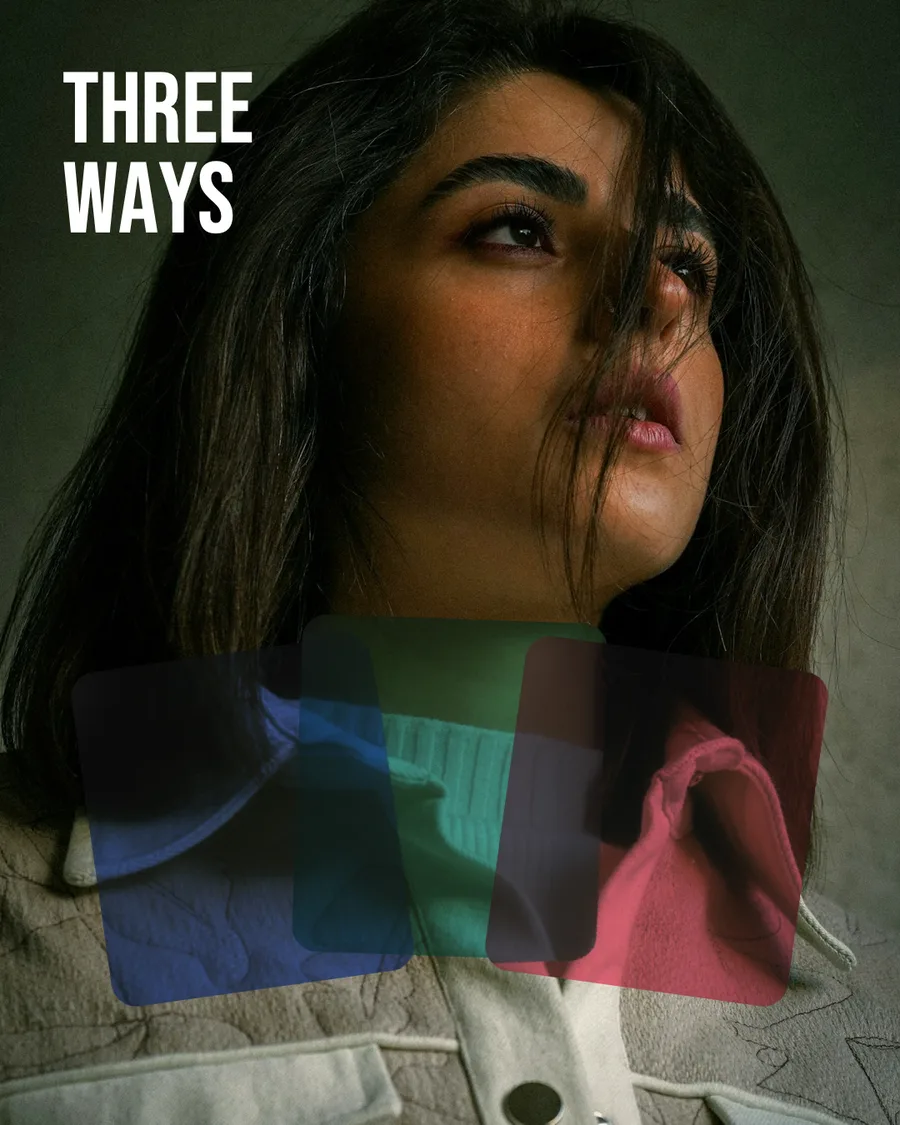
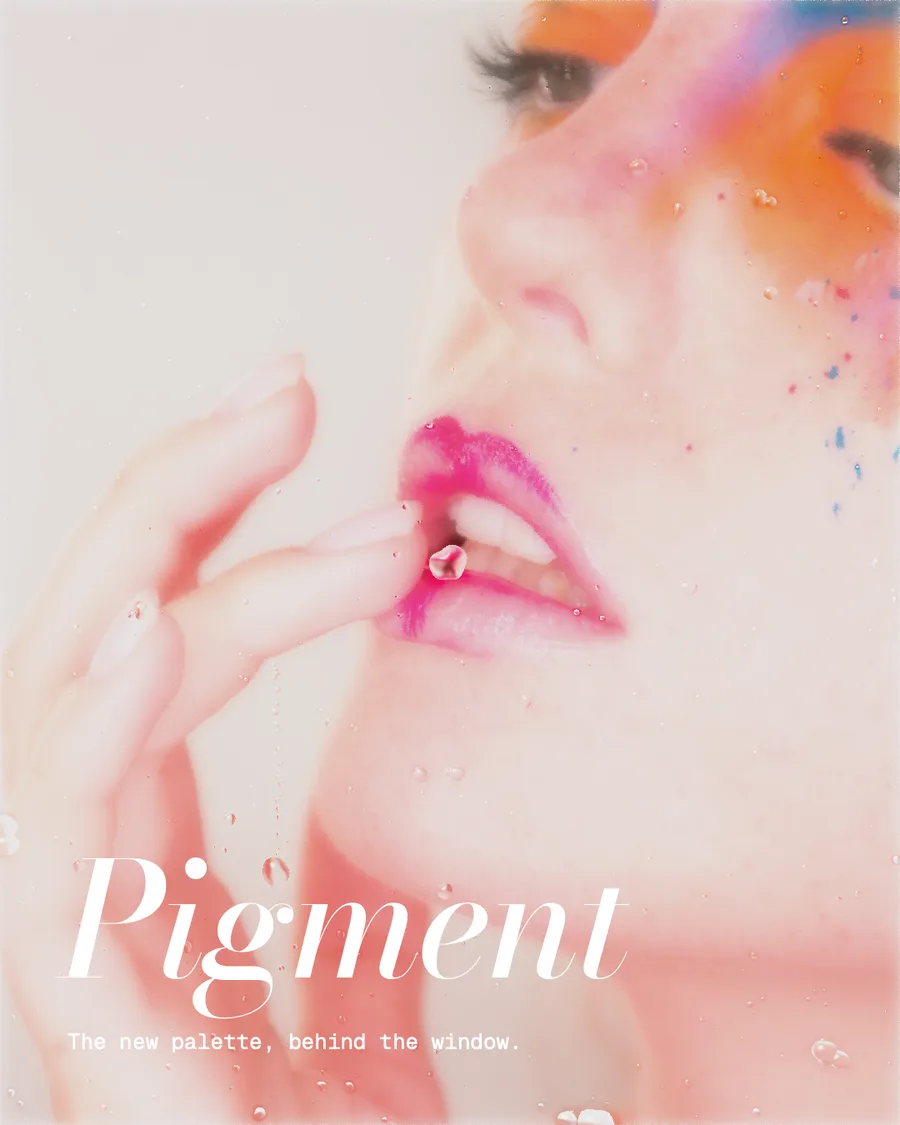
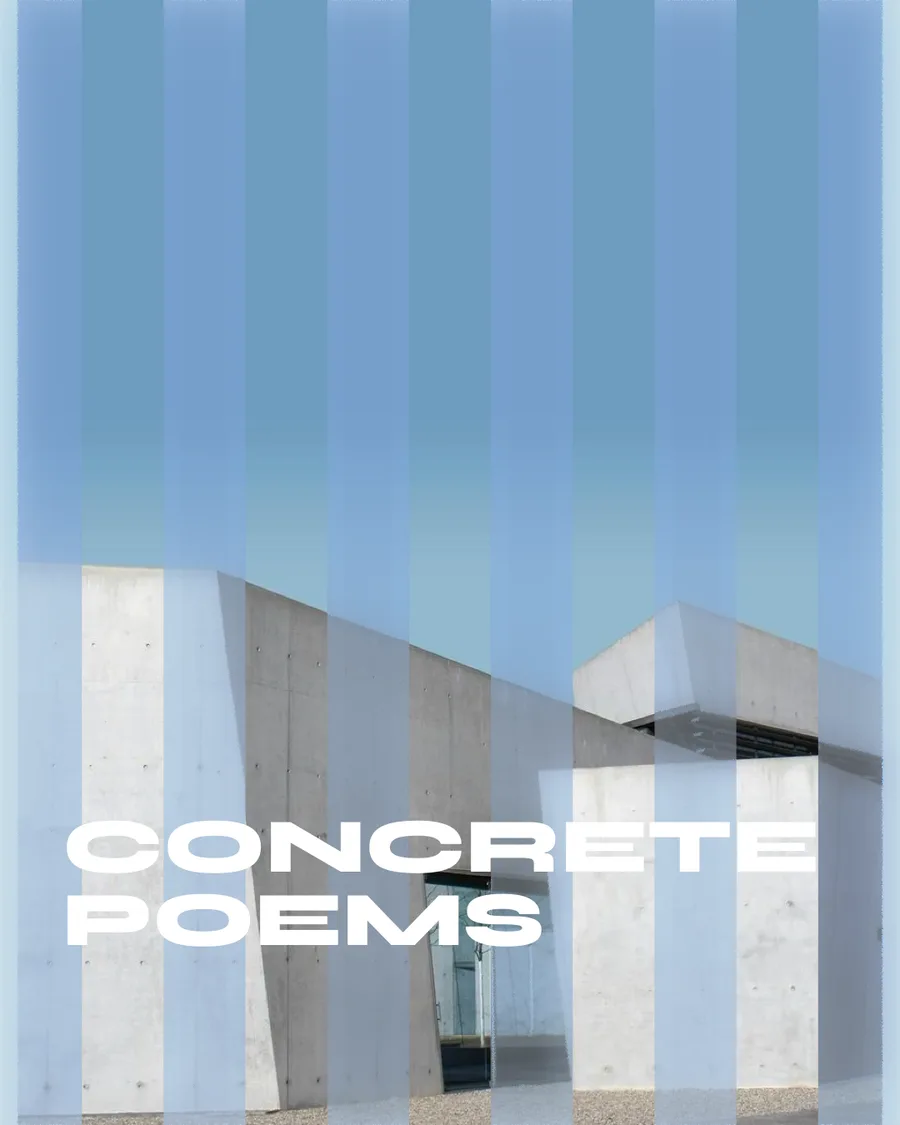
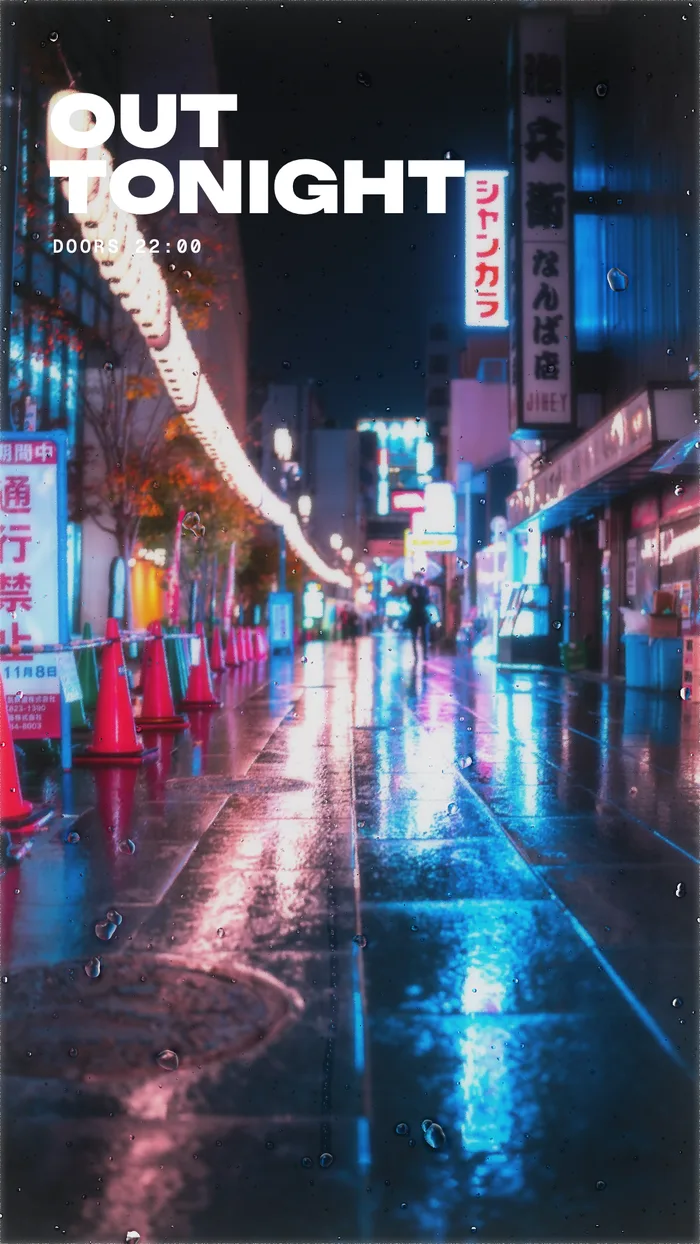
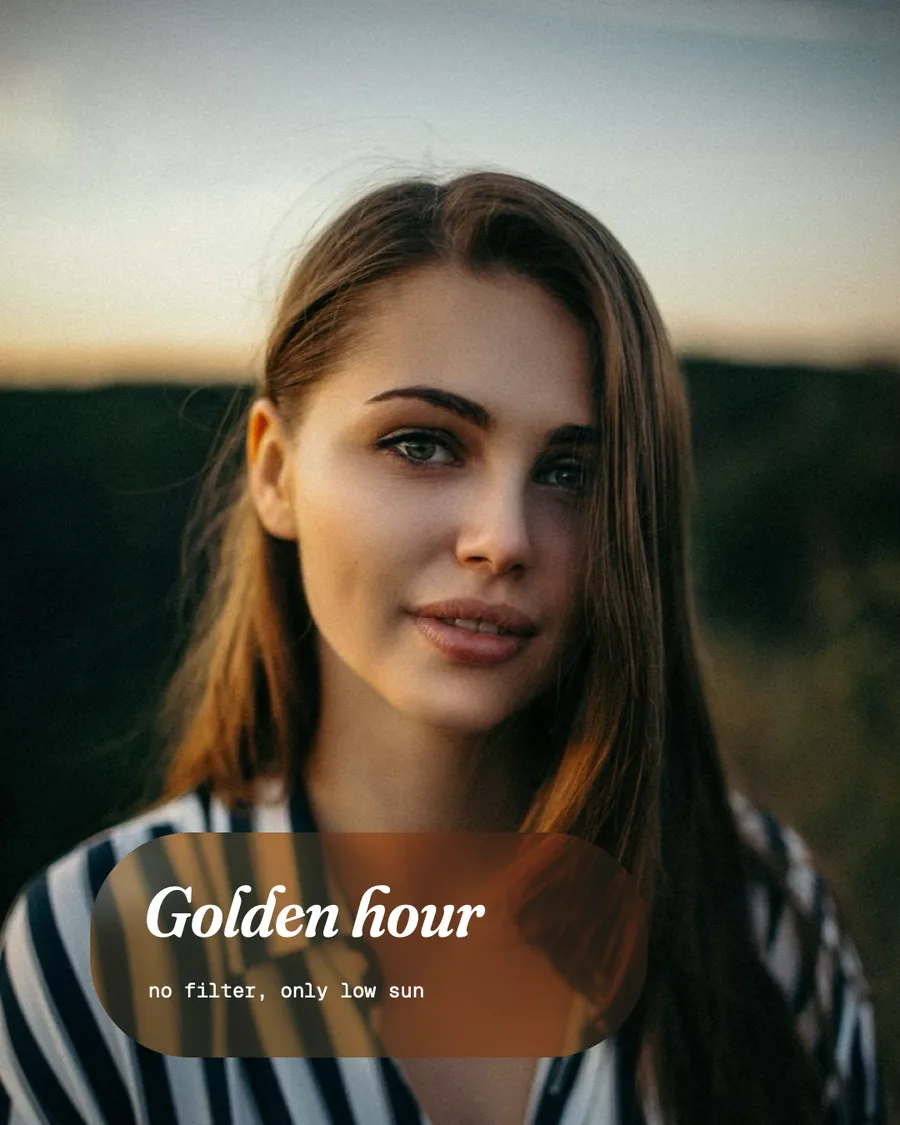
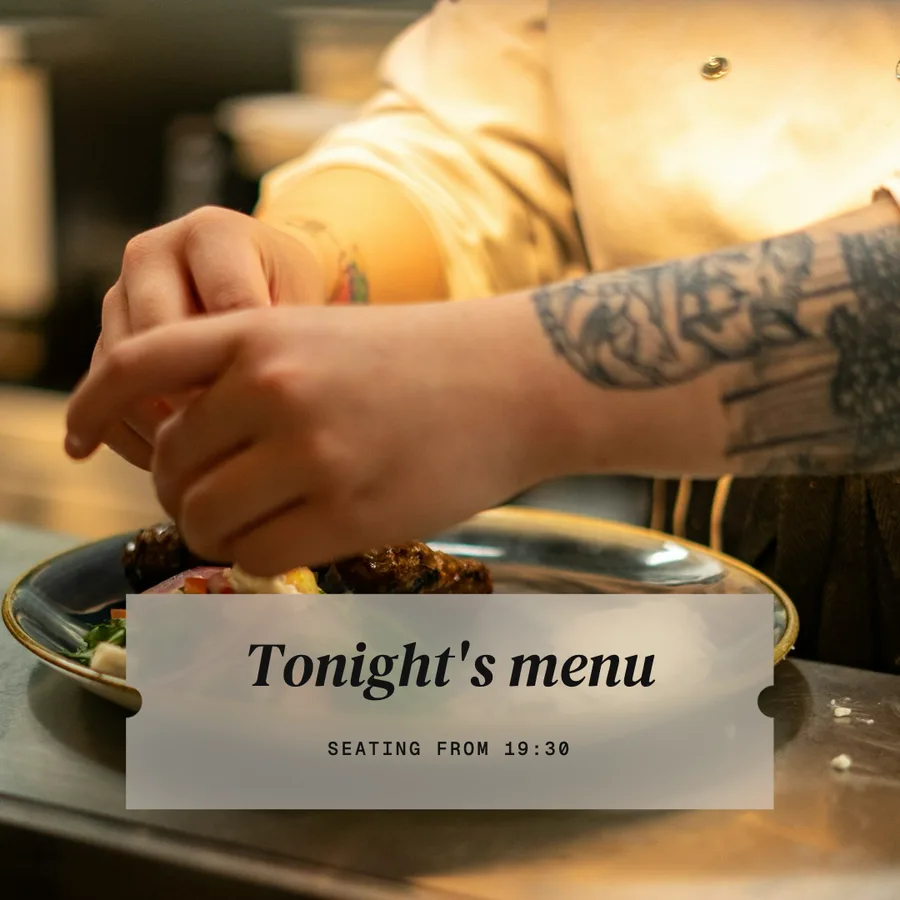
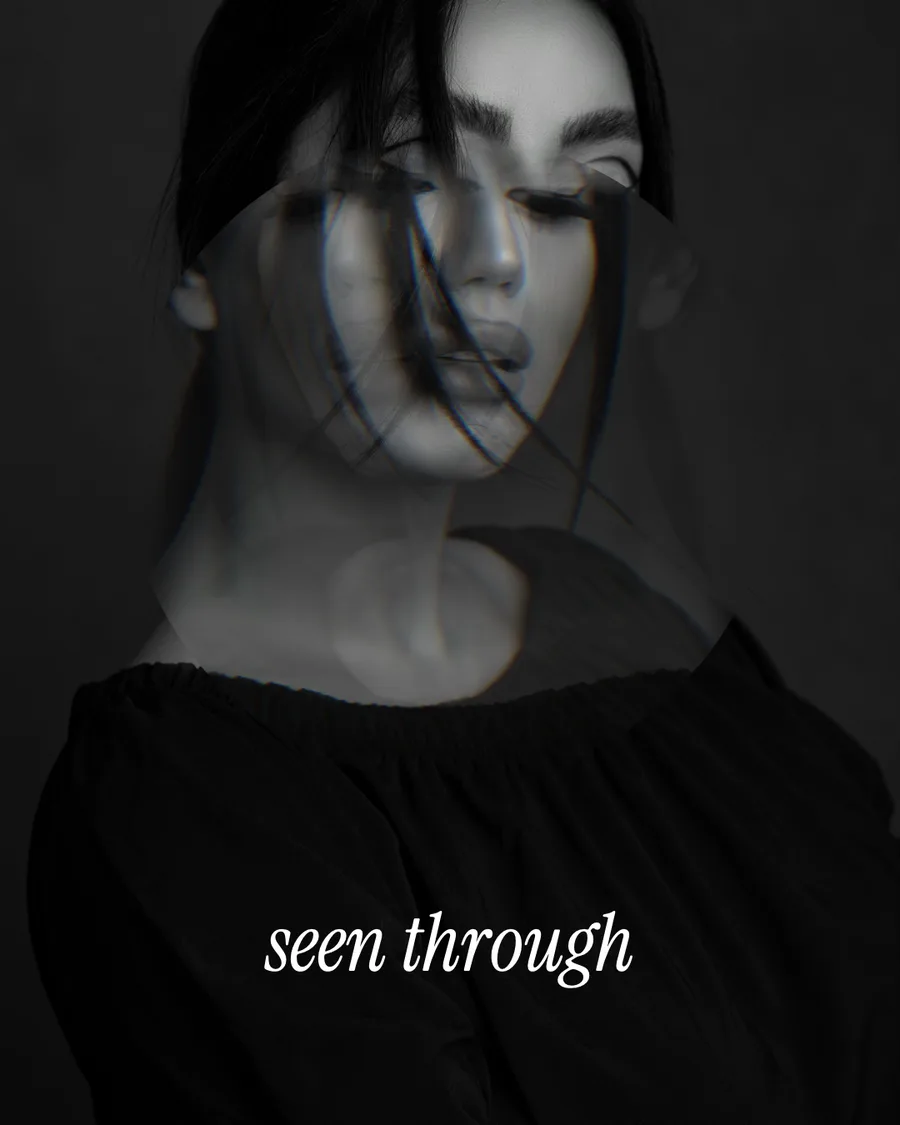
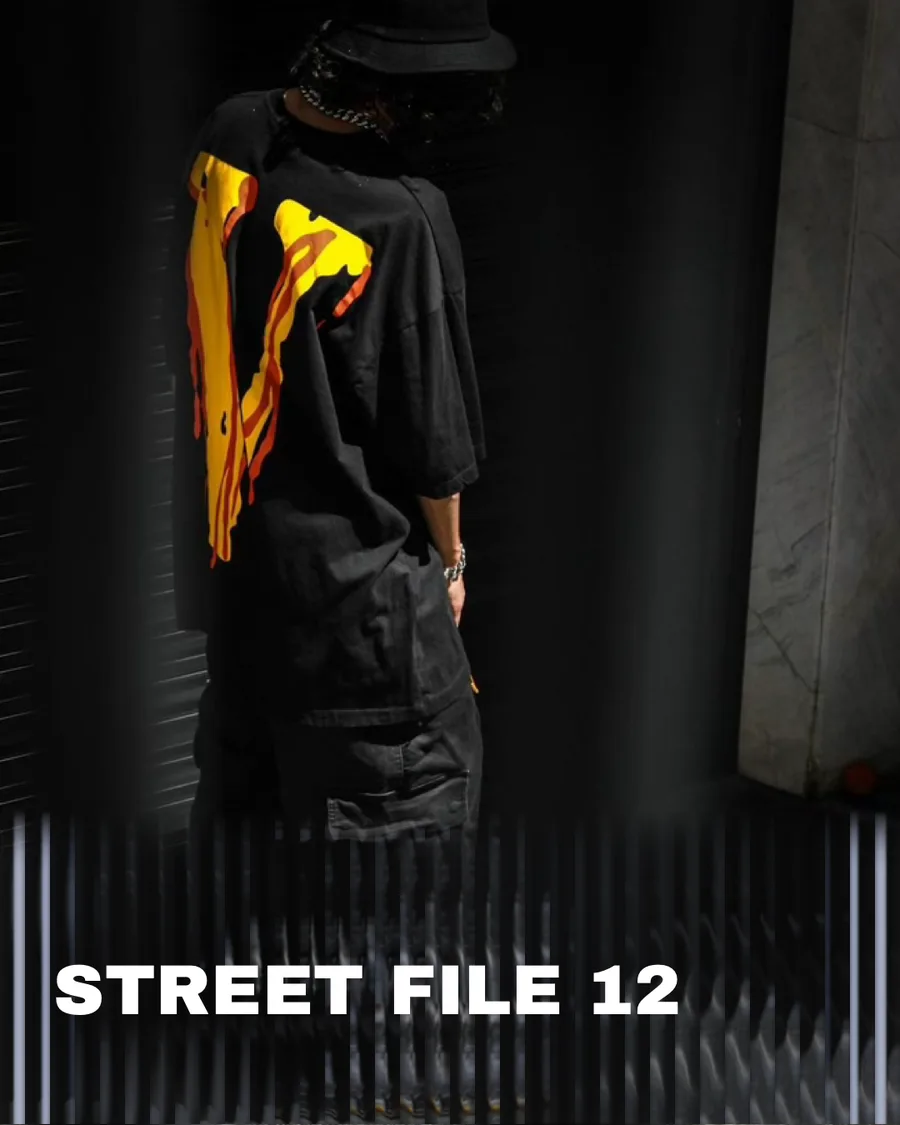

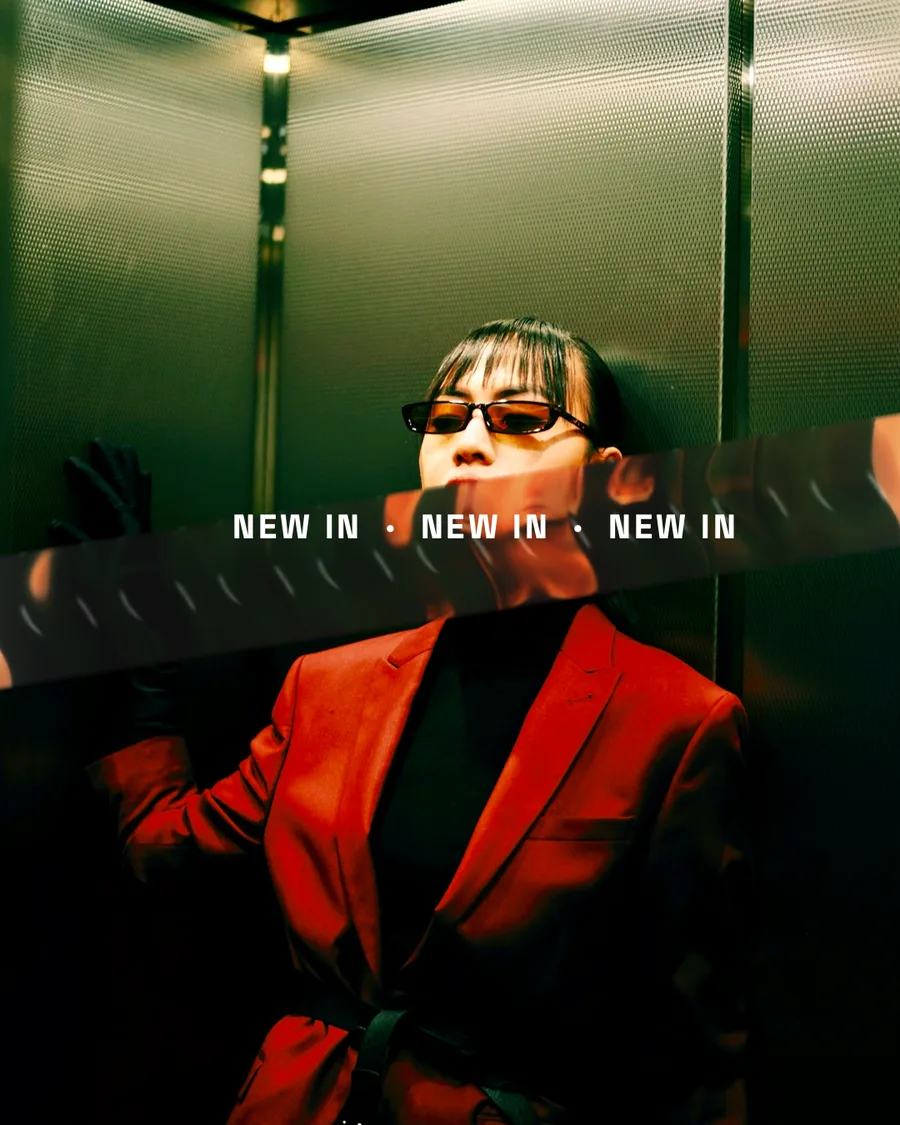

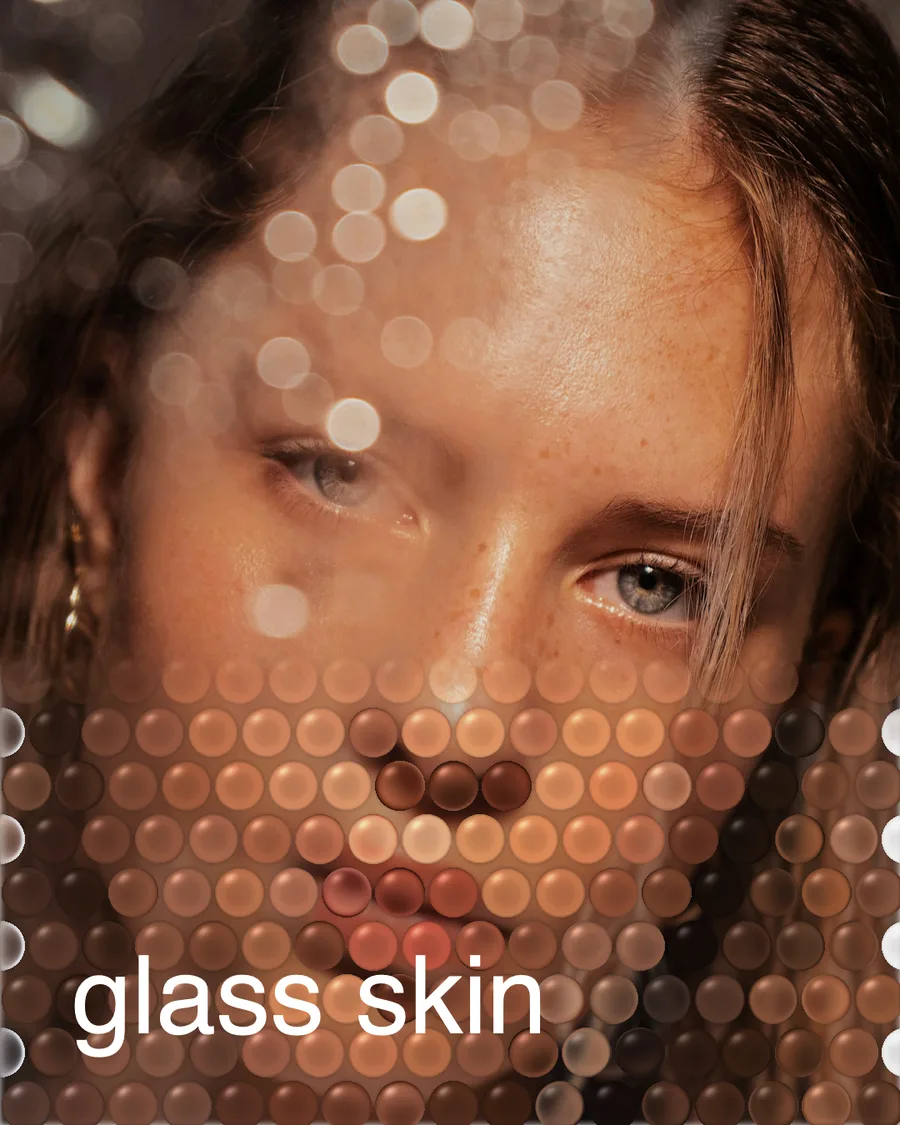
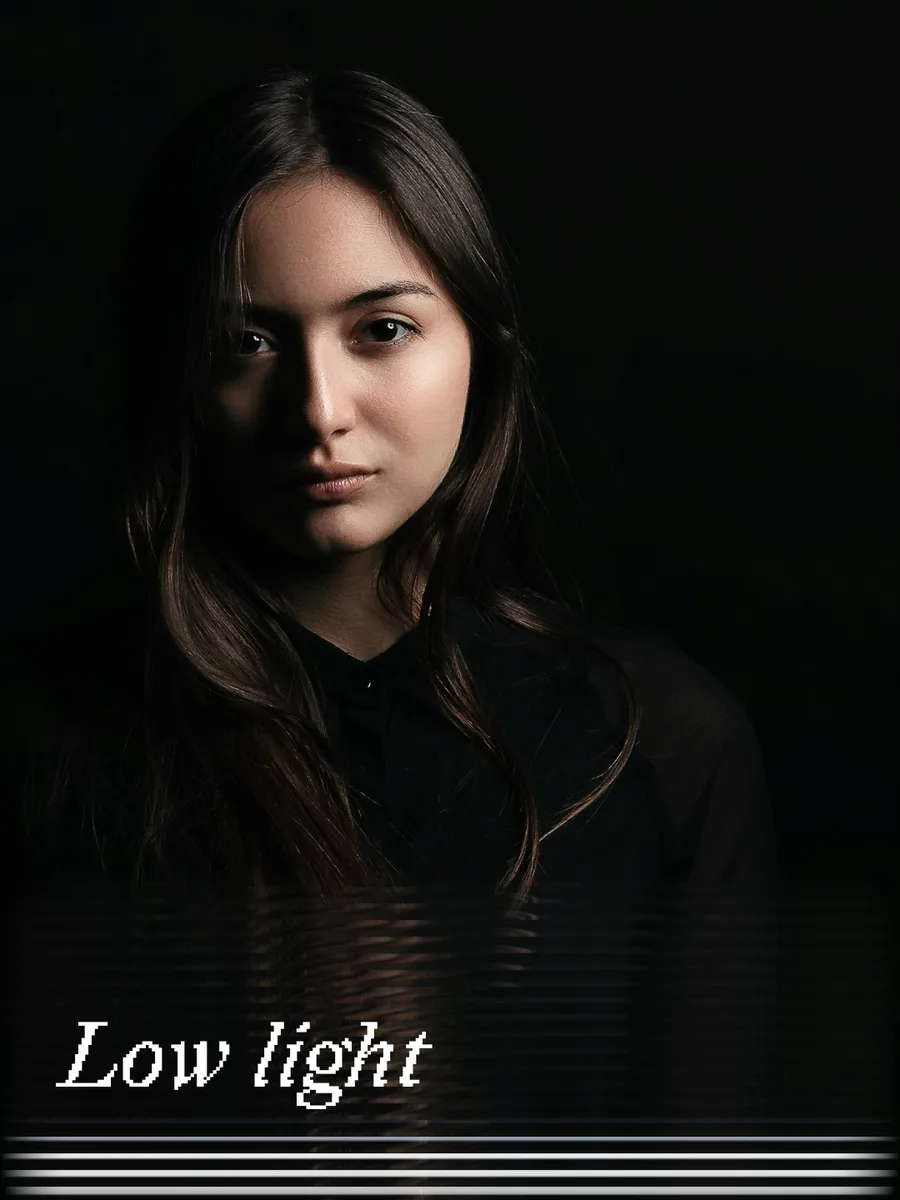
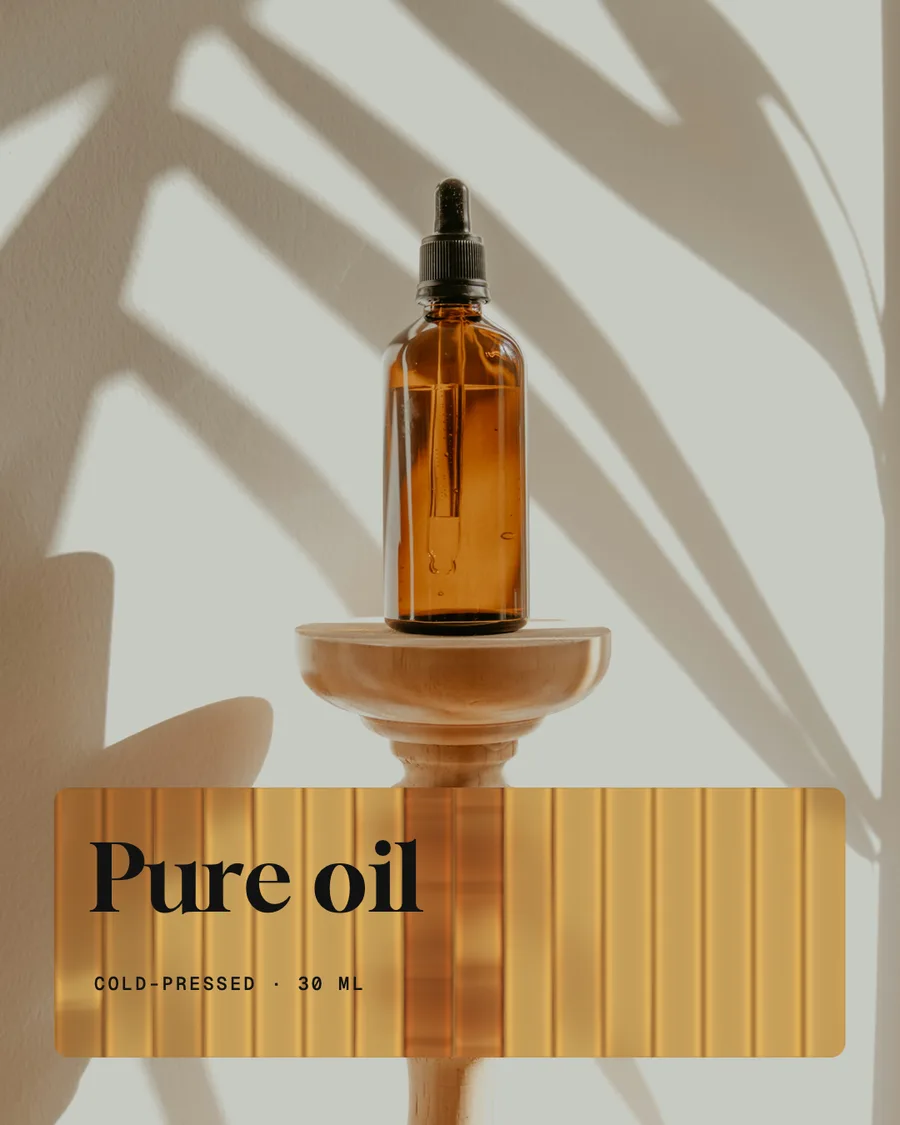
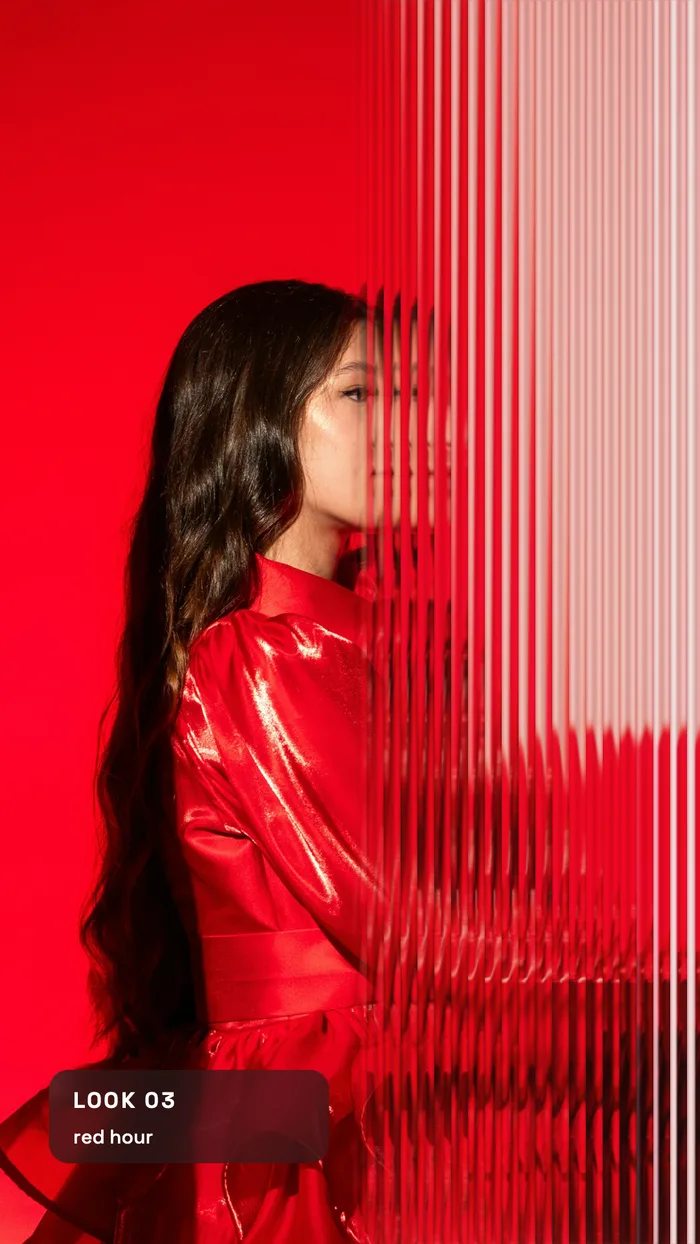

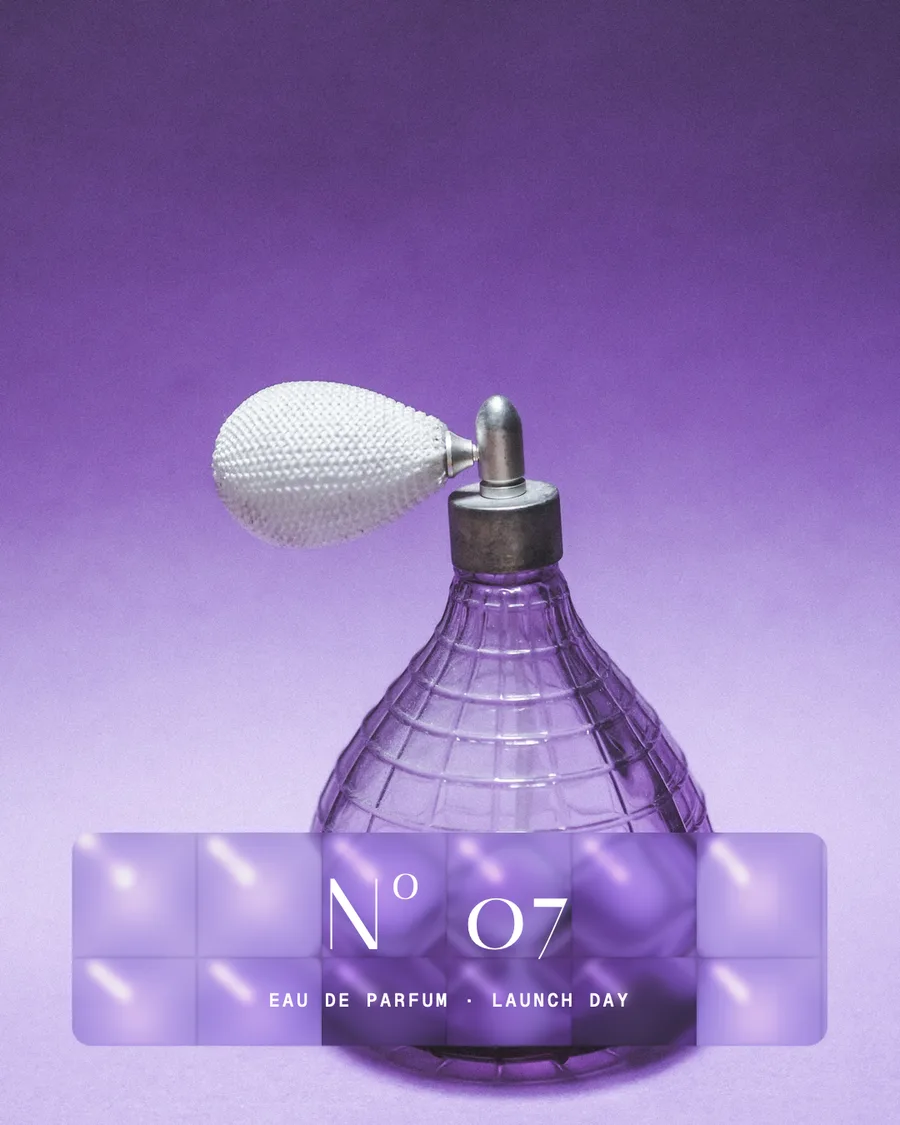
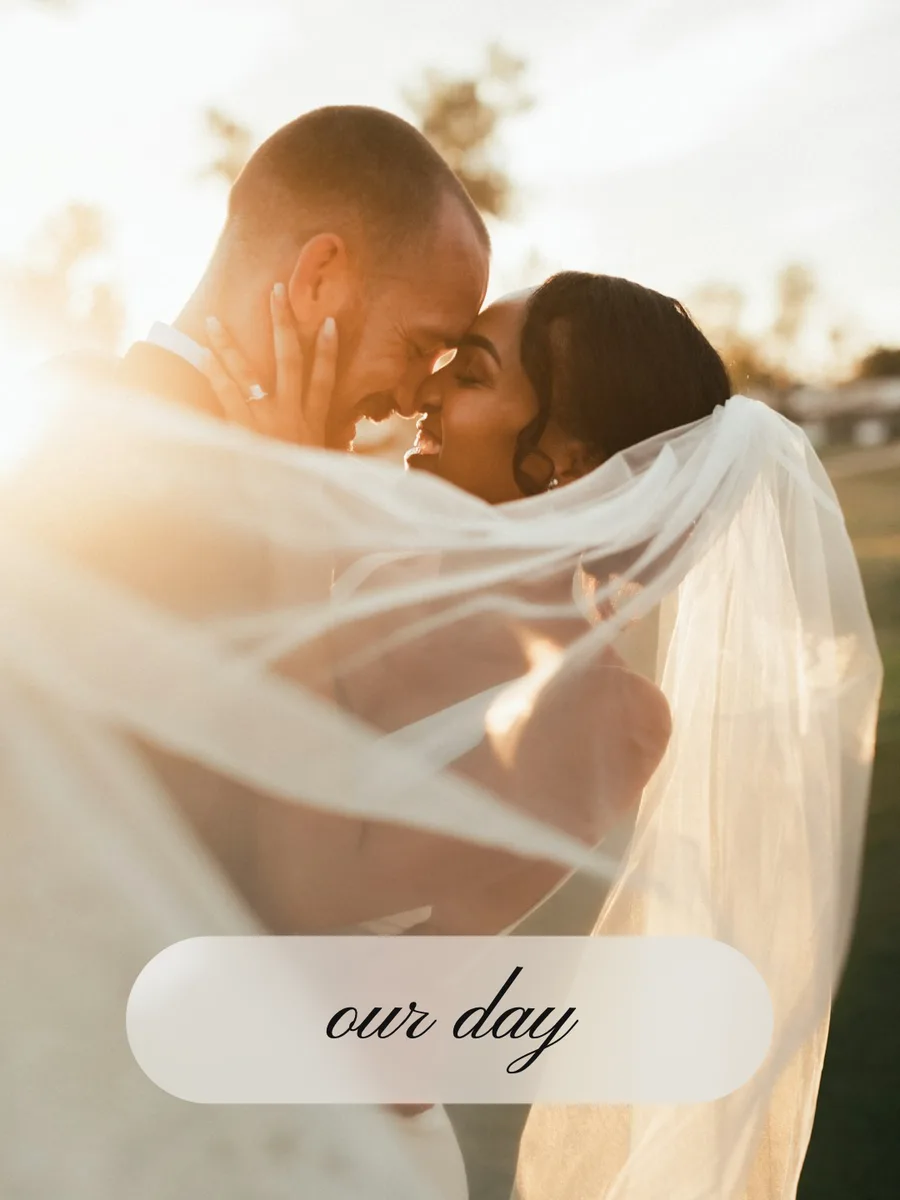
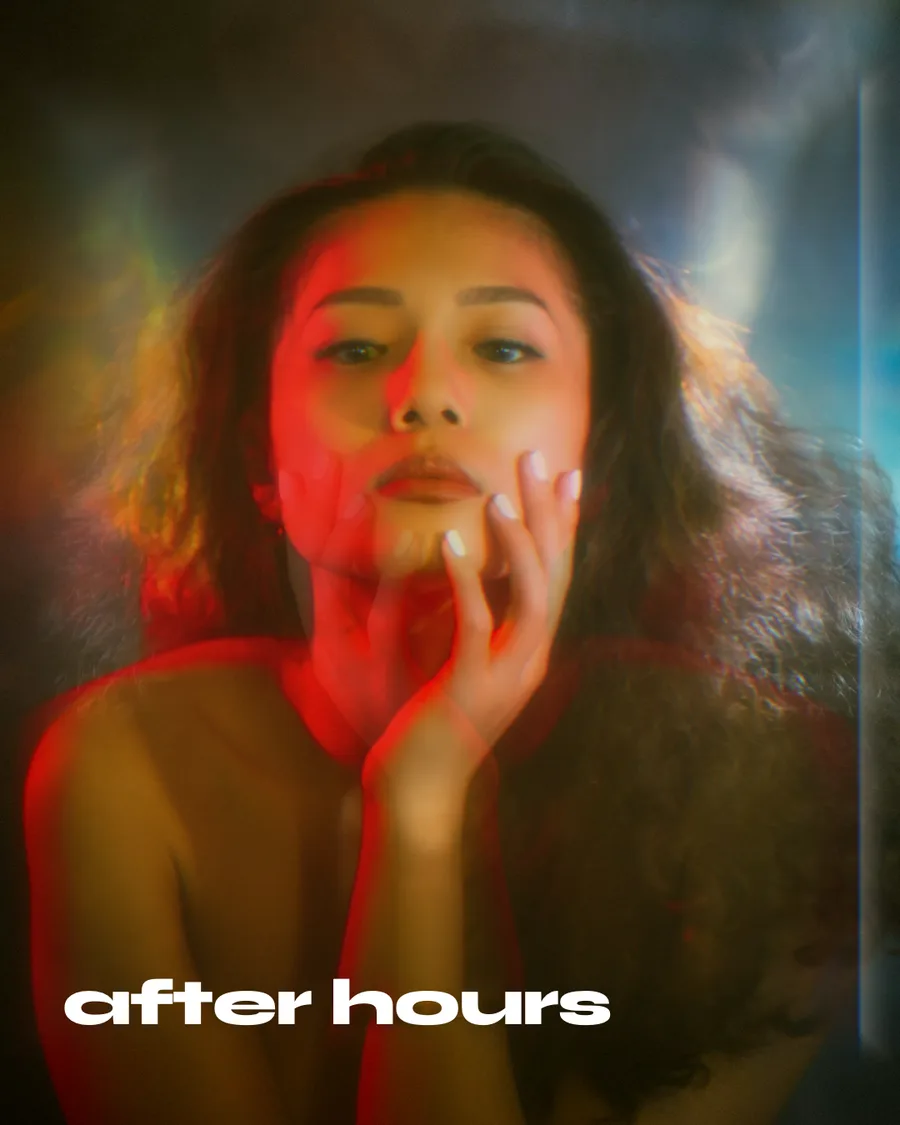
Panes you lay over the picture: they refract, frost and tint what lies behind them.
Fluted, reeded, wave, bubble, blocks, prism, frosted and clear. Steam, drops, runs, water spots and dust gather where they would. Give any pane a soft edge or keep it sharp. Nothing here is an overlay: every pane bends the picture the way light really travels through glass.
Pane
Fine round ribs, half over the picture, its inner edge soft.
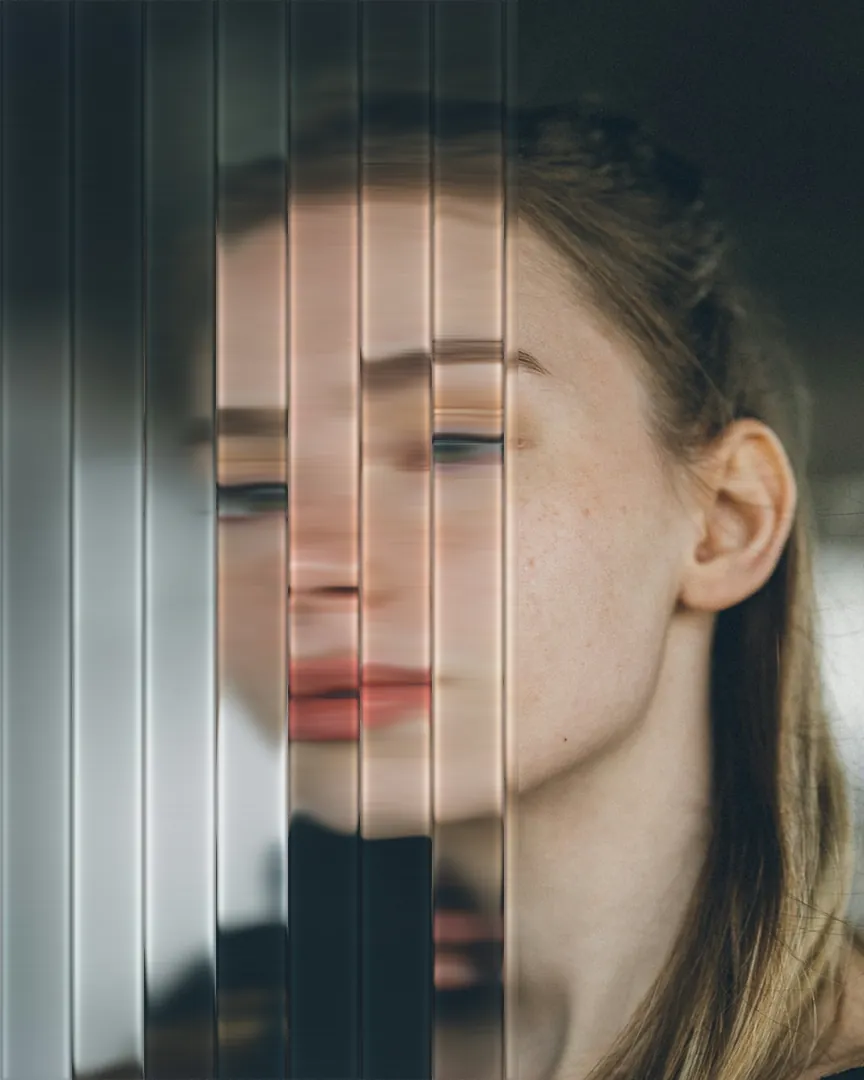
Pane
Wide flutes cut the face into bands, each a little elsewhere, with light along every edge.
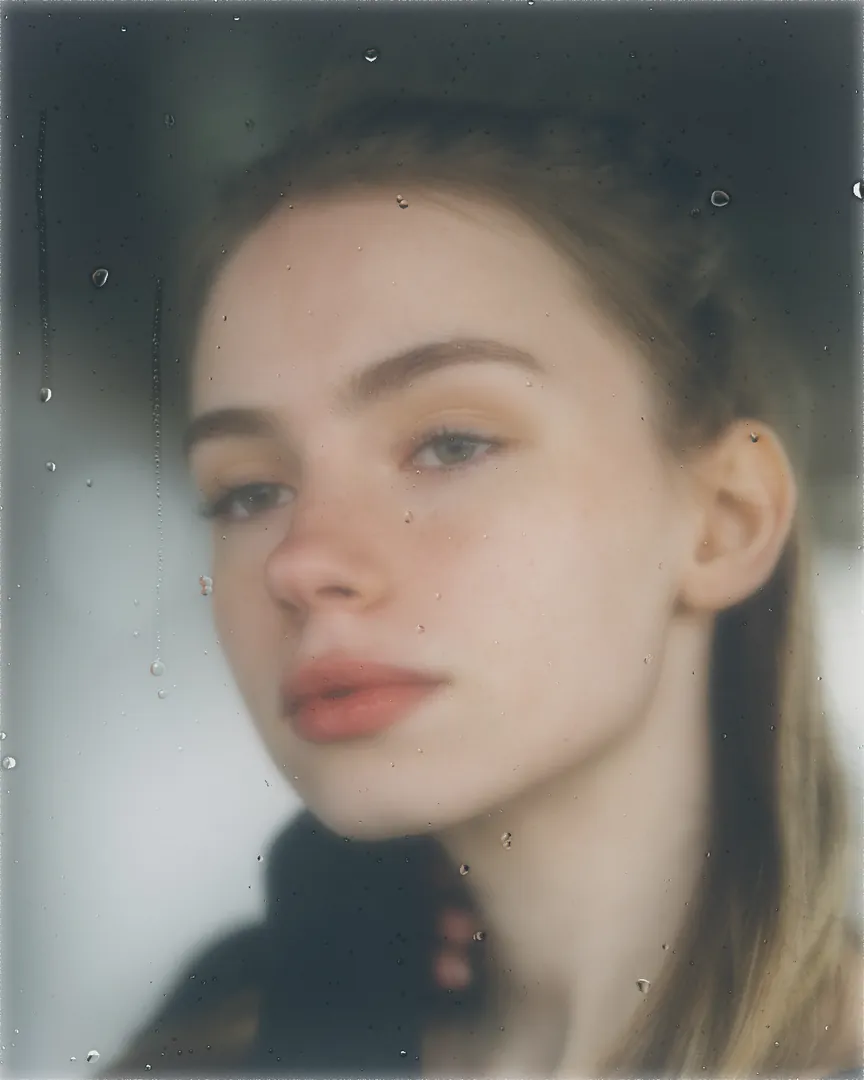
Weather
Every drop a small lens that bends what lies behind it; runs where the water found its way down.
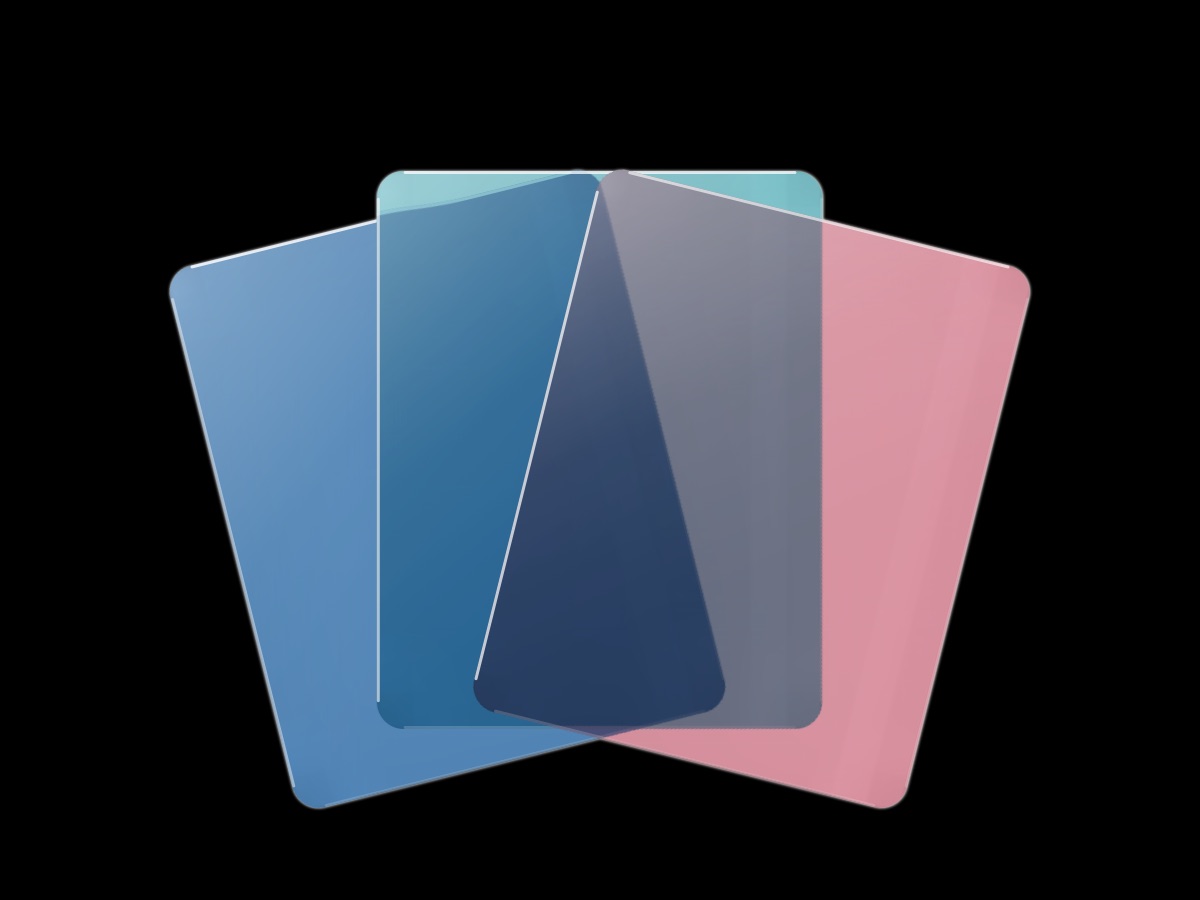
Glass cards
Start from a ready-made card, Opal, Liquid, Smoked or Fluted opal, with a title and a few lines on it. Then make it yours: type your own words, pick any font, tint the glass to the colours of your photo, round the corners to a pill or square them off, change the frost and the thickness, and drag the card where it belongs. The text moves with its card, and the glass bends the picture under it.
One picture, one idea, a few tools that do one thing very well.
GLASSKID is the glass and the text of FRAMEKID, in a small app of its own. Here is what is in it.
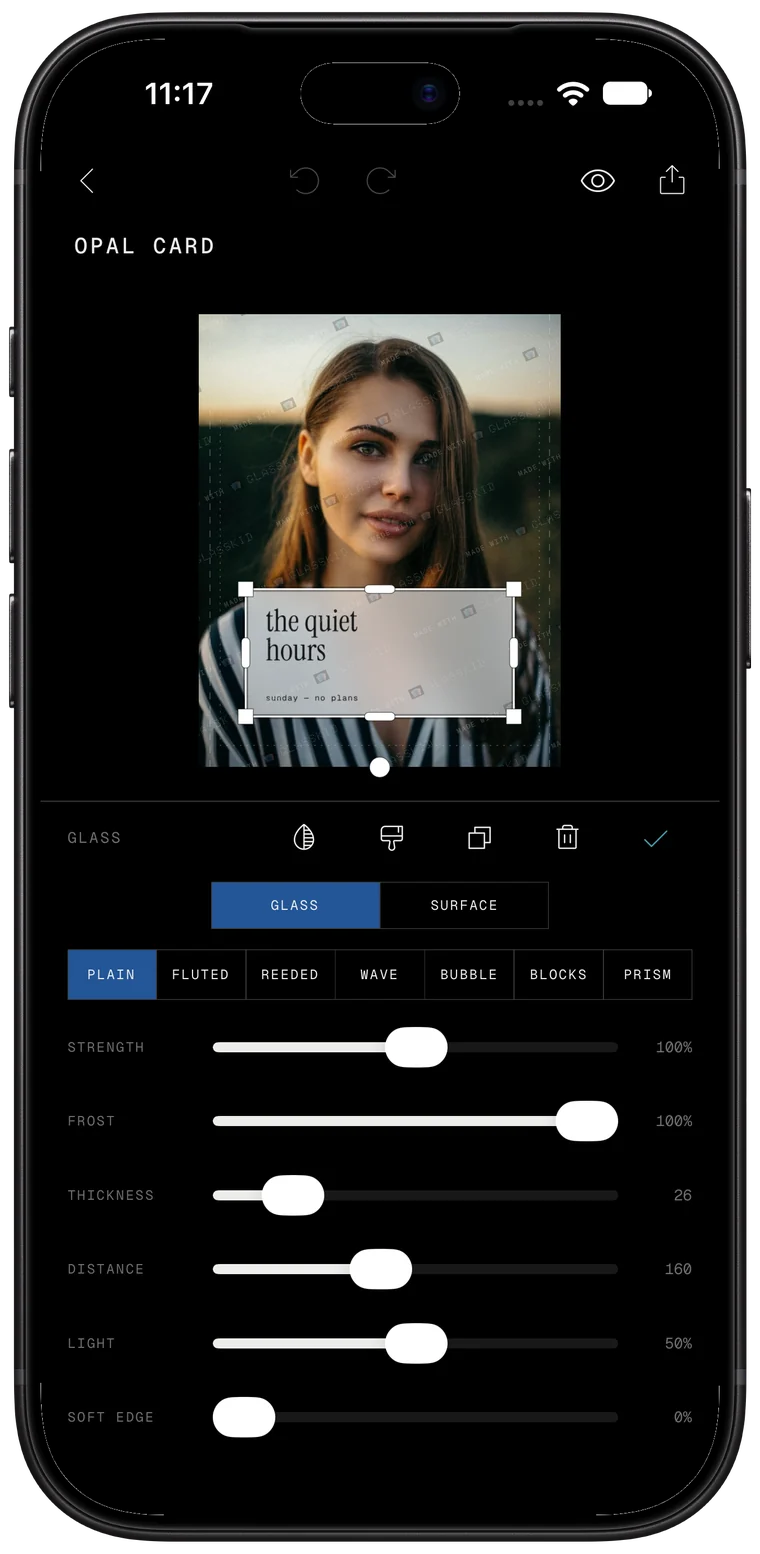
Glass
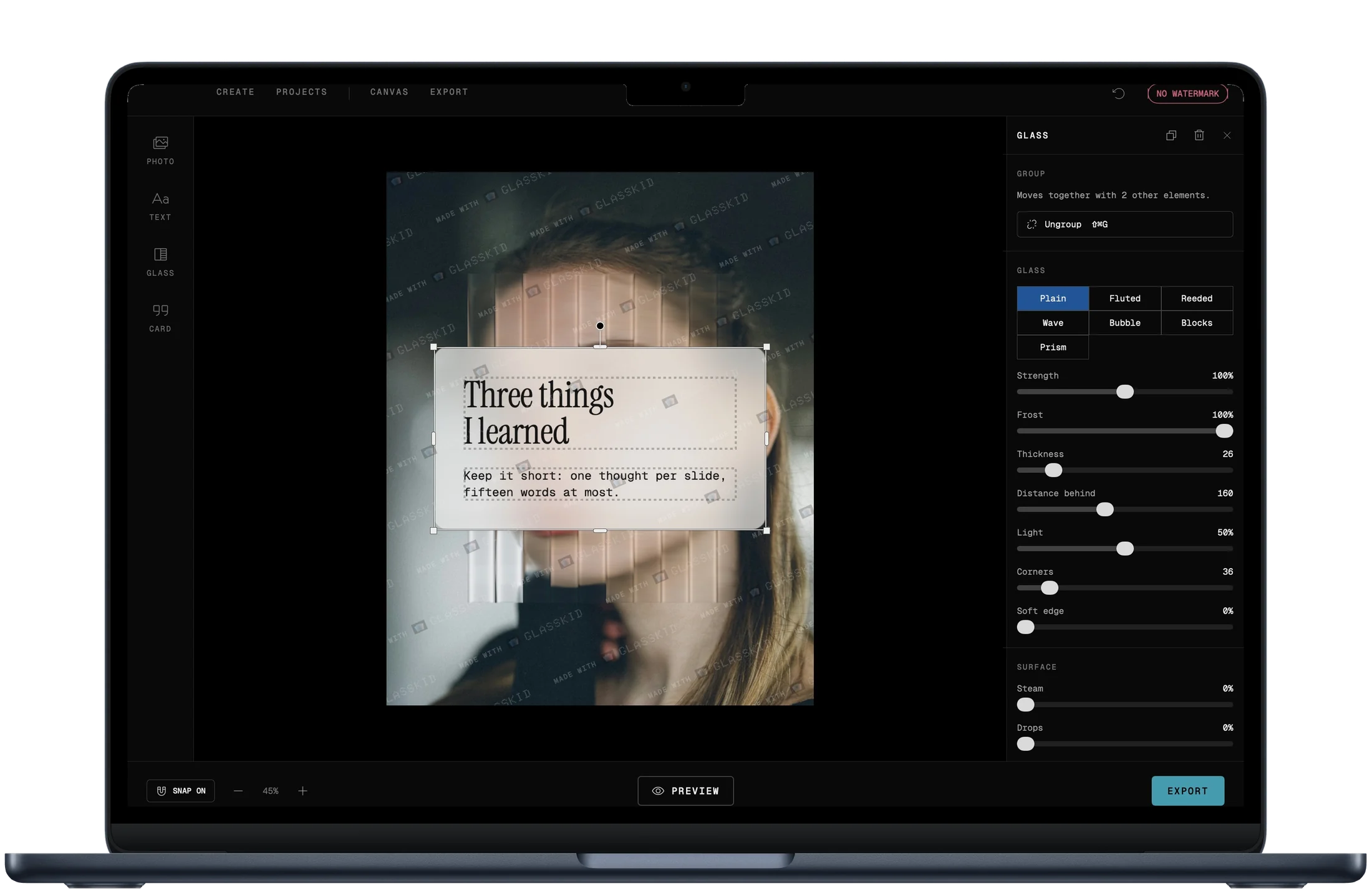
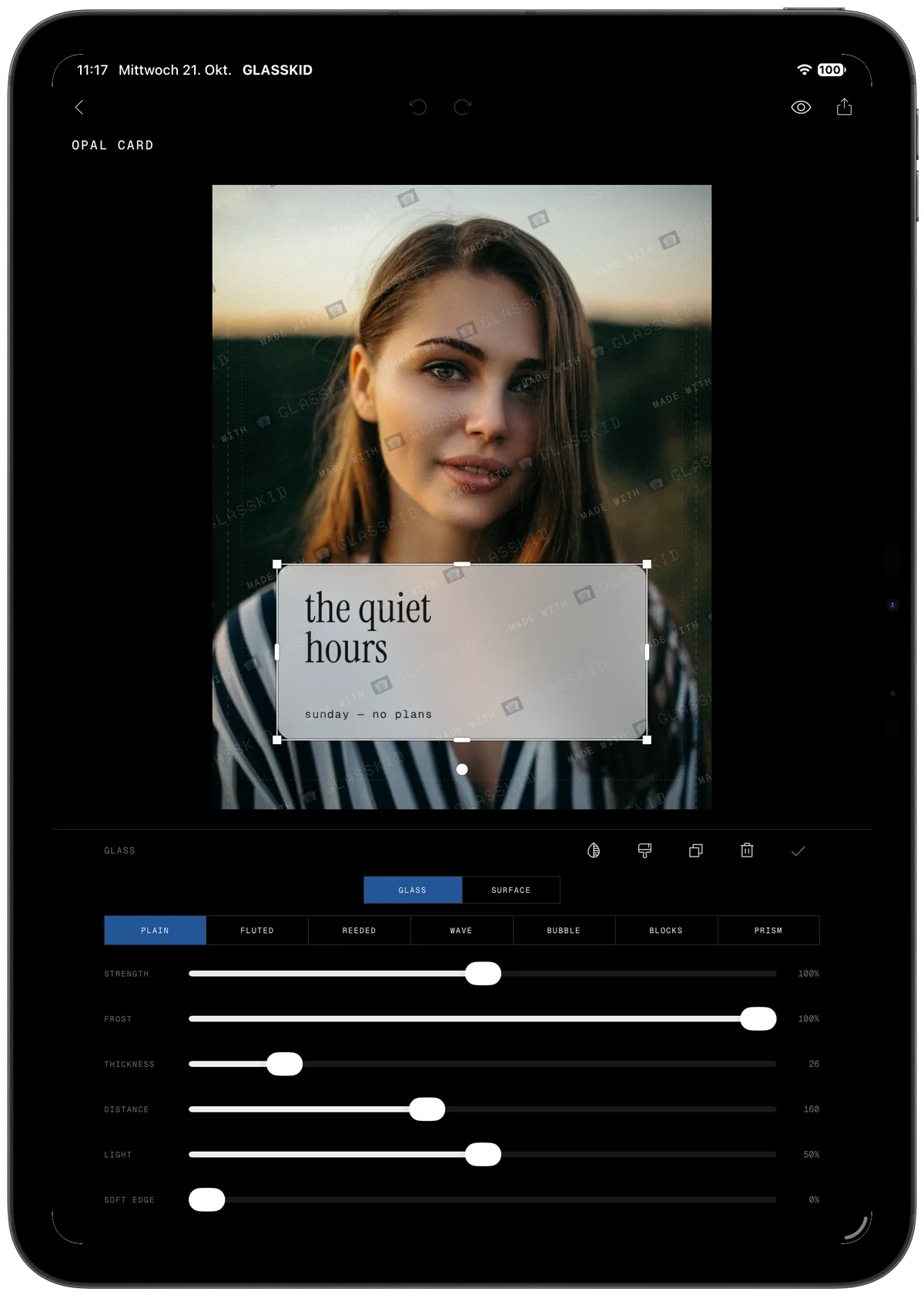
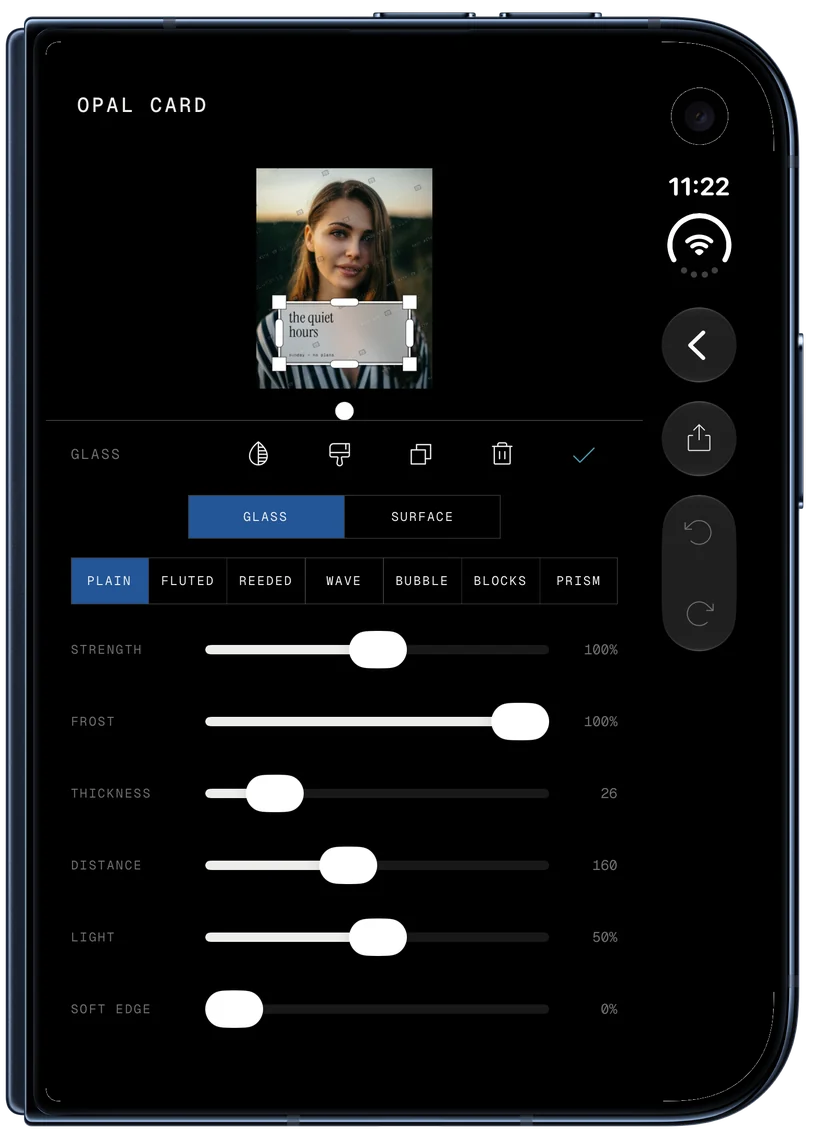
Start from clear, frosted, fluted, reeded, wave, bubble, blocks, prism, steamed, rain, dusty or shower glass. Then set strength, frost, thickness, distance, light and a soft edge, and tint it to your photo.
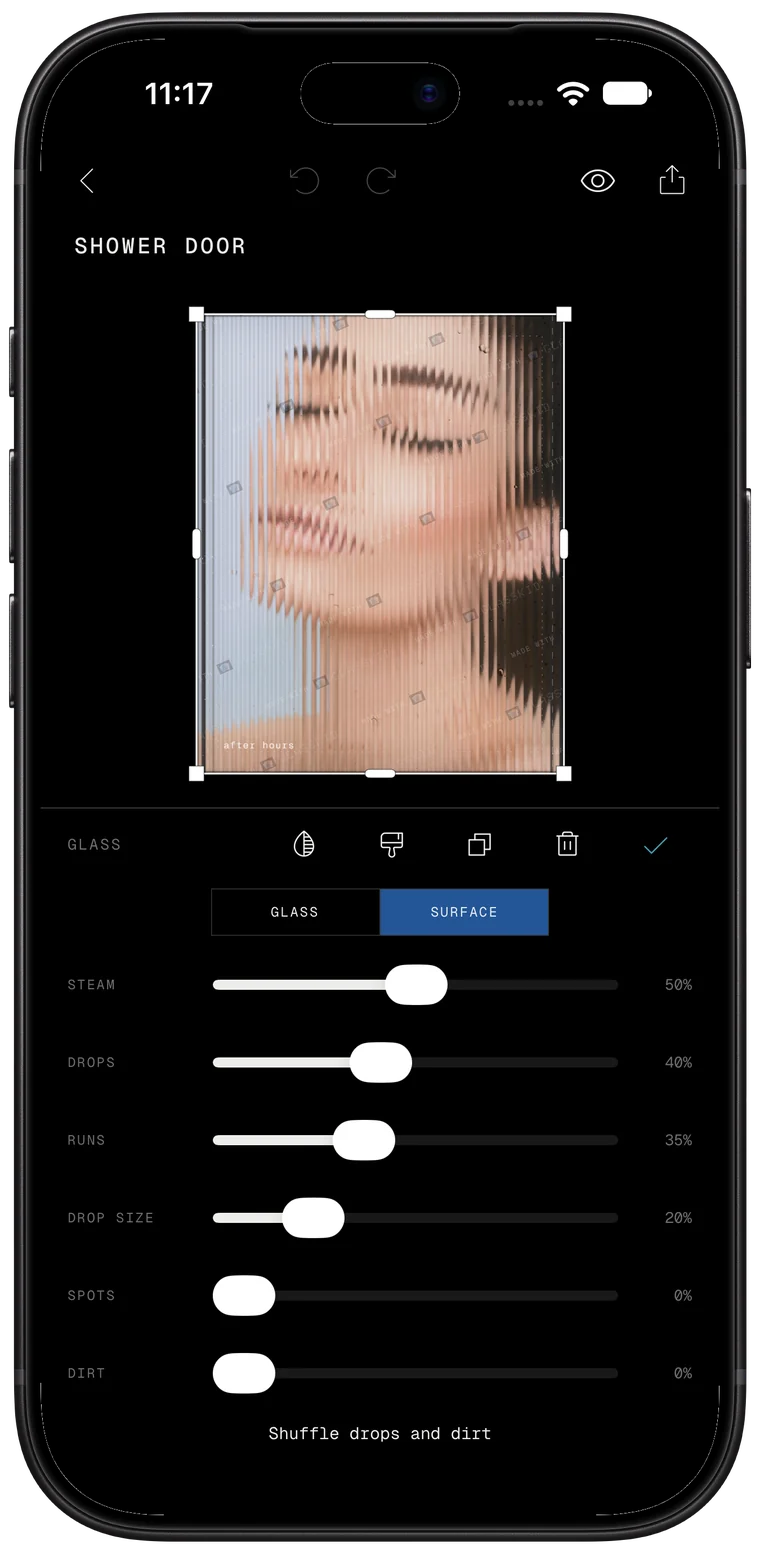
Surface
Fog a pane, let drops gather and run, add water spots and dirt. Shuffle until the glass looks lived in.
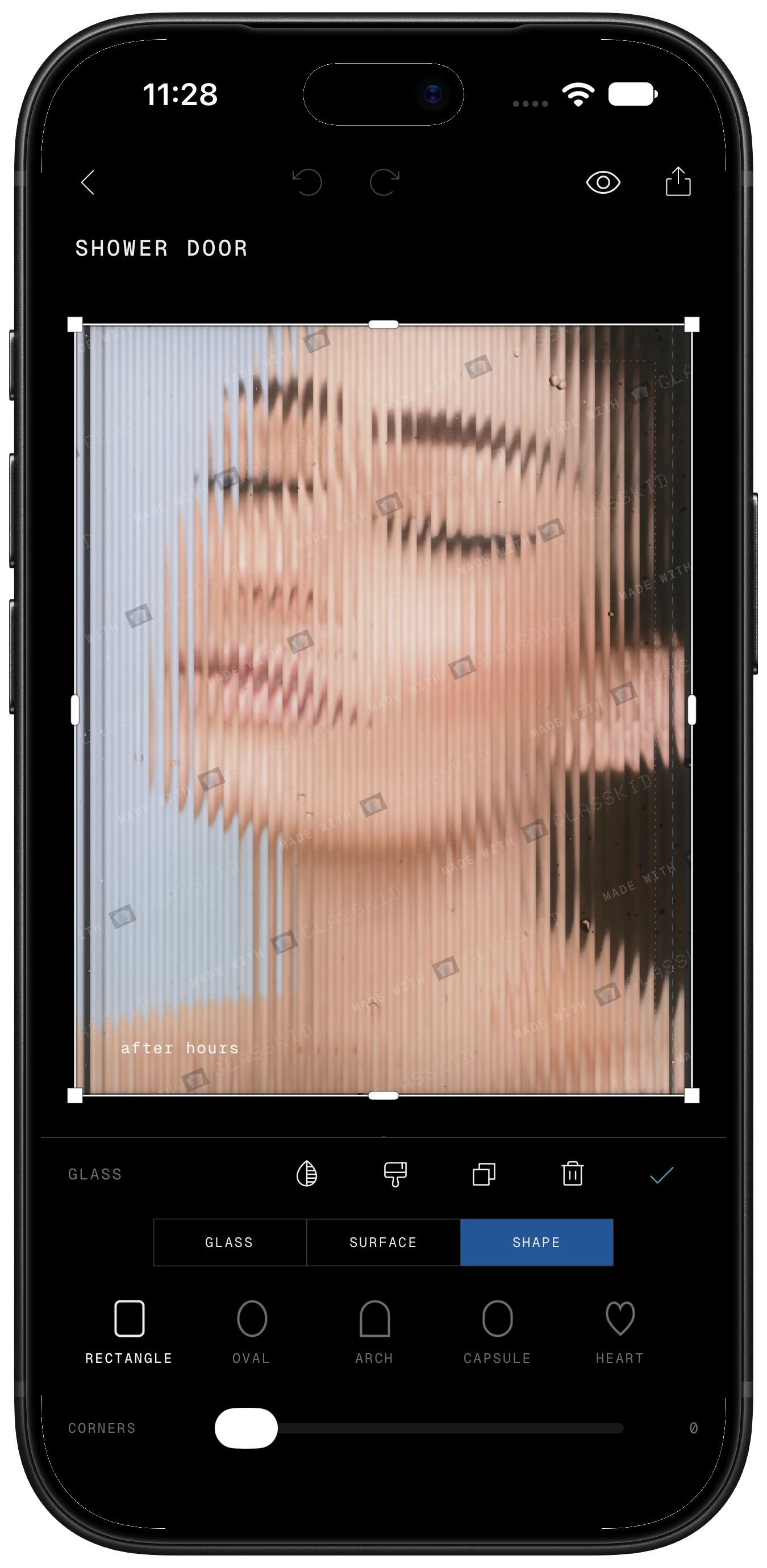
Shape
A rectangle with round corners, an oval, an arch, a pill, a heart, stripes, a ticket. The glass takes the outline you give it.
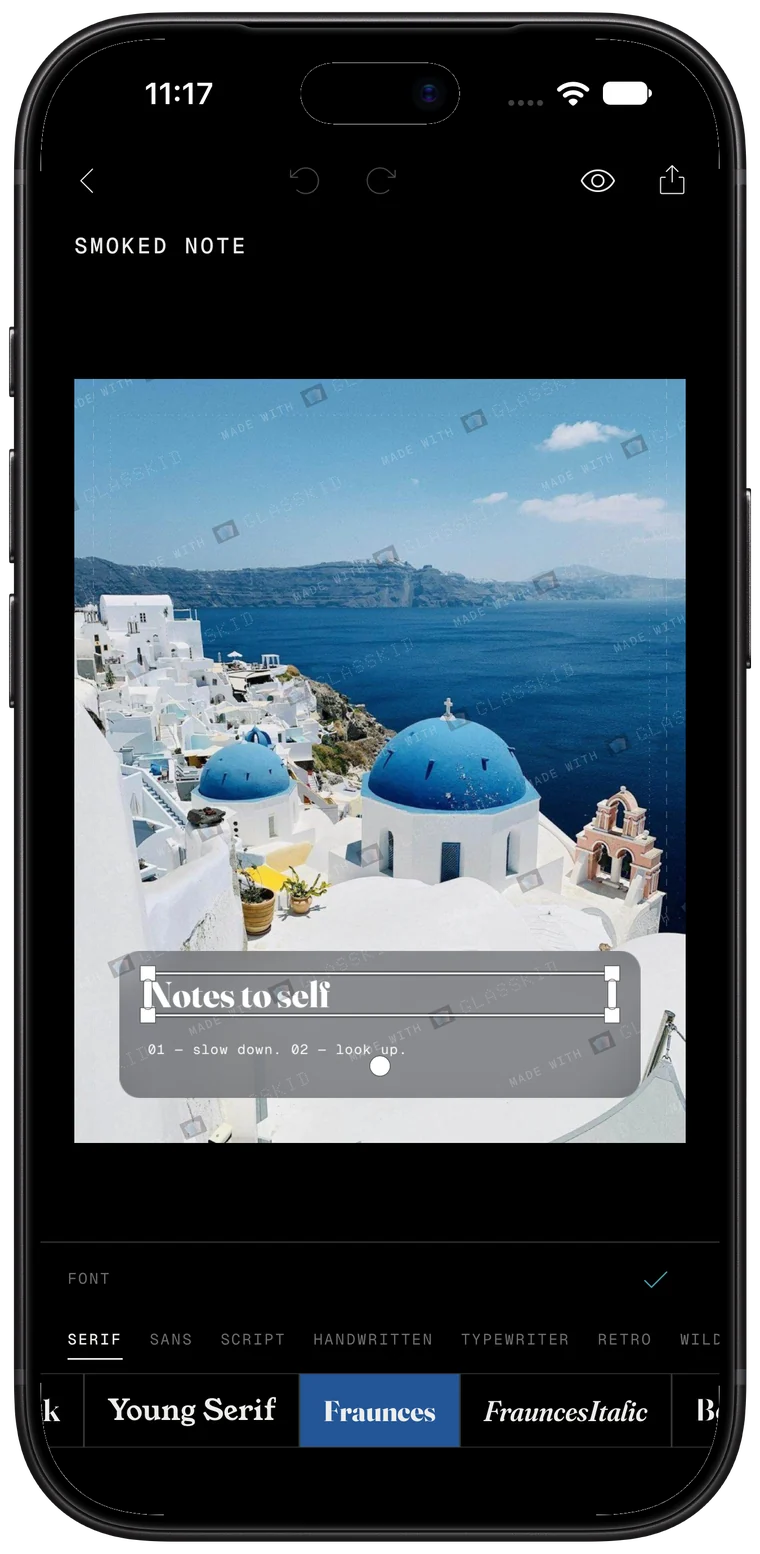
Text
Seven families of type, each one a tap away. Set it on a glass card or straight on the picture; colour, style and shadow follow.
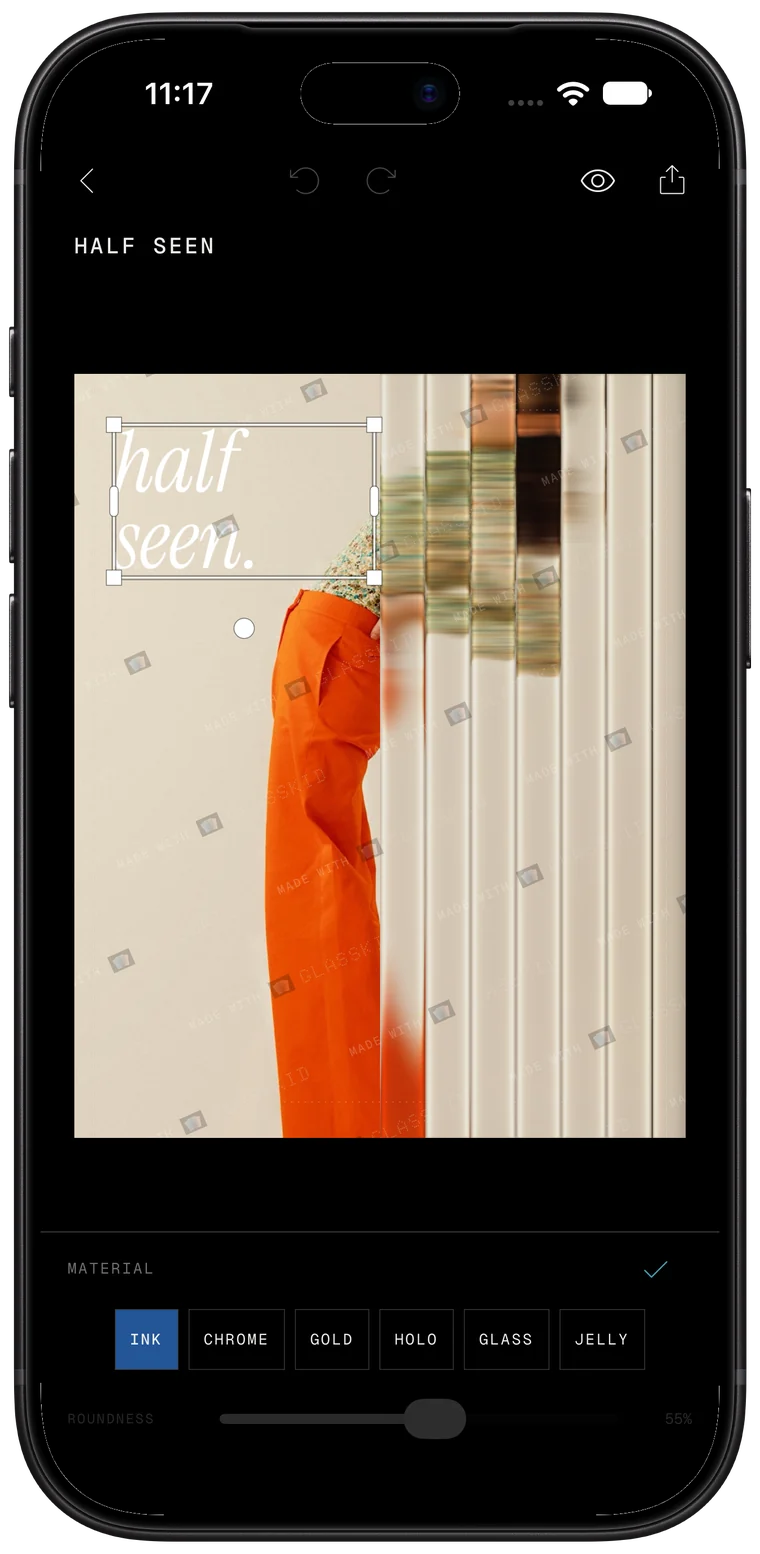
Text
Ink, chrome, gold, holo, glass or jelly: type with a surface of its own, lit by the same light as the picture.
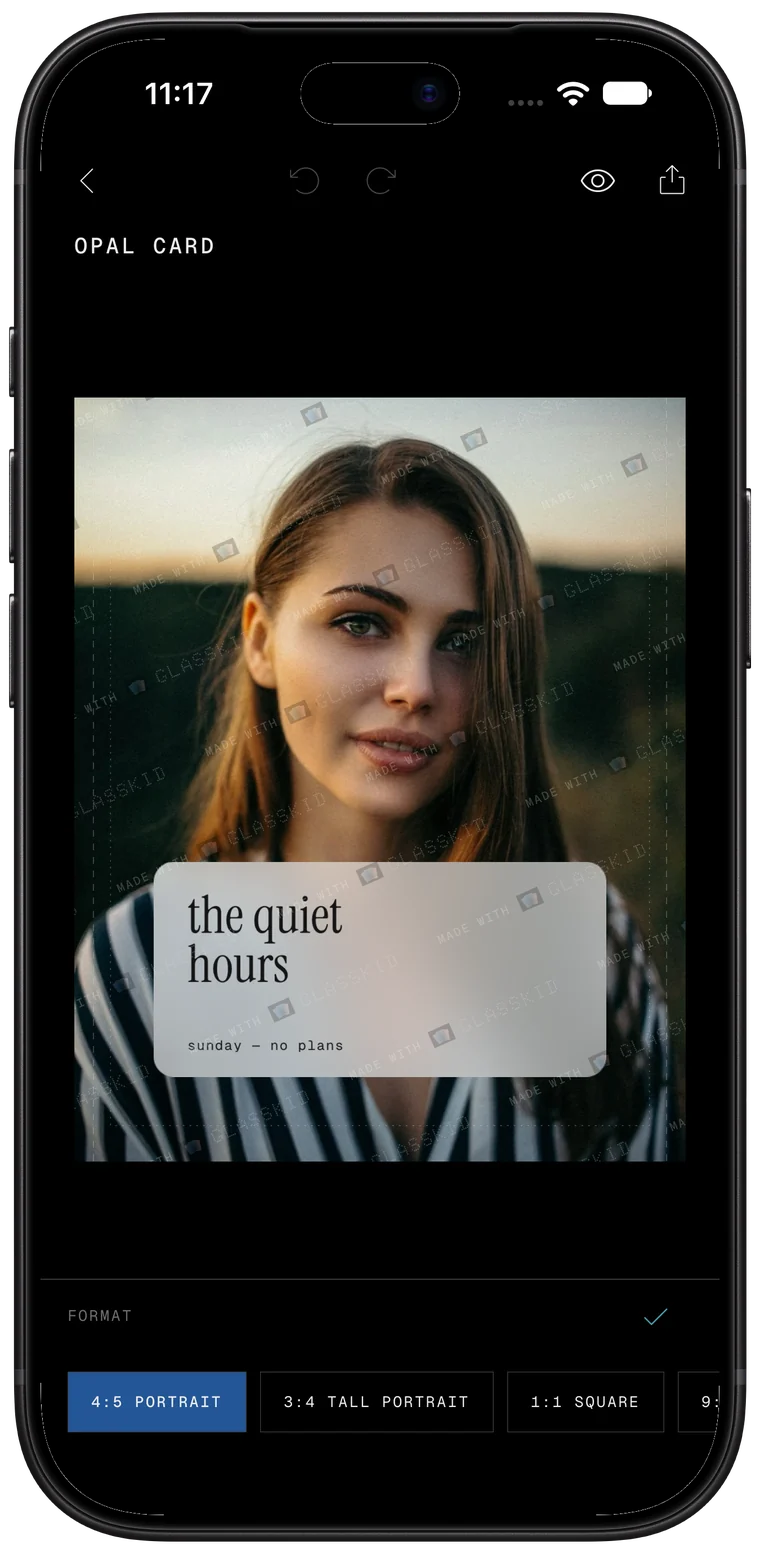
Page
4:5, 3:4, 1:1 and 9:16. Switch the format and the picture refits itself: what filled the frame keeps filling it, and a title stays on its card.
A real app on each device, not one stretched to fit.
Thumb-first on iPhone. Room to breathe on iPad. A proper desktop studio on the Mac, with the glass controls beside the picture. One purchase unlocks all three.
iPhone Duo ready
GLASSKID is made for iPhone Duo too: closed, it is the pocket studio you know, with the buttons standing in a column right under your thumb.
GLASSKID arrives on the App Store soon, for iPhone, iPad and Mac.