GLASSKID Get the app

Light Bending Studio · iPhone · iPad · Mac

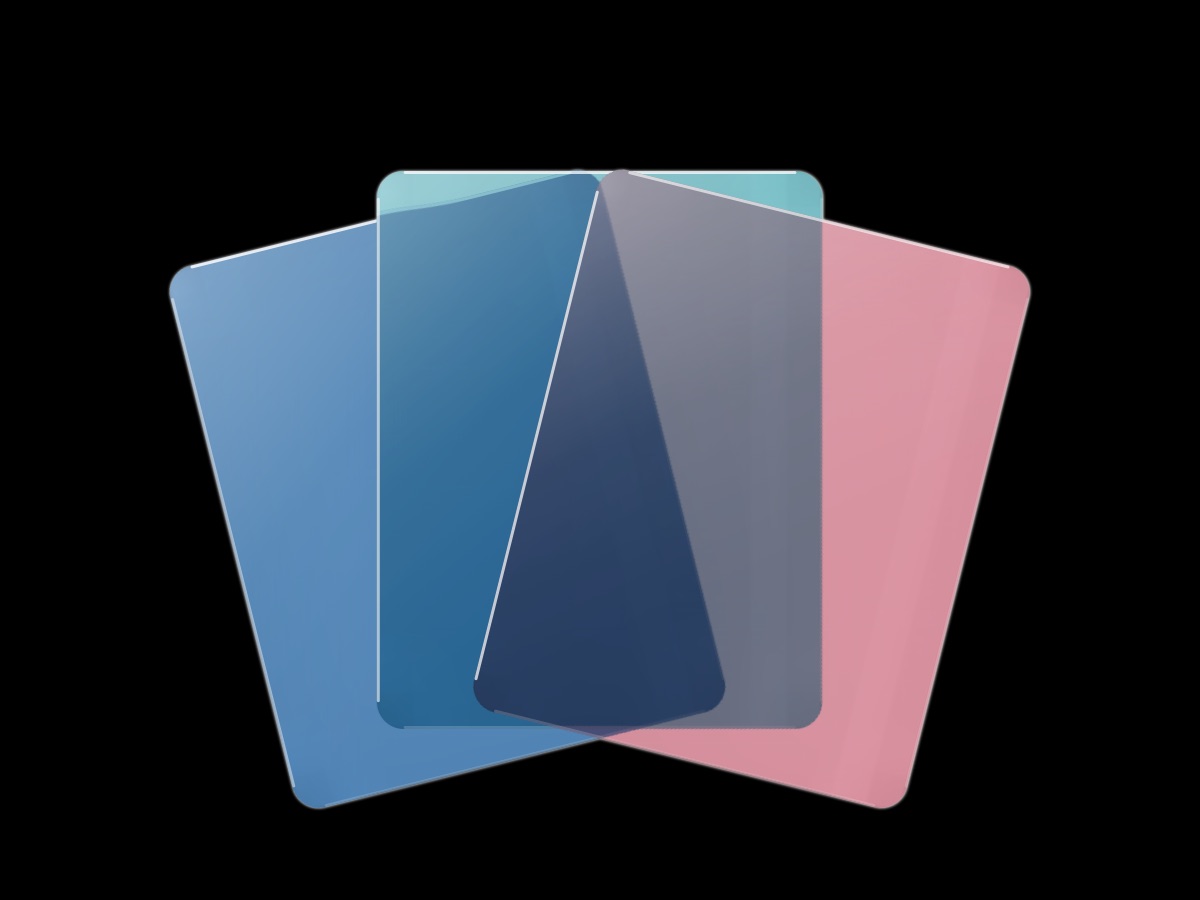
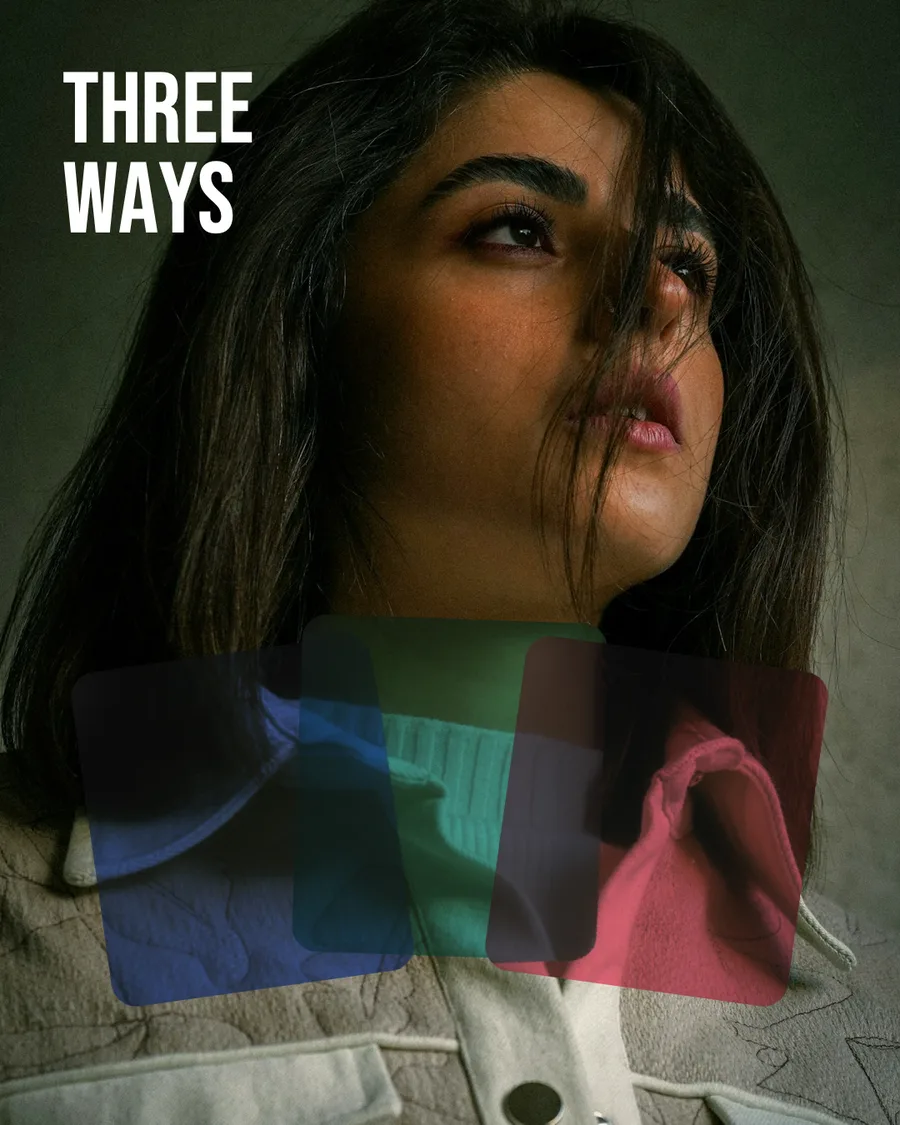
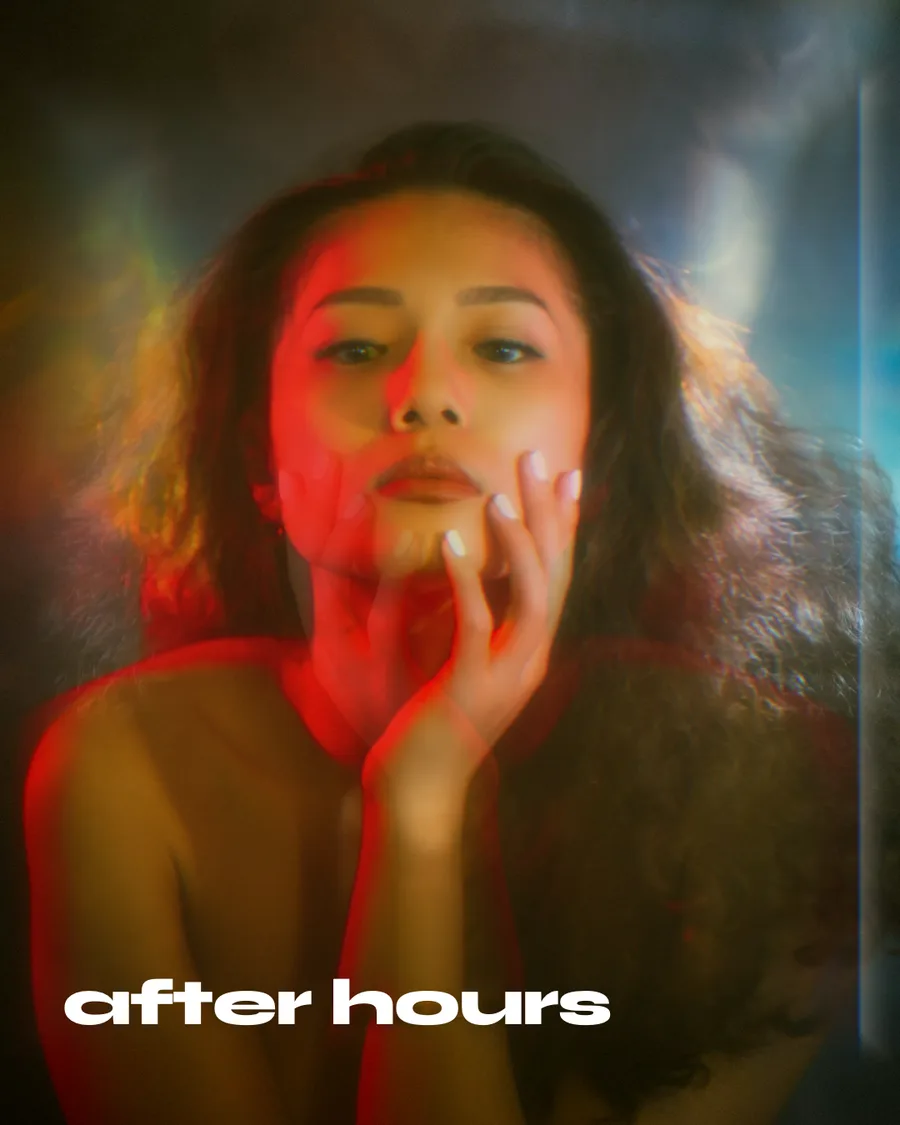
The GLASSKID mark: three panes of tinted glass, fanned out and lit from behind

Bend
the light.

Real glass and your words over your photos and videos, made for the feed. Lay a pane over the picture, set your type on it, post it. Small, quick, from the makers of FRAMEKID.

Ideas01/07

One photo.
A hundred posts.

Beauty, portraits, fashion, products, travel, food, stories: whatever you shoot, glass gives it a look of its own.

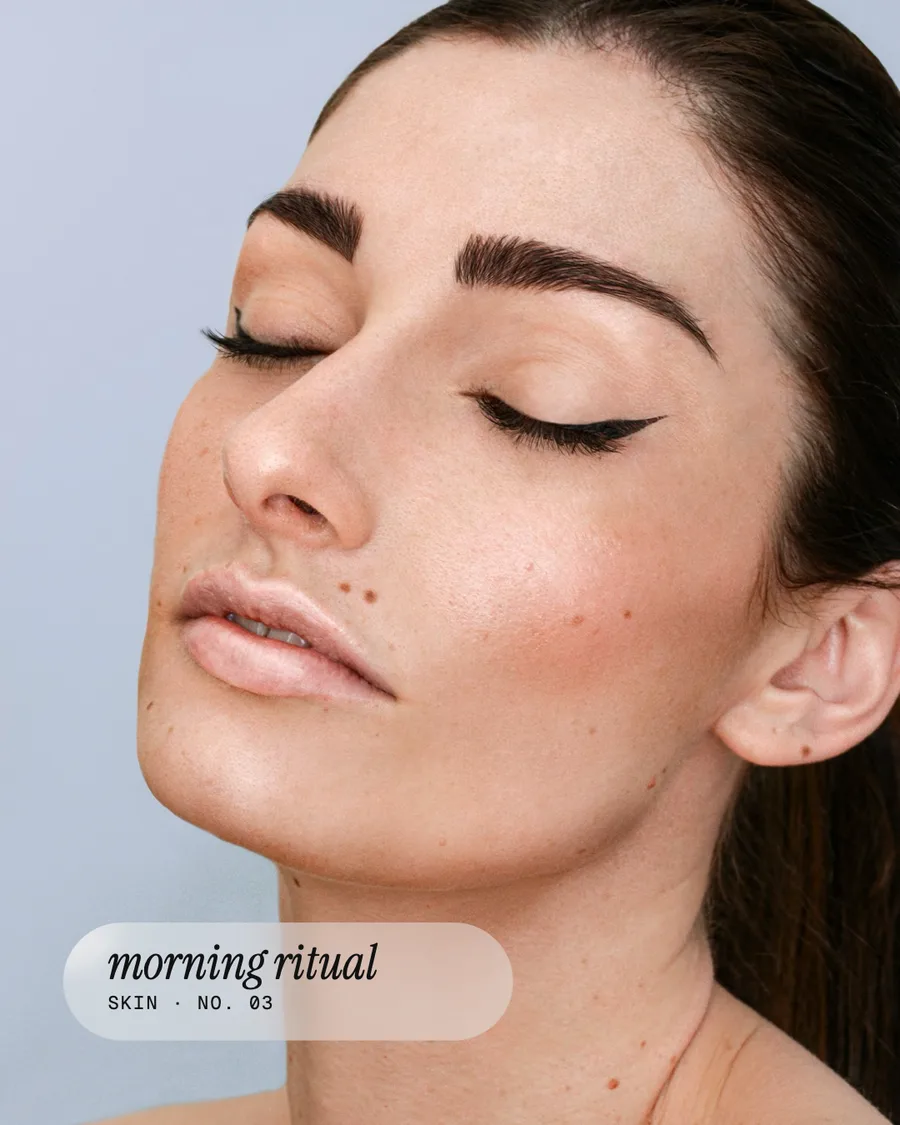
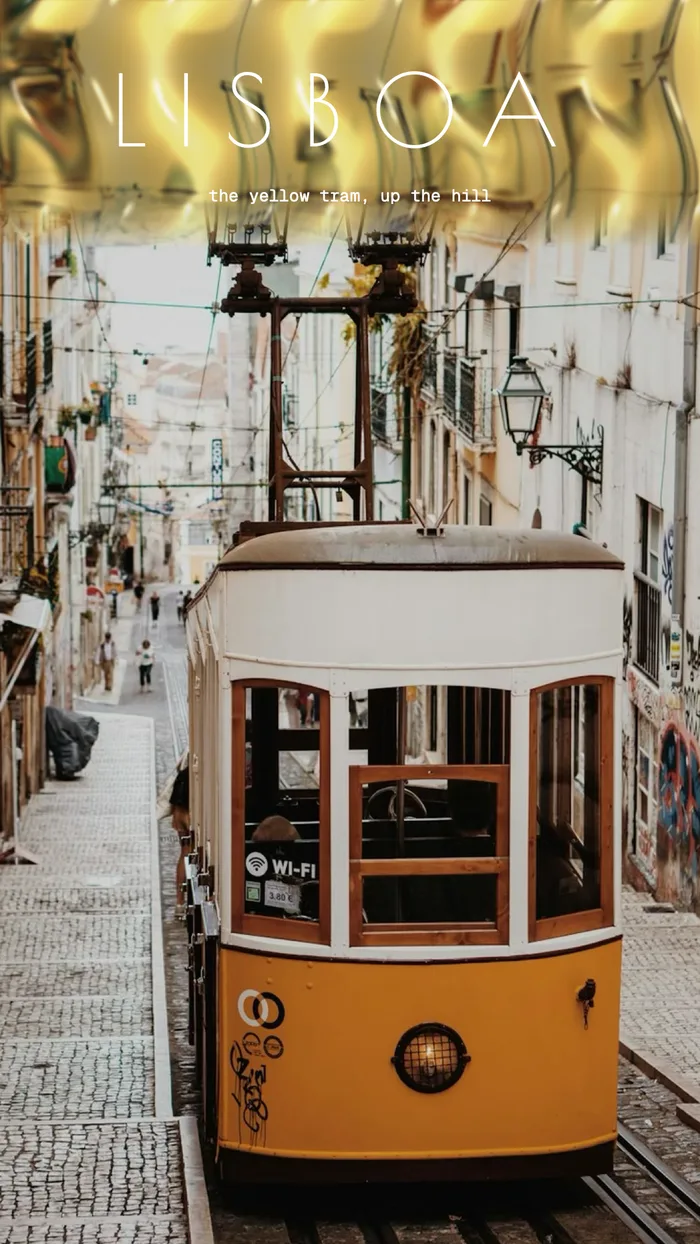
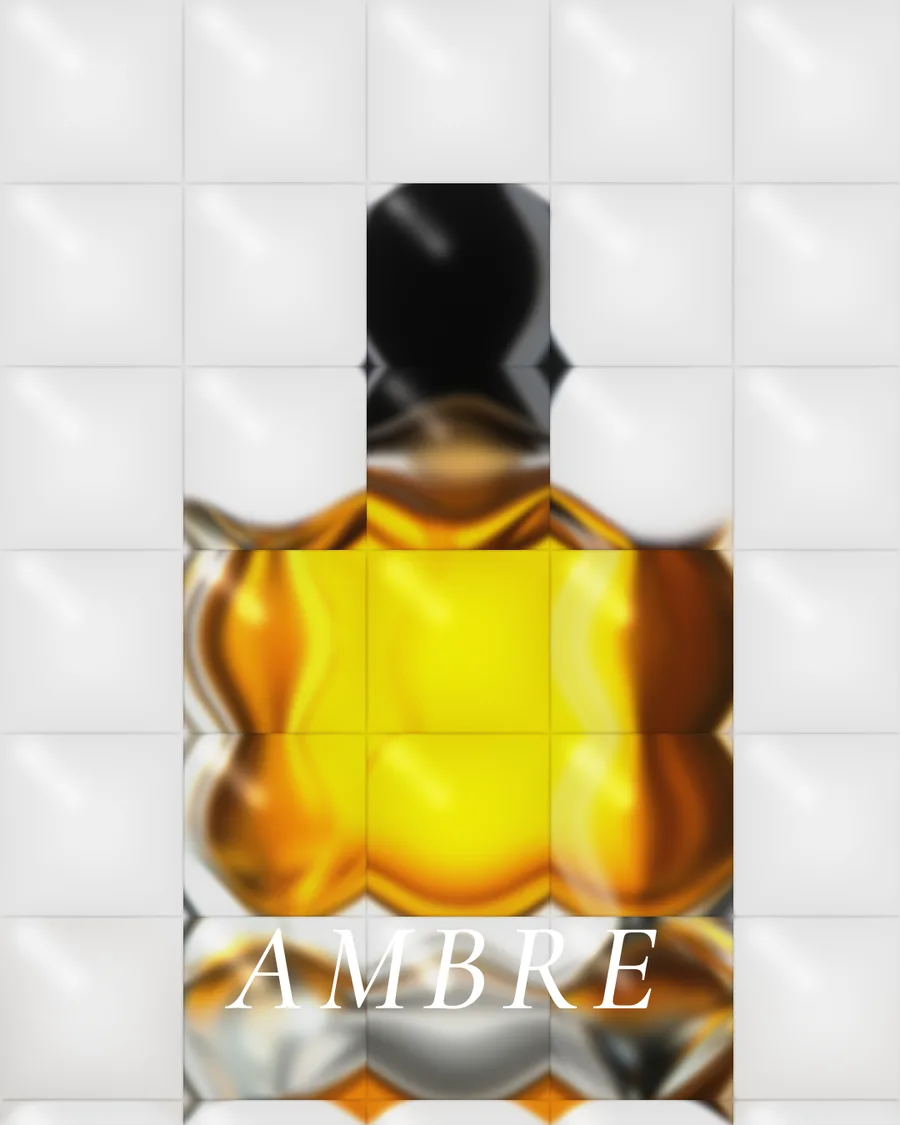
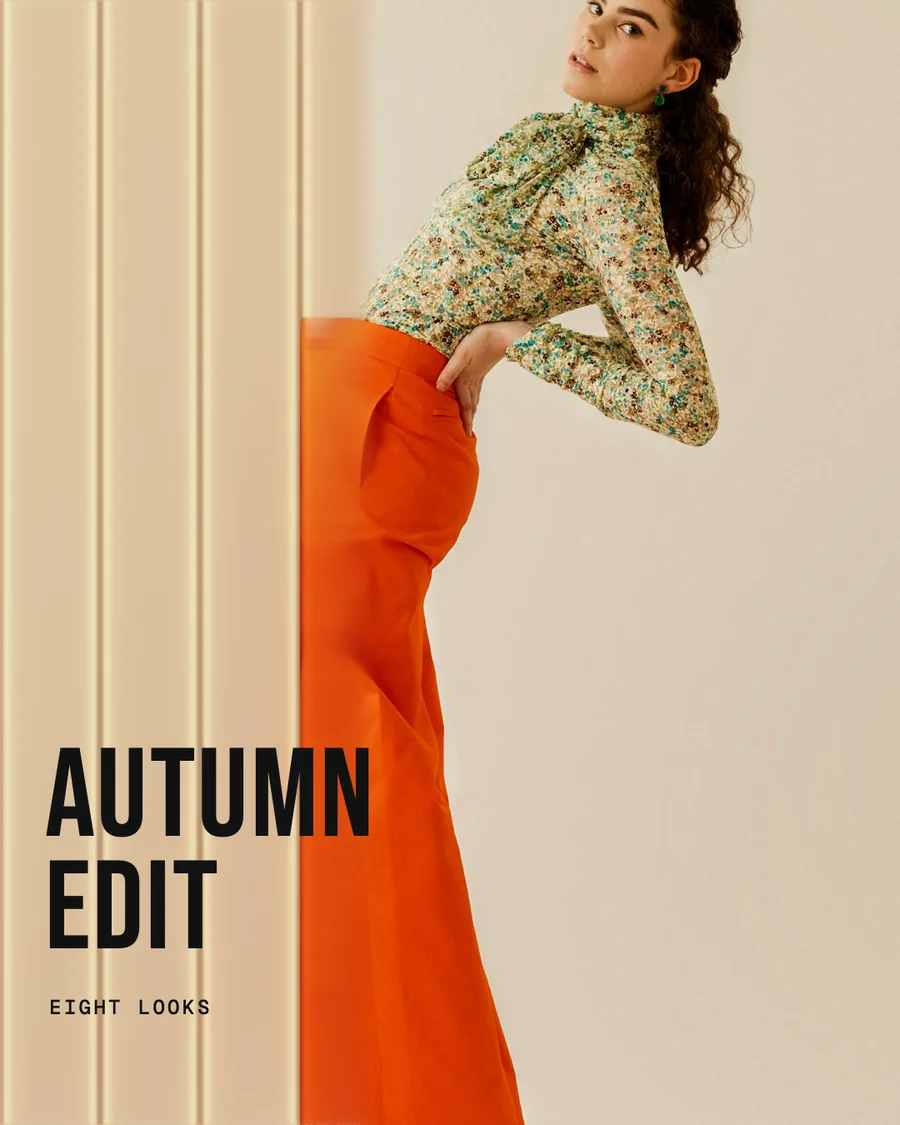
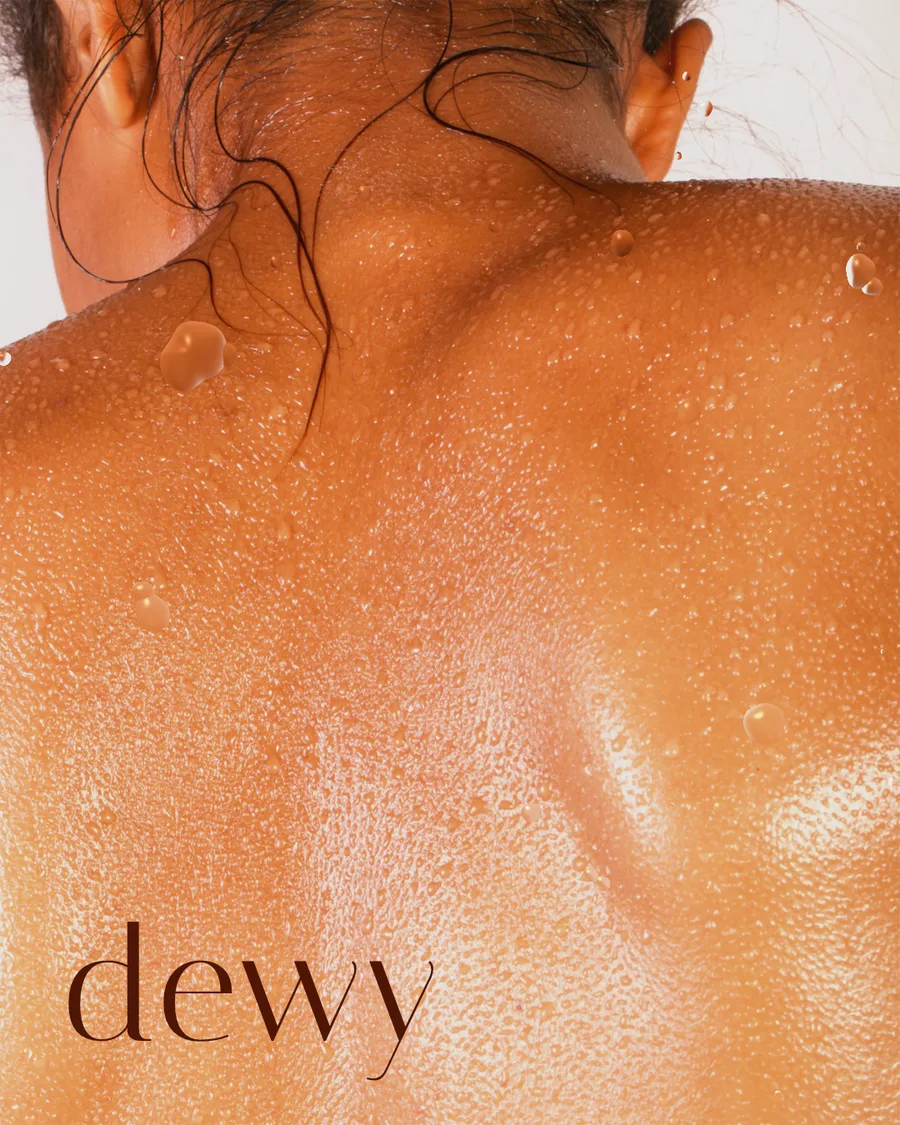
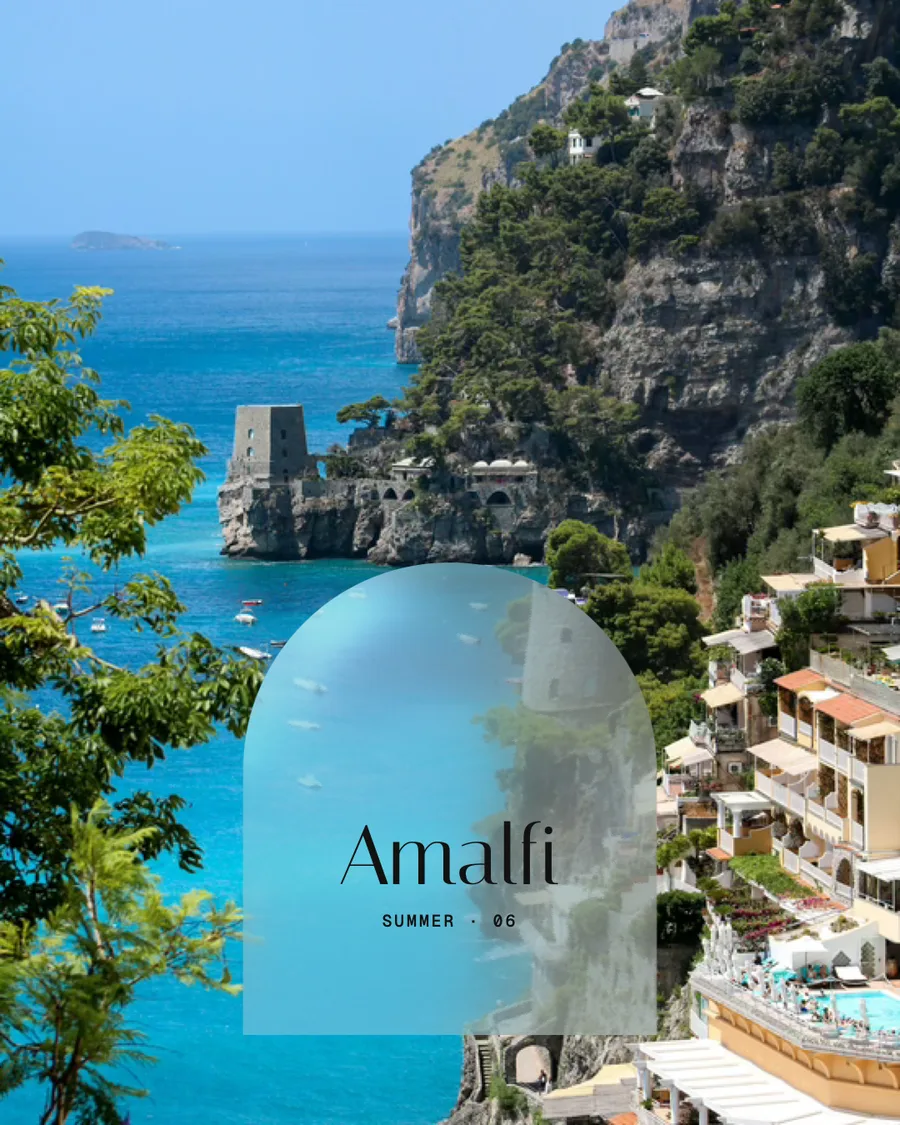
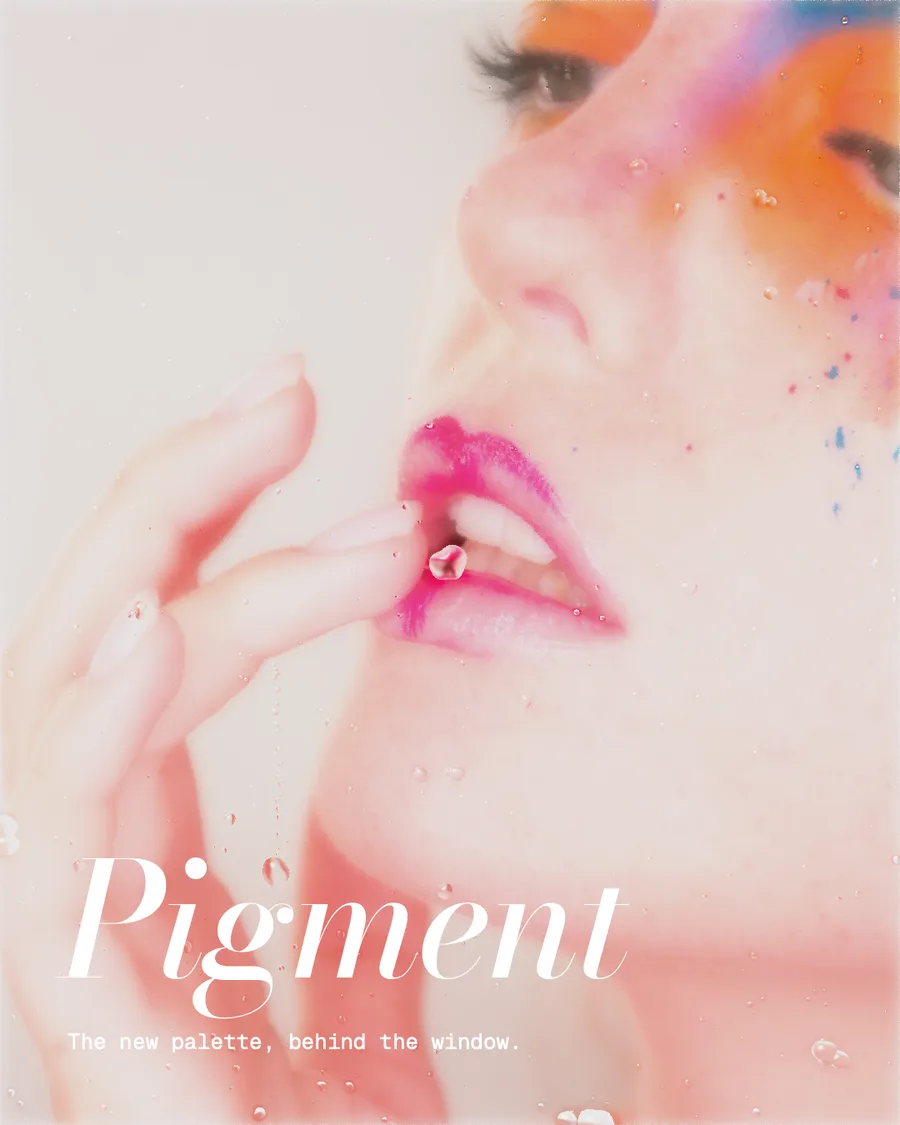
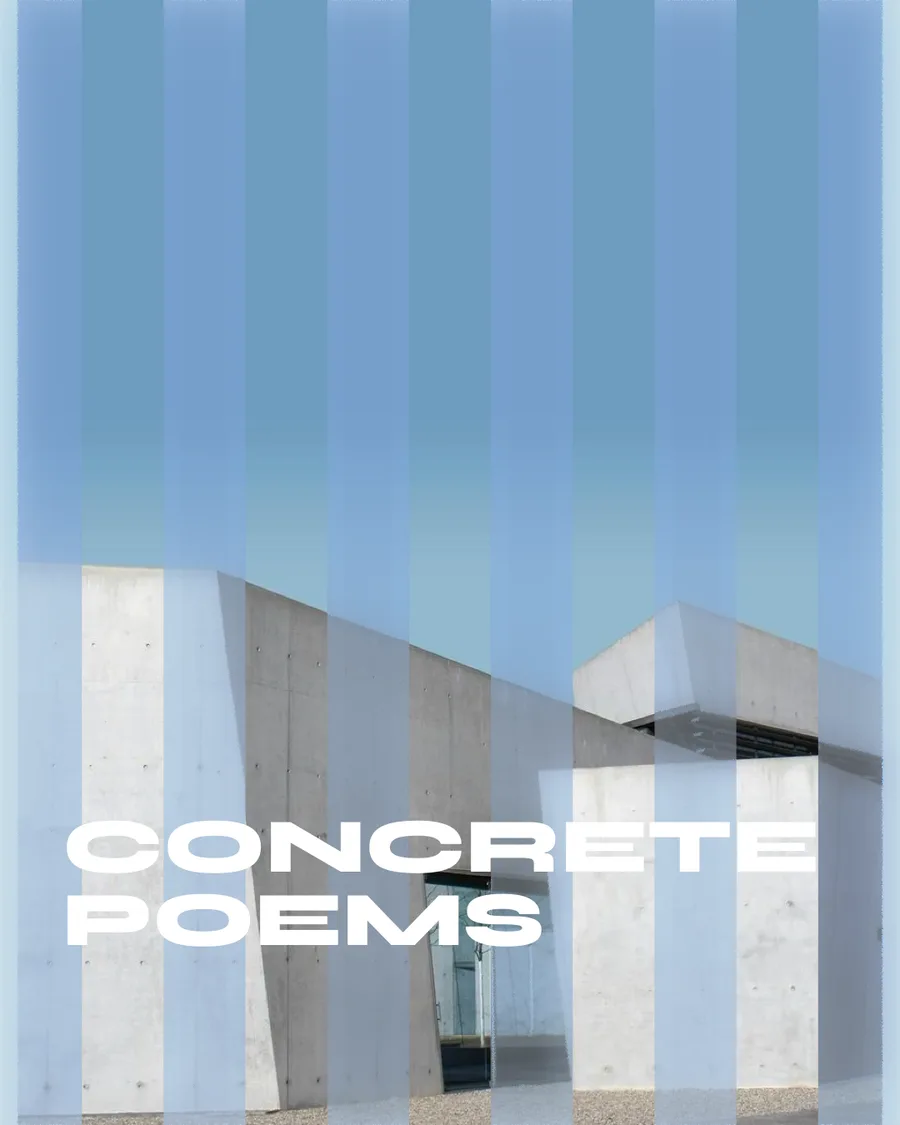
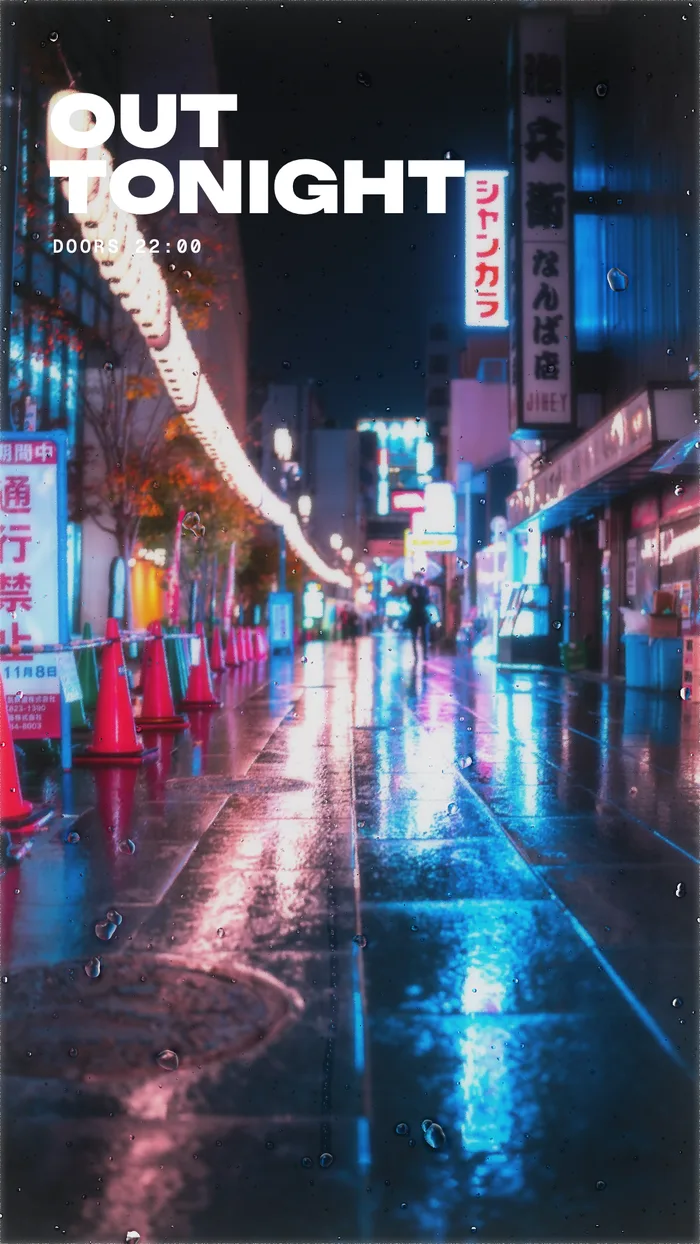
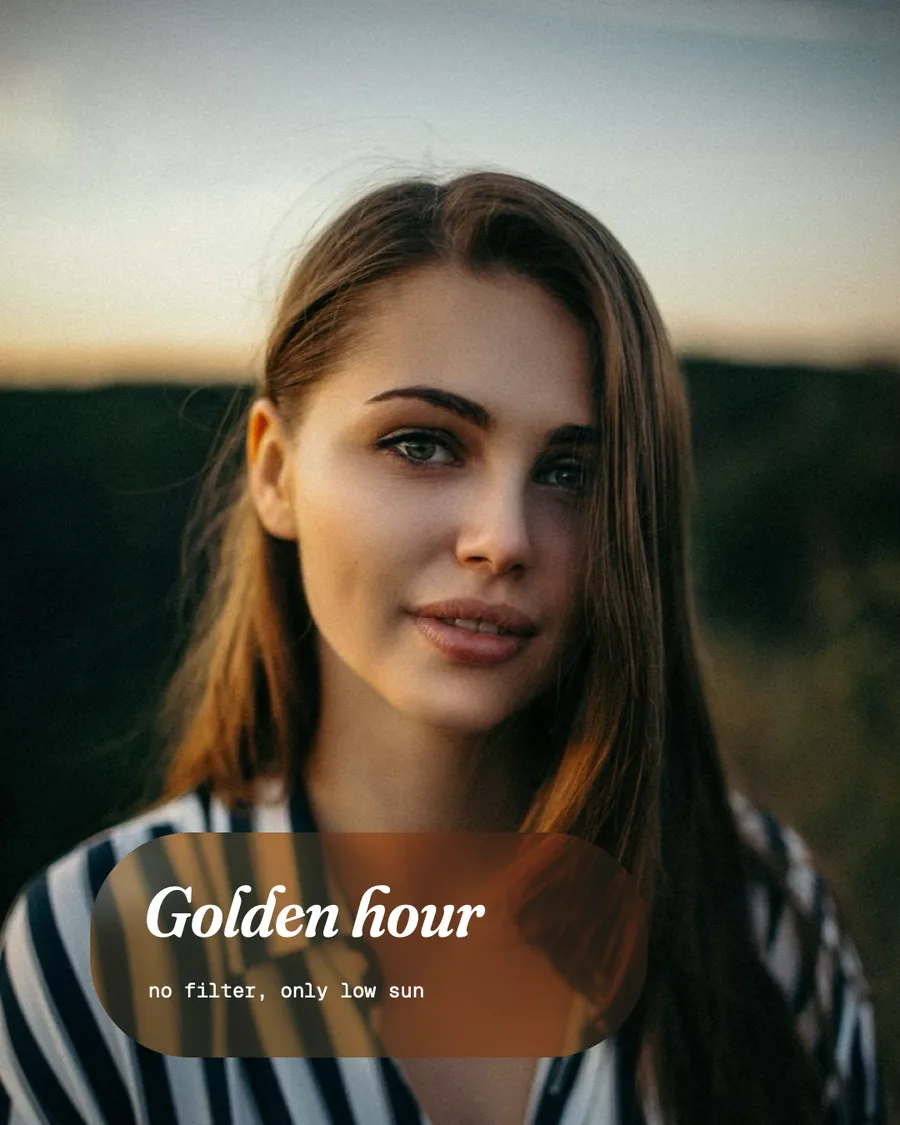
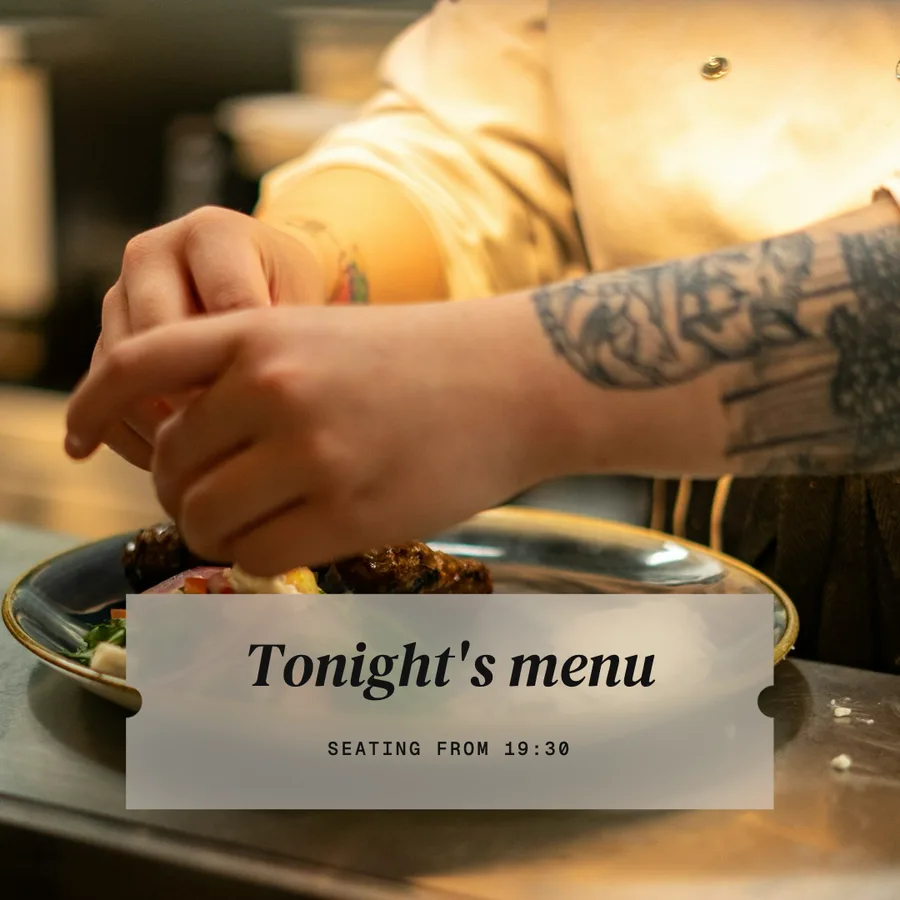
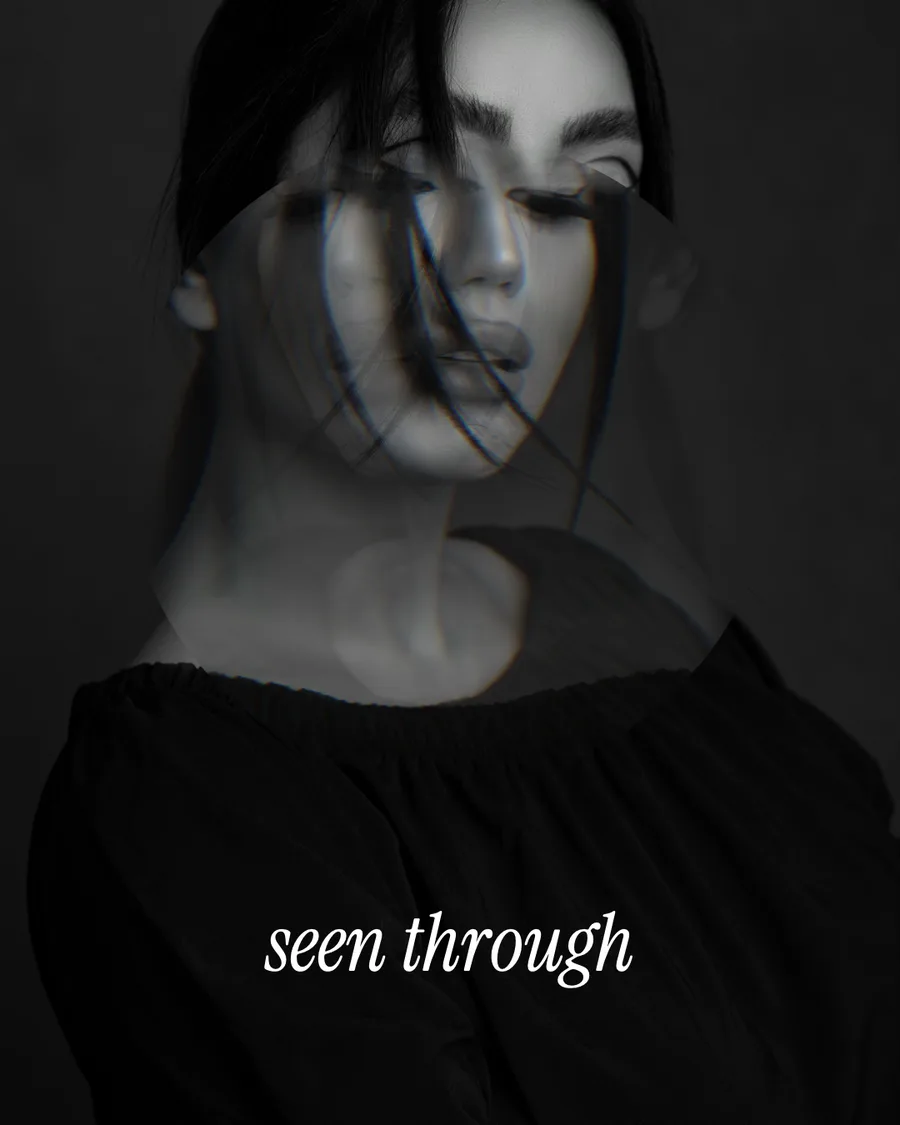
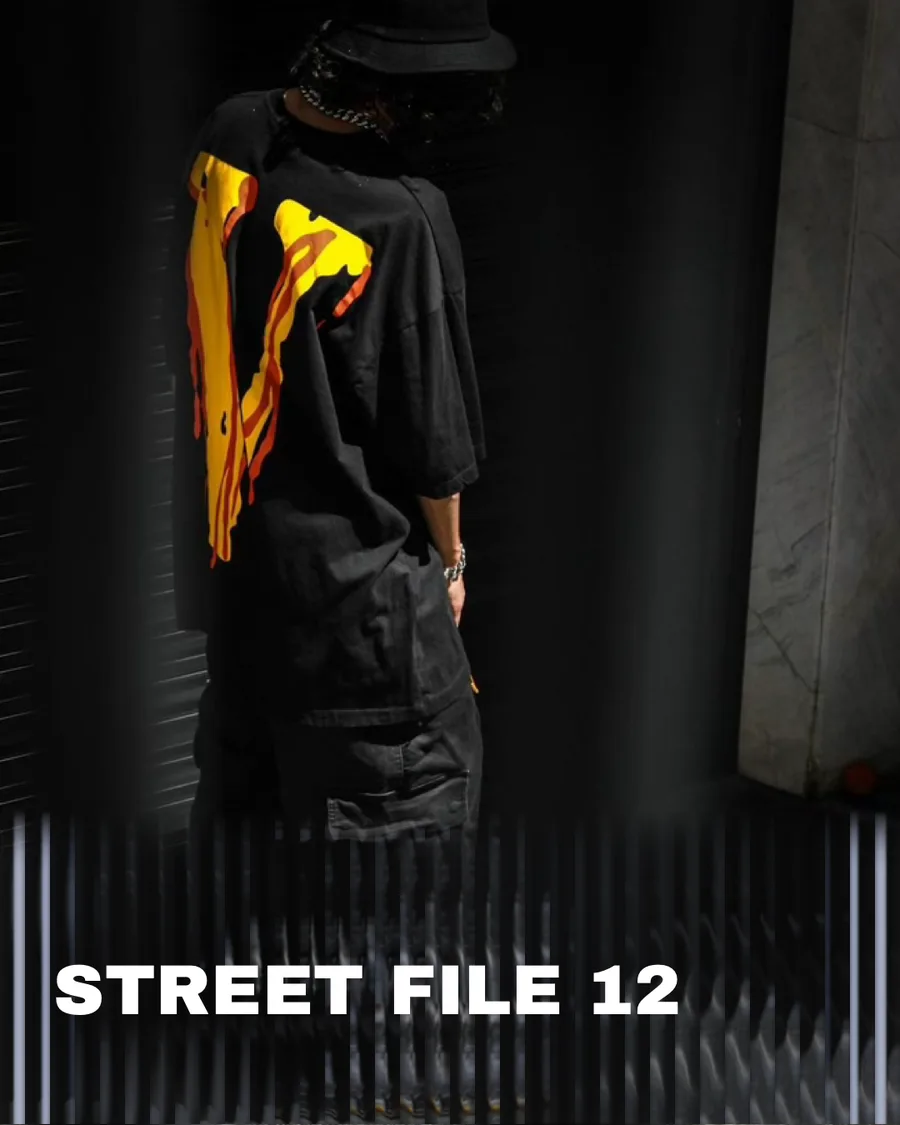
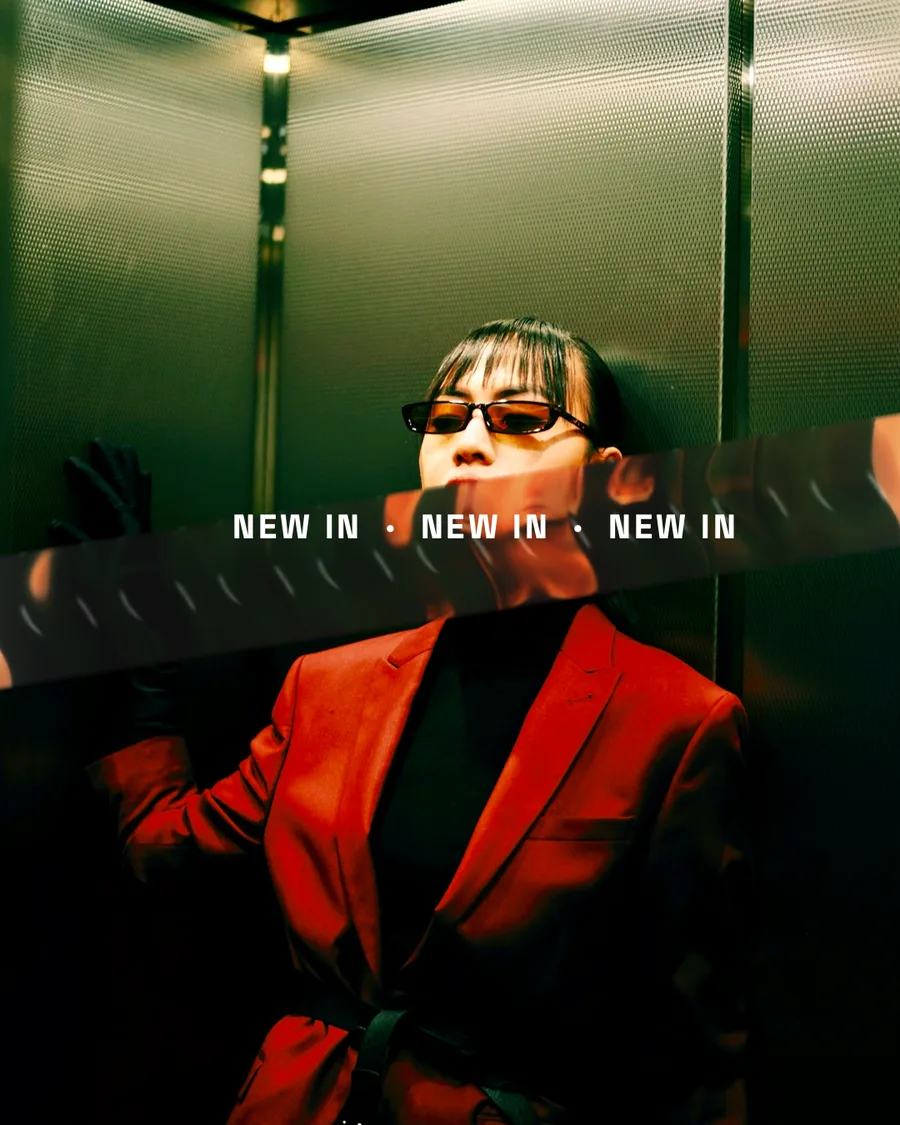
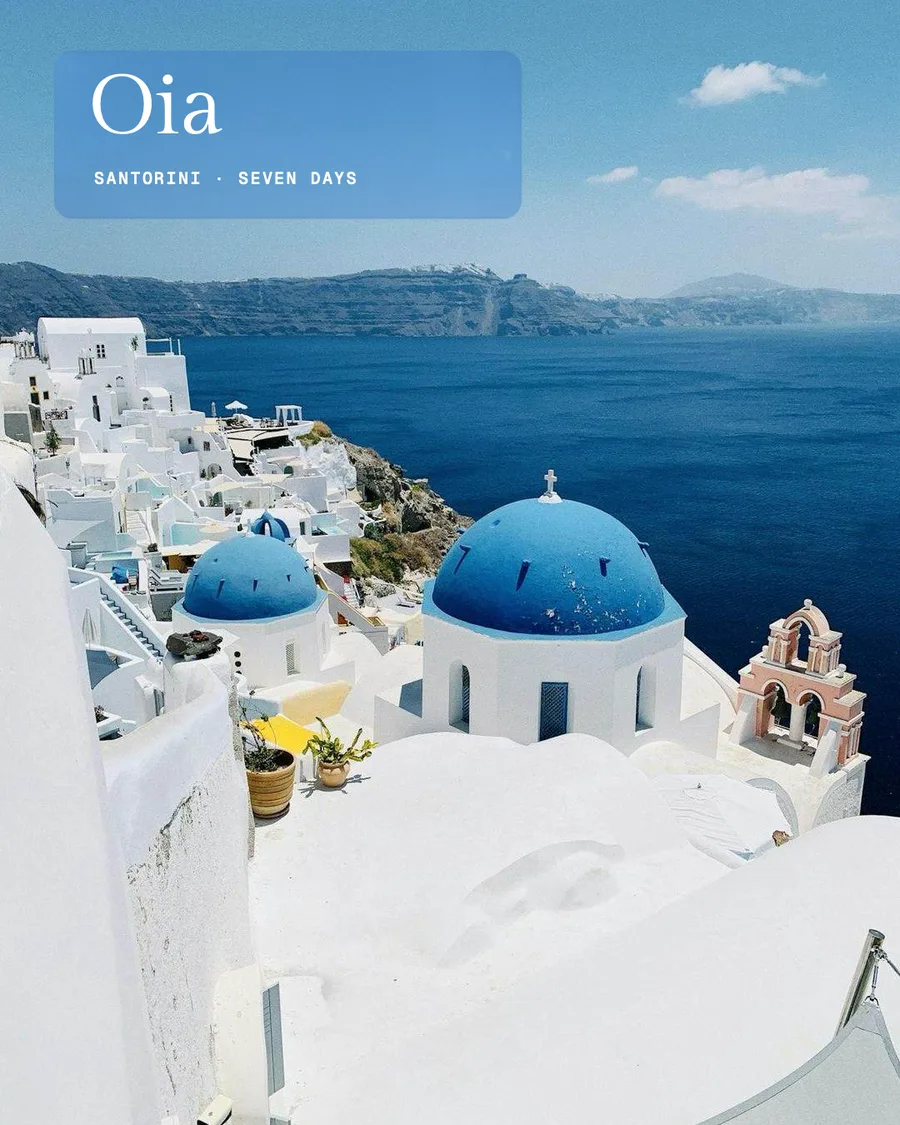
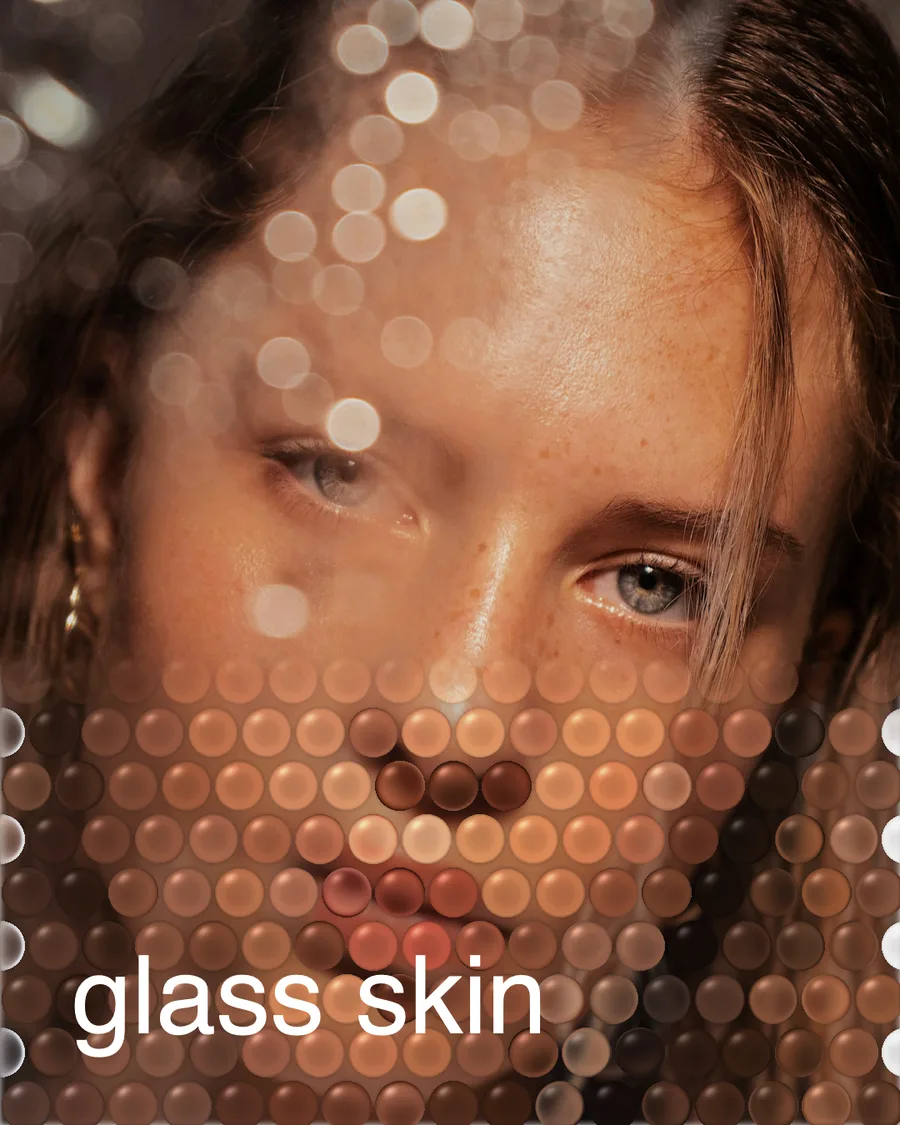
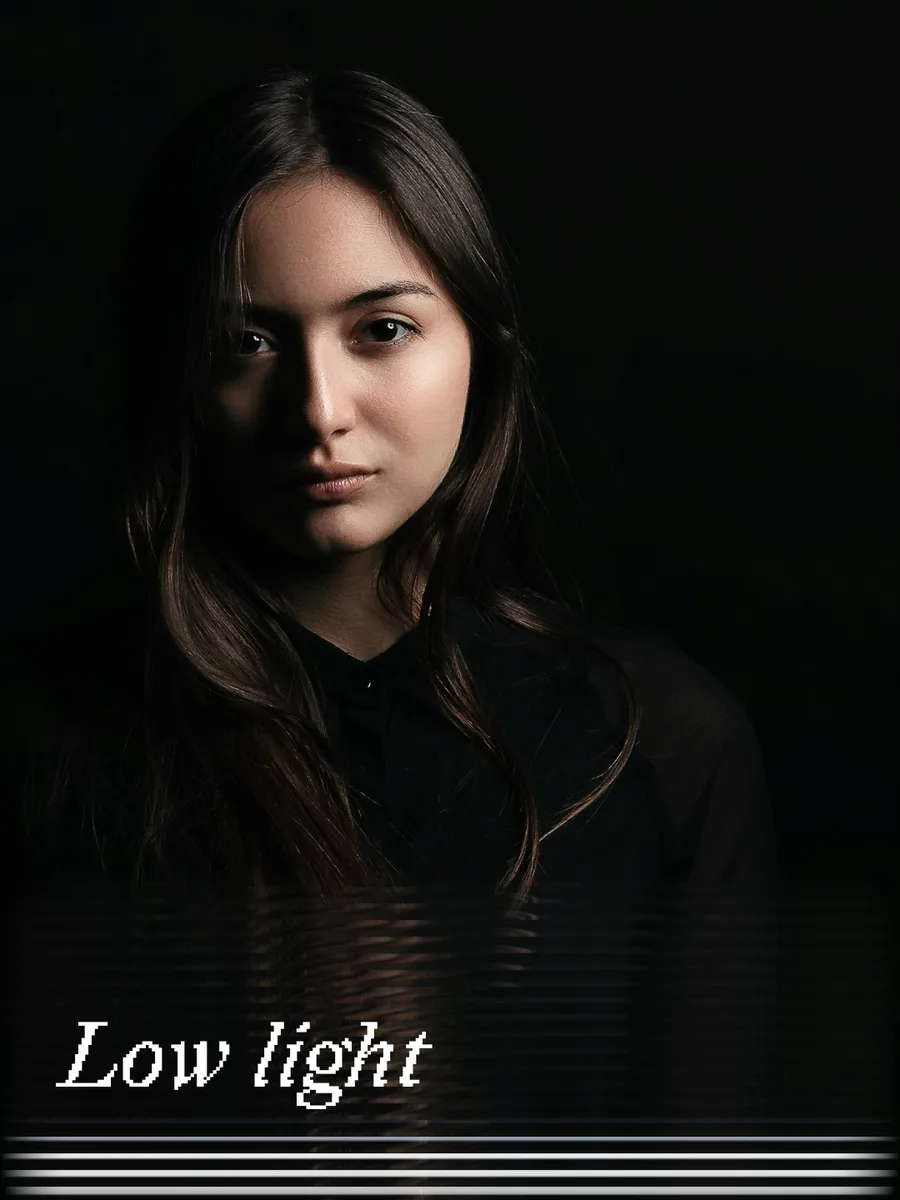
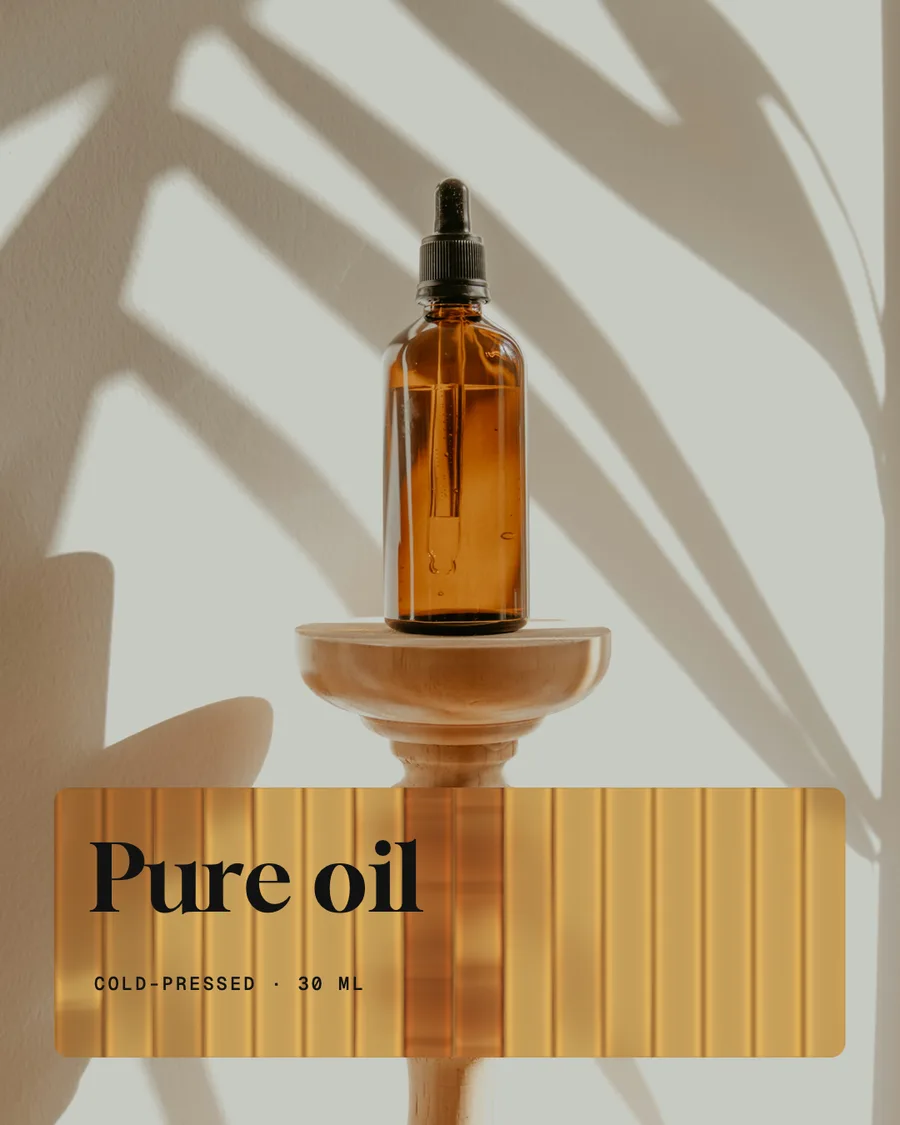
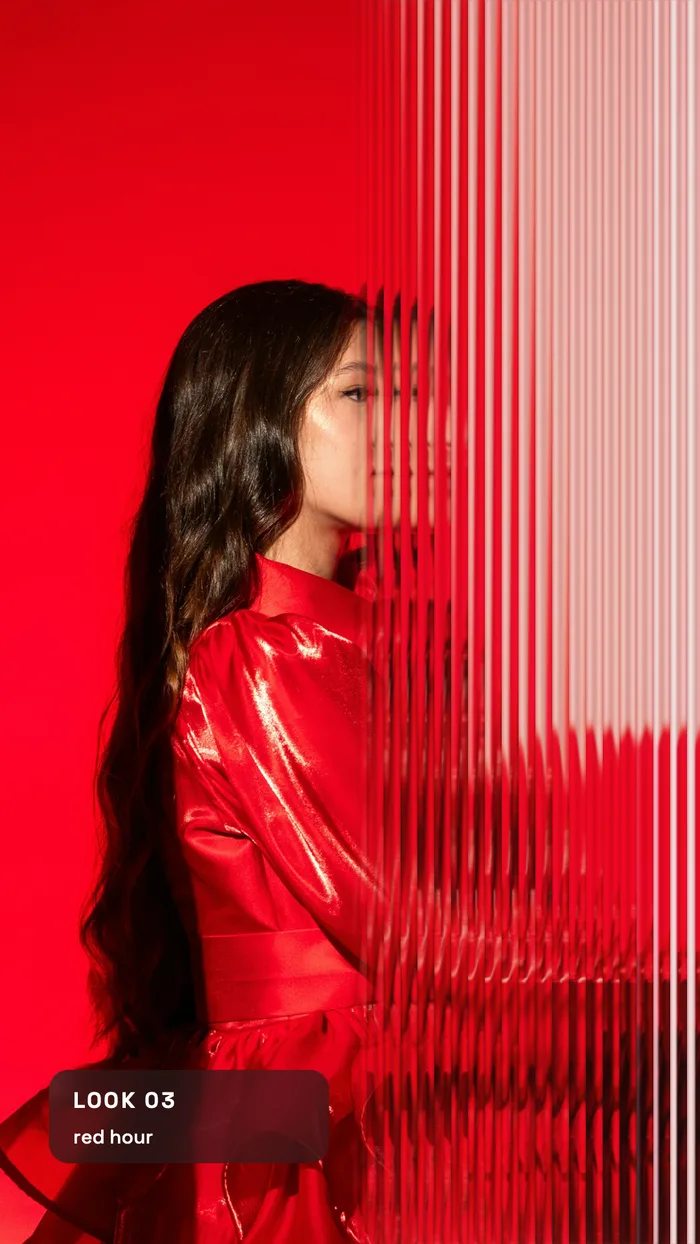
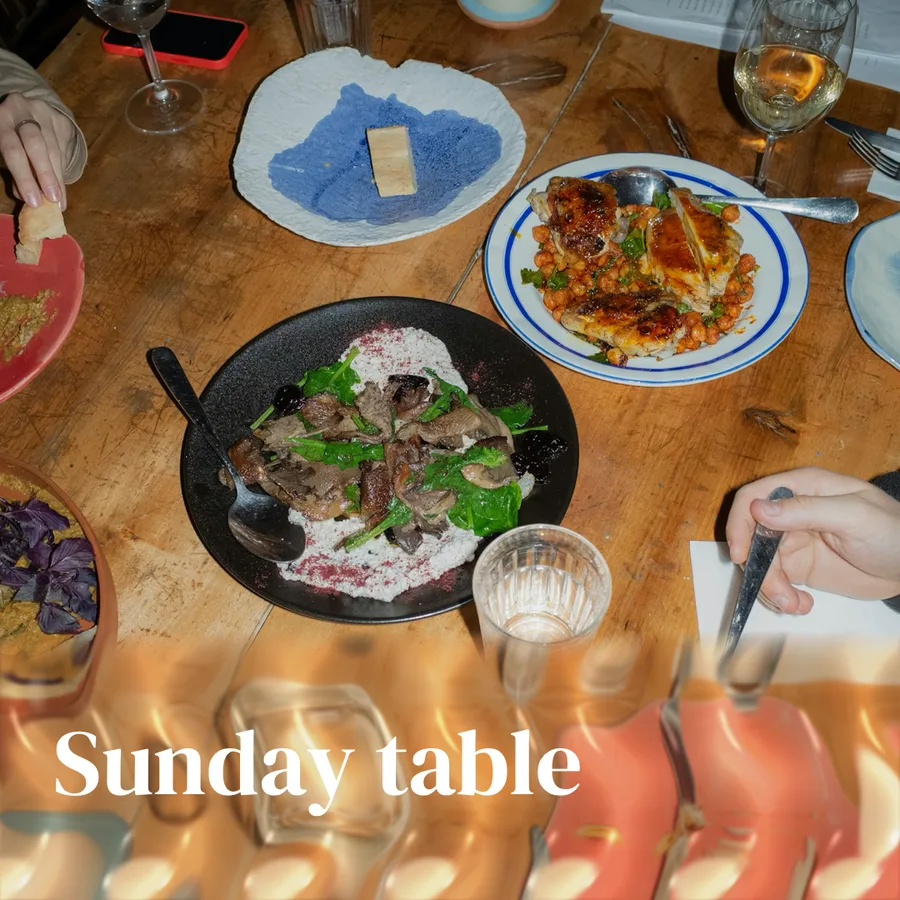
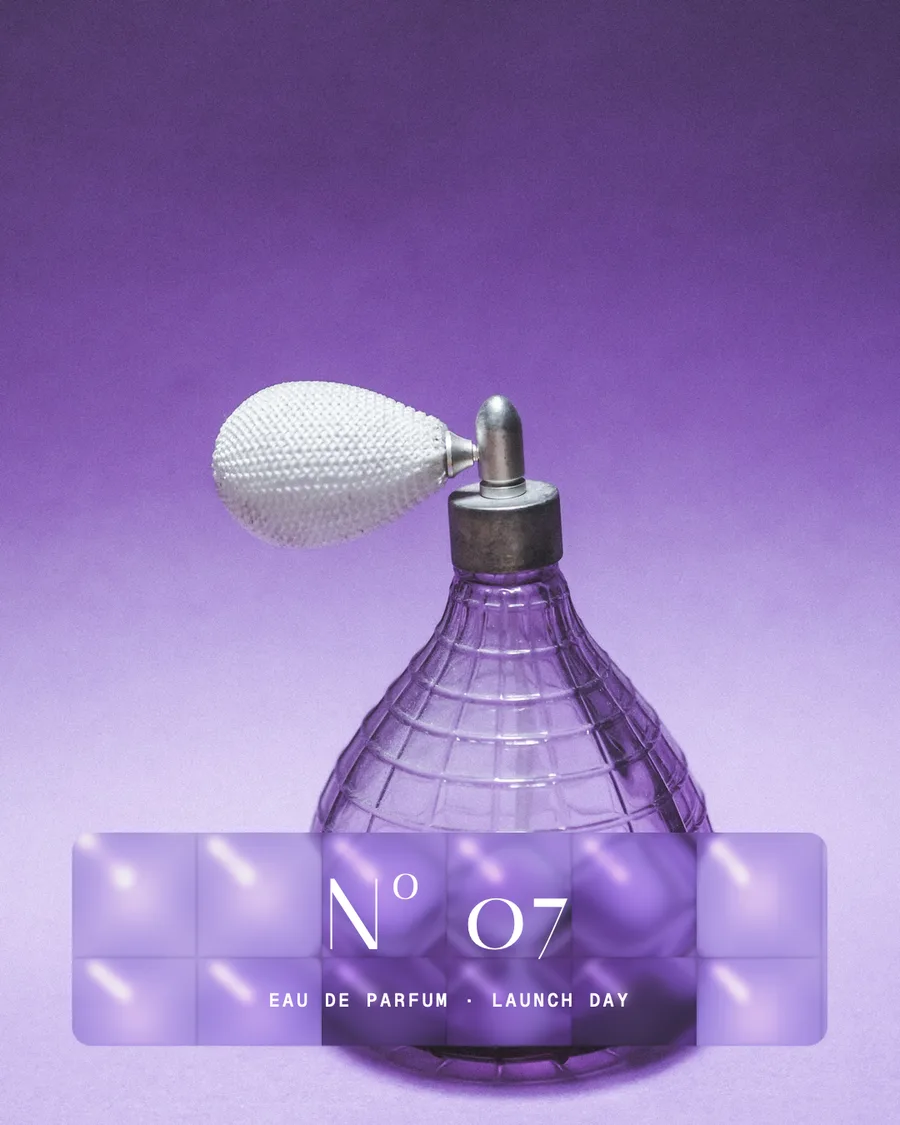
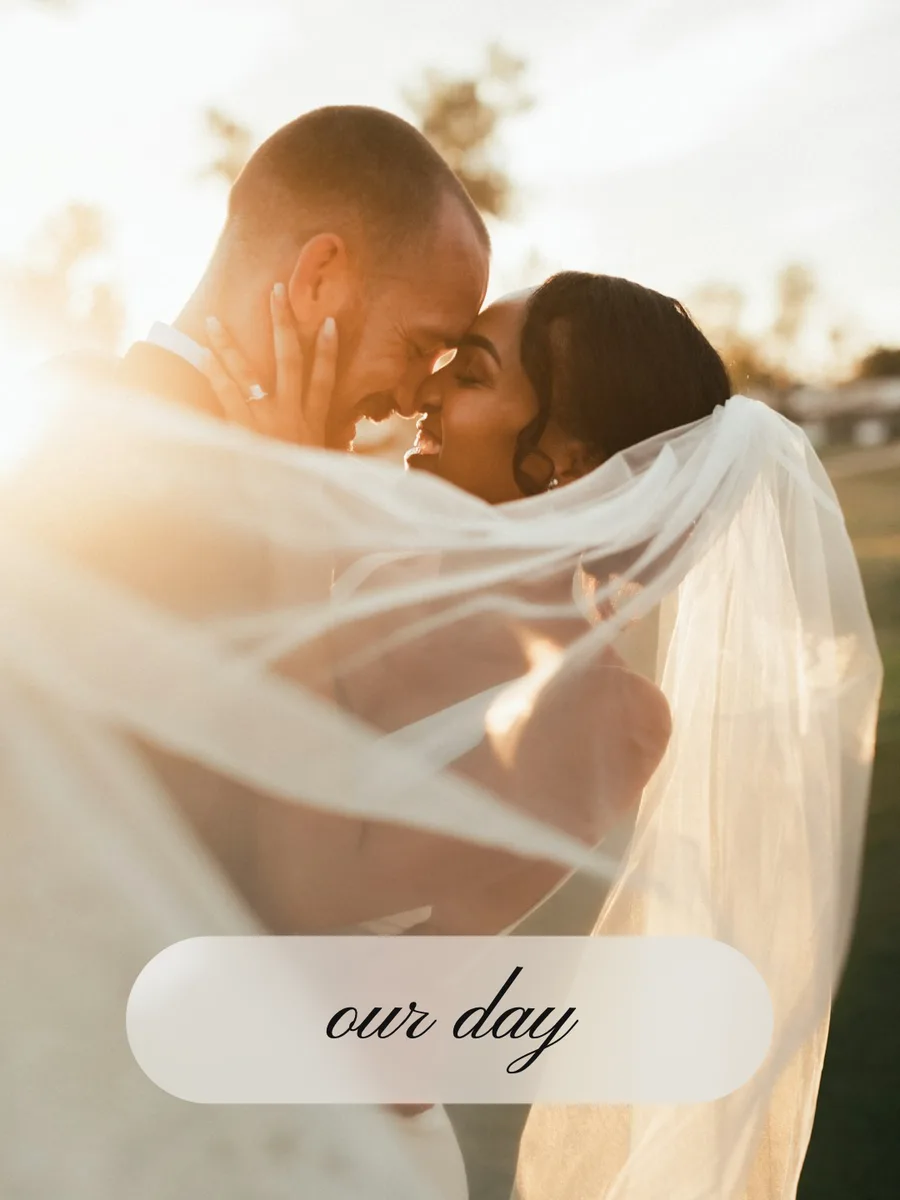
Every picture below was made with GLASSKID's own glass, from one photo each, and every one is set differently: fluted, reeded, waved, domed, blocks, prism or plain; round, arched, striped or ticket-shaped; steam, drops and dust; tinted, frosted or clear, with the type chosen for its motif. Warm amber over oil, milk glass over skin, rain over a night street. Nothing was retouched afterwards.

Glass02/07

Real glass
over it all.

Panes you lay over the picture: they refract, frost and tint what lies behind them.

Fluted, reeded, wave, bubble, blocks, prism, frosted and clear. Steam, drops, runs, water spots and dust gather where they would. Give any pane a soft edge or keep it sharp. Nothing here is an overlay: every pane bends the picture the way light really travels through glass.

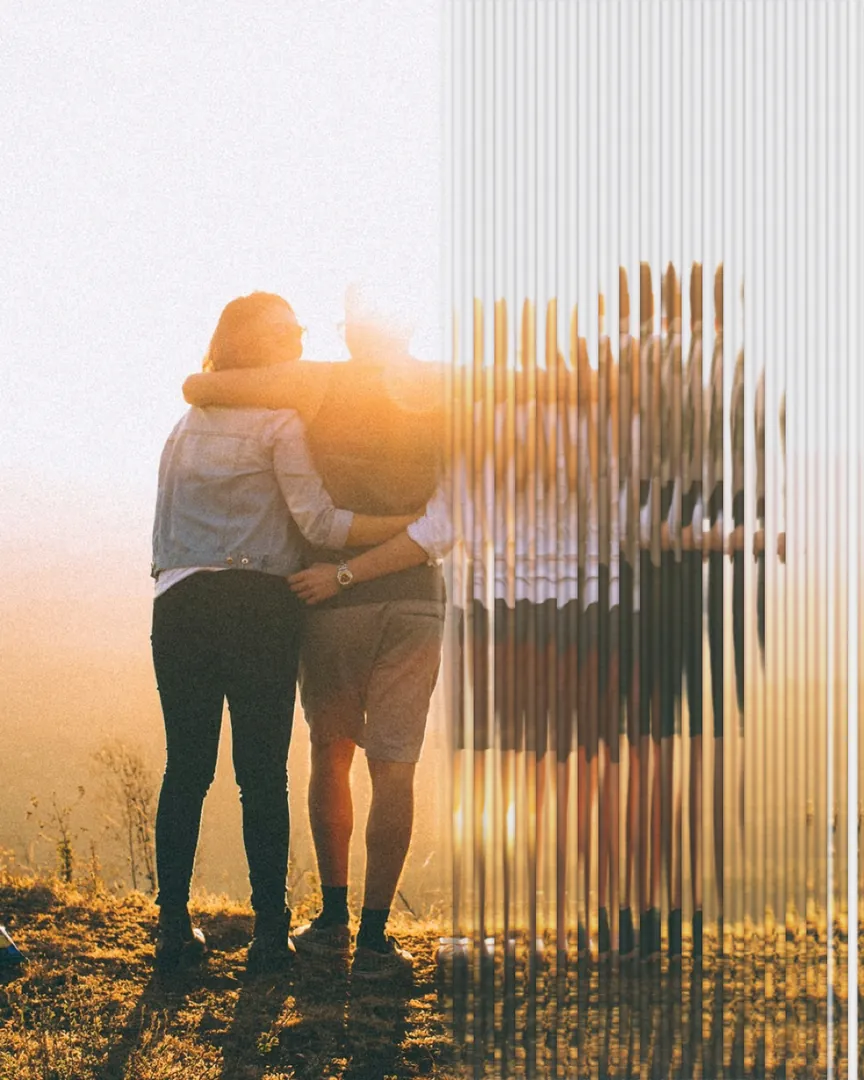
Friends at sunset, the right half seen through reeded glass

Pane

Reeded

Fine round ribs, half over the picture, its inner edge soft.

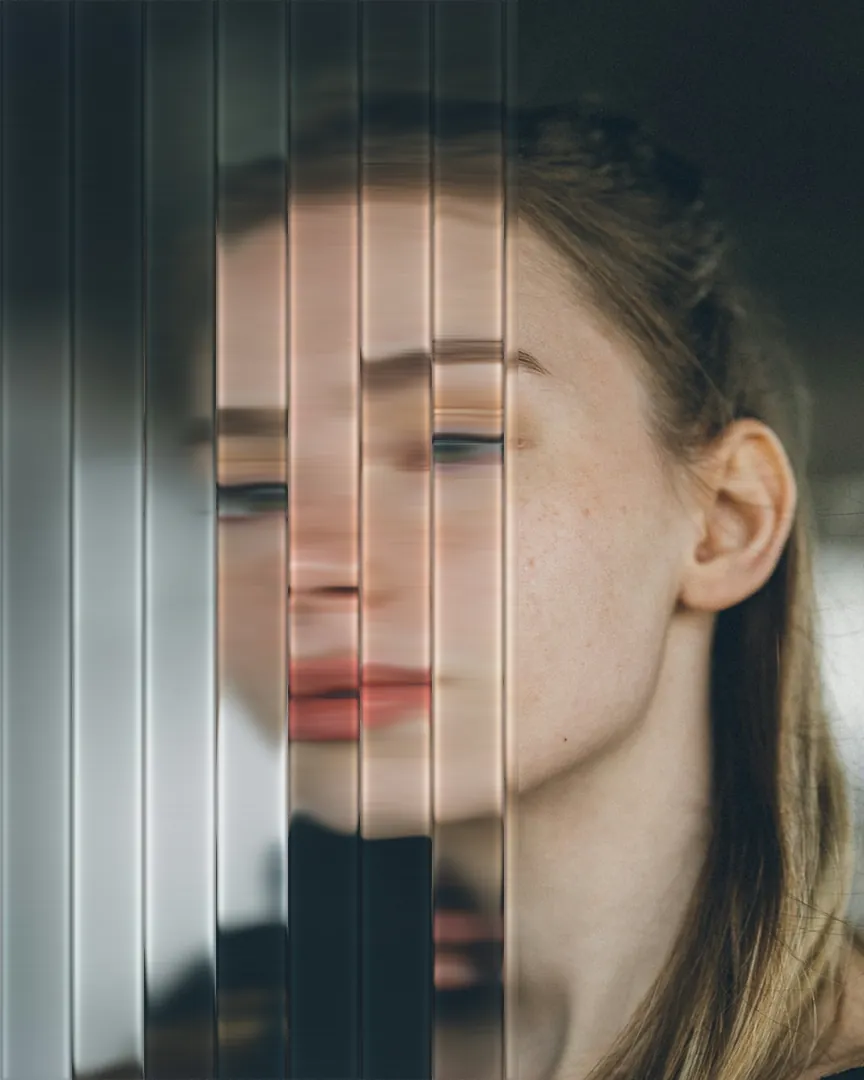
A portrait, the left part seen through wide fluted glass

Pane

Fluted

Wide flutes cut the face into bands, each a little elsewhere, with light along every edge.
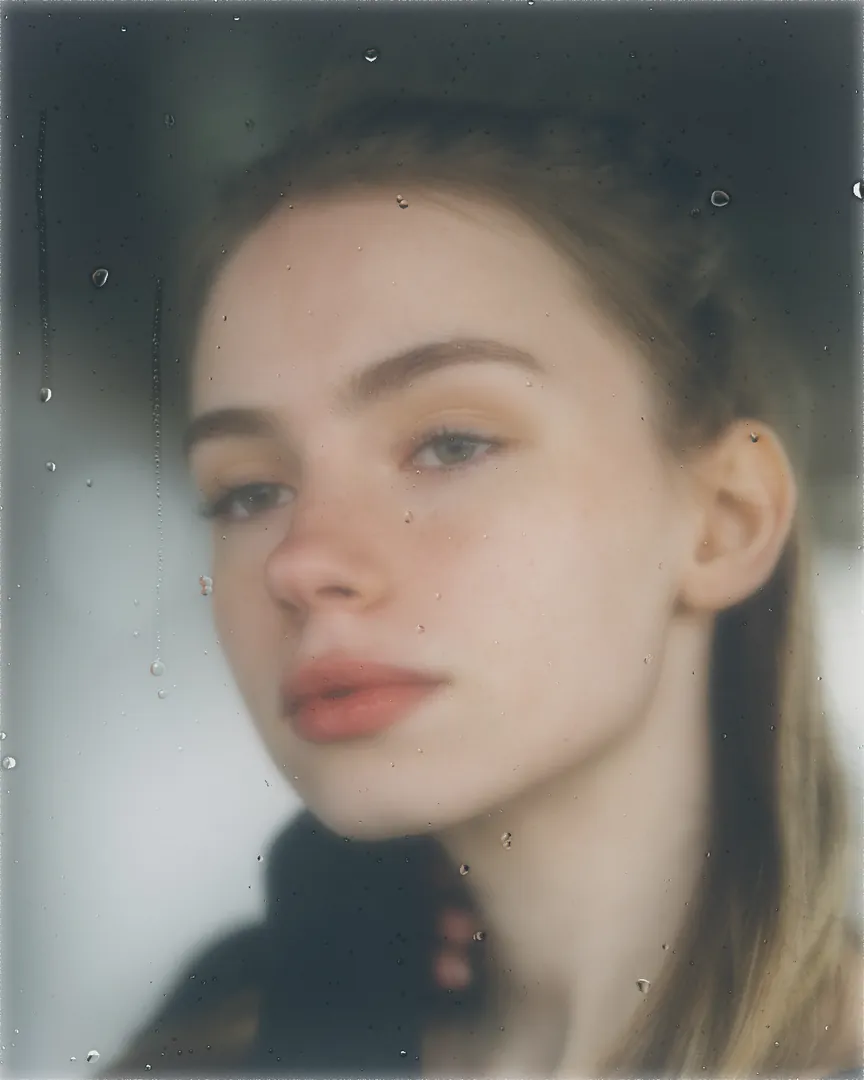
A portrait behind a steamed window with drops and runs of water

Weather

Rain and steam

Every drop a small lens that bends what lies behind it; runs where the water found its way down.

Glass cards

A card of glass,
with your words on it.

Start from a ready-made card, Opal, Liquid, Smoked or Fluted opal, with a title and a few lines on it. Then make it yours: type your own words, pick any font, tint the glass to the colours of your photo, round the corners to a pill or square them off, change the frost and the thickness, and drag the card where it belongs. The text moves with its card, and the glass bends the picture under it.

Portrait in low sun, an amber glass card reading Golden hour
Type03/07

Your words,
in 100+ fonts.

A real text tool, with over a hundred fonts to choose from.

Serif, sans, script, handwritten, typewriter, retro and wild: from fine editorial serifs and hard grotesks to brush scripts, stencils and type-writer faces. Set the colour, the style and a shadow, or give the letters a material: ink, chrome, gold, holo, glass or jelly. Put them on a glass card or straight on the picture.

Instrument Serif Bebas Neue Great Vibes Caveat Special Elite Unbounded

4:5

The feed post

3:4

The tall grid

1:1

The square

9:16

Stories and reels

Photos and videos alike: on a clip the glass bends every frame. Switch the format and the picture keeps filling it. Export a photo or an MP4.

The app04/07

Small app.
Big glass.

One picture, one idea, a few tools that do one thing very well.

GLASSKID is the glass and the text of FRAMEKID, in a small app of its own. Here is what is in it.
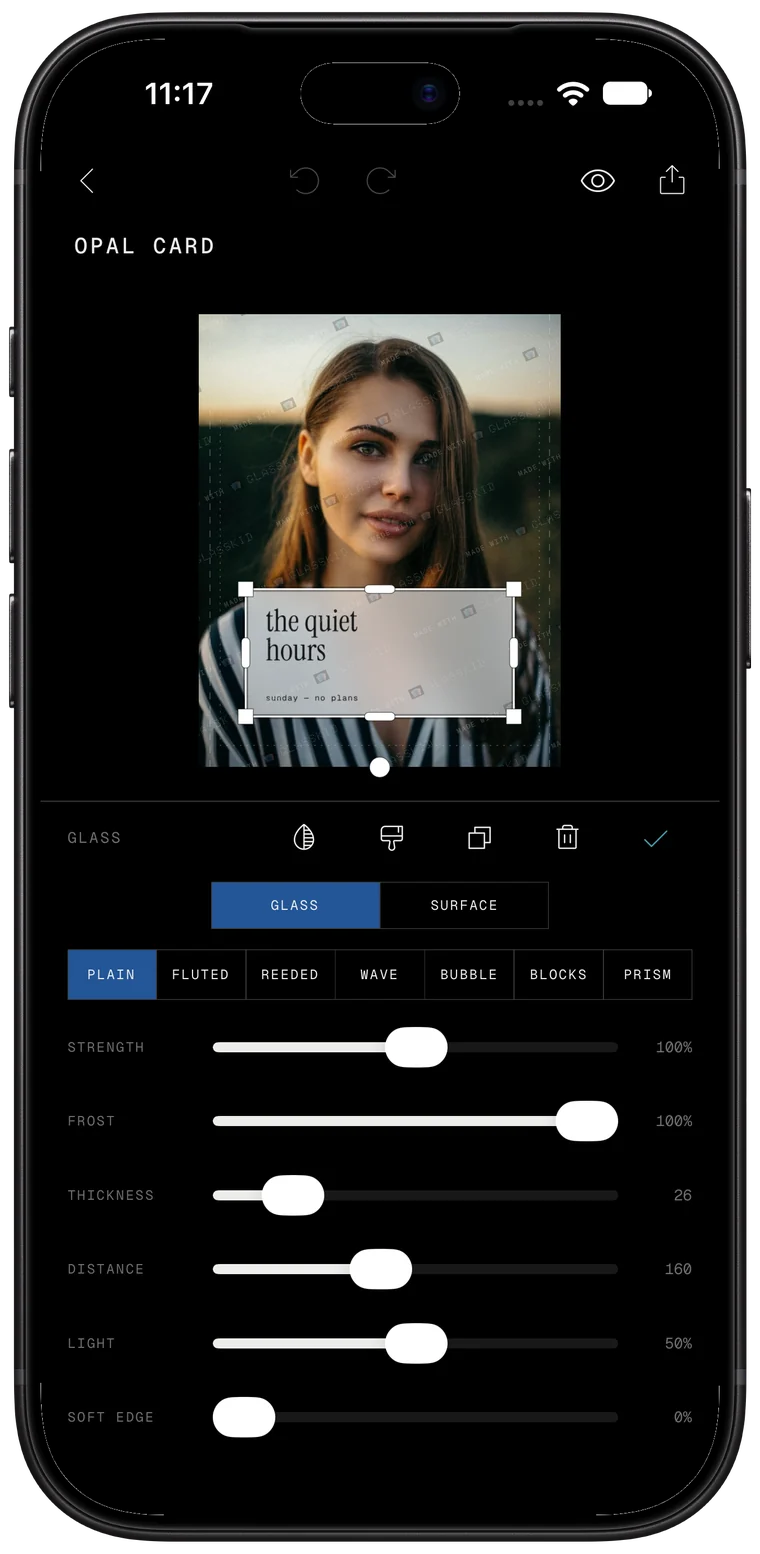
The glass controls in GLASSKID: seven kinds of glass and sliders for strength, frost, thickness, distance, light and soft edge

Glass

Thirteen panes,
every value yours

Start from clear, frosted, fluted, reeded, wave, bubble, blocks, prism, steamed, rain, dusty or shower glass. Then set strength, frost, thickness, distance, light and a soft edge, and tint it to your photo.
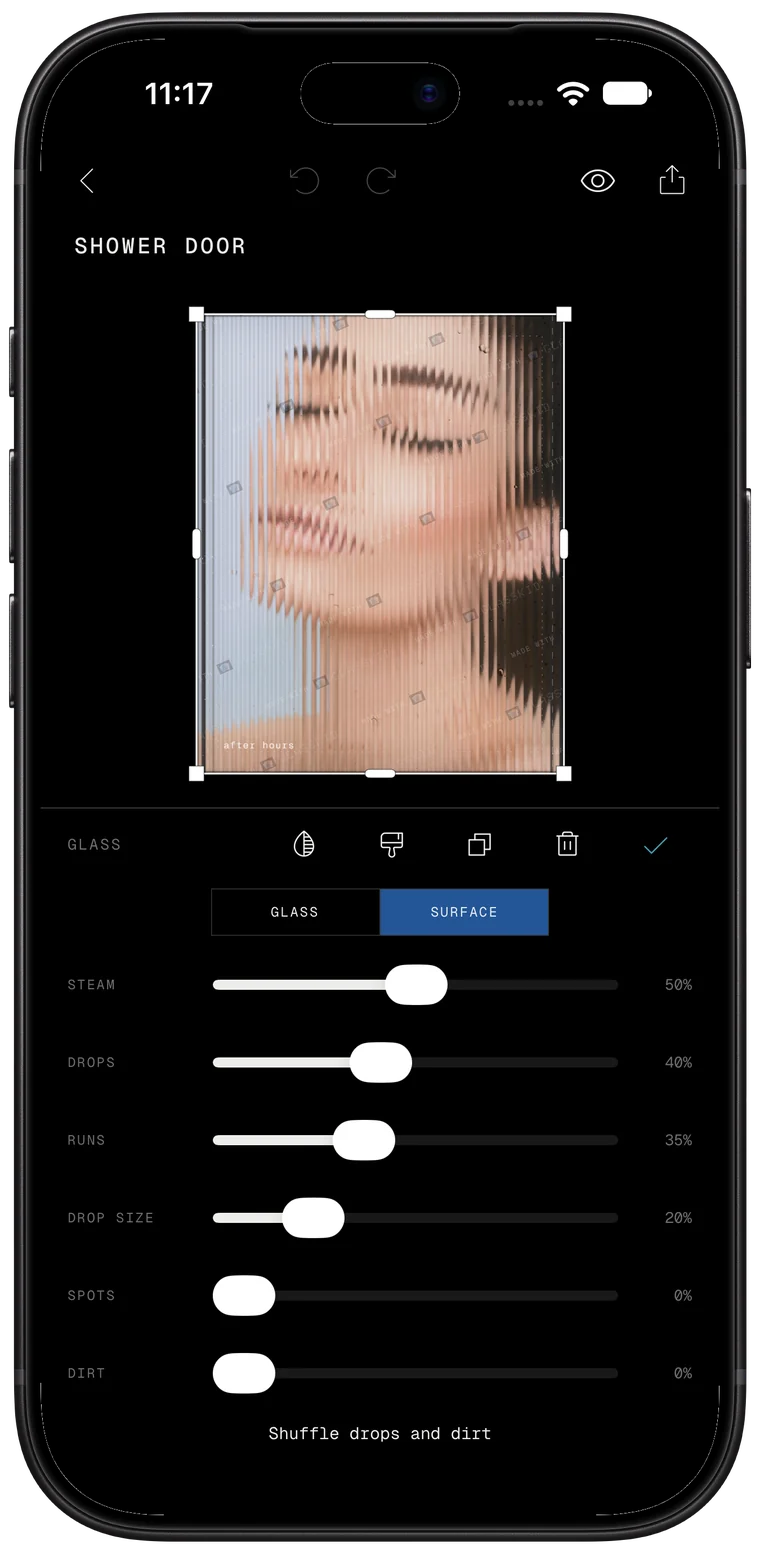
The surface controls: steam, drops, runs, drop size, spots and dirt

Surface

Steam, drops
and dust

Fog a pane, let drops gather and run, add water spots and dirt. Shuffle until the glass looks lived in.
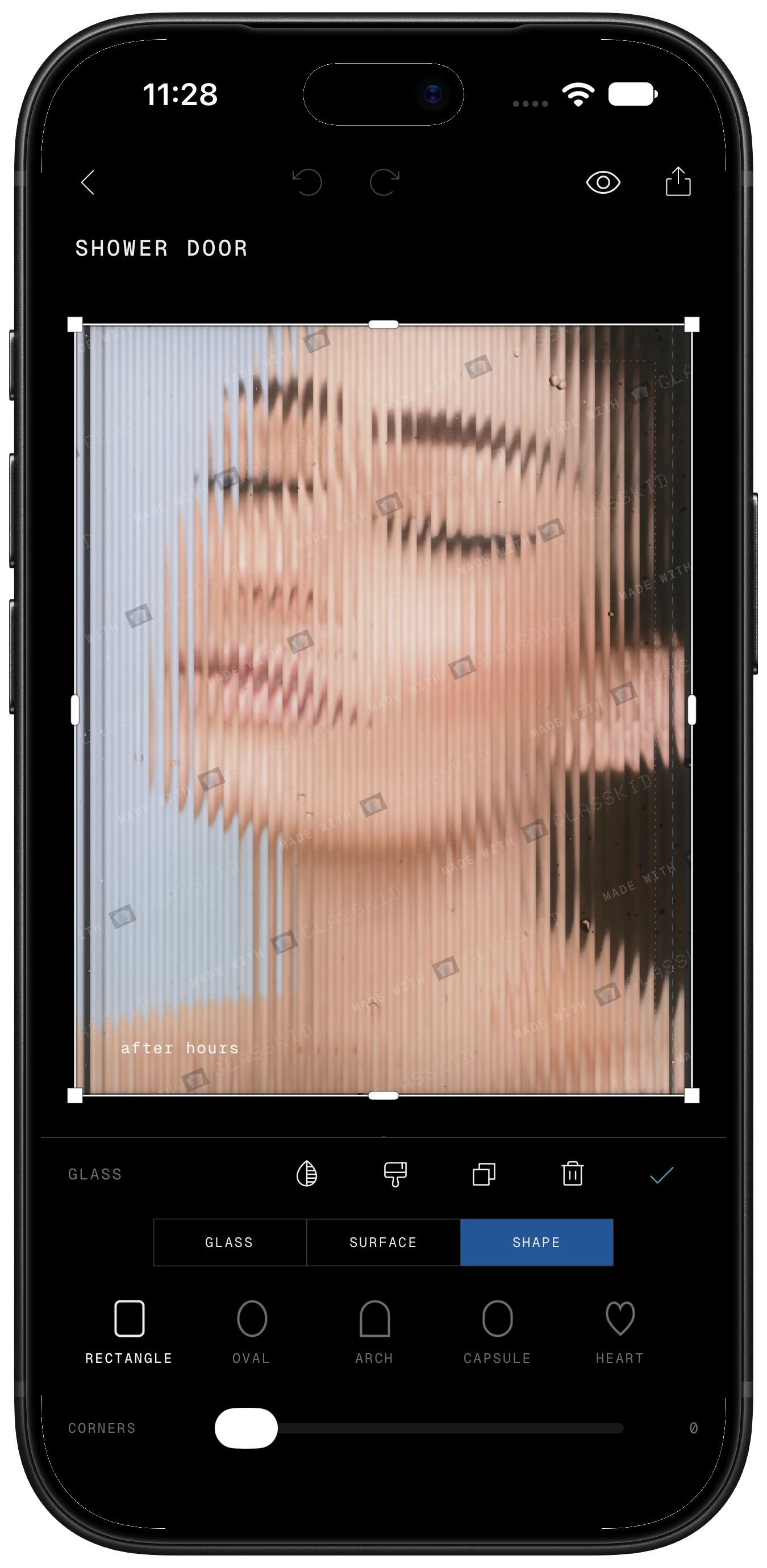
The shape controls: rectangle, oval, arch, capsule, heart and more, with a corner slider

Shape

Cut it to
a shape

A rectangle with round corners, an oval, an arch, a pill, a heart, stripes, a ticket. The glass takes the outline you give it.
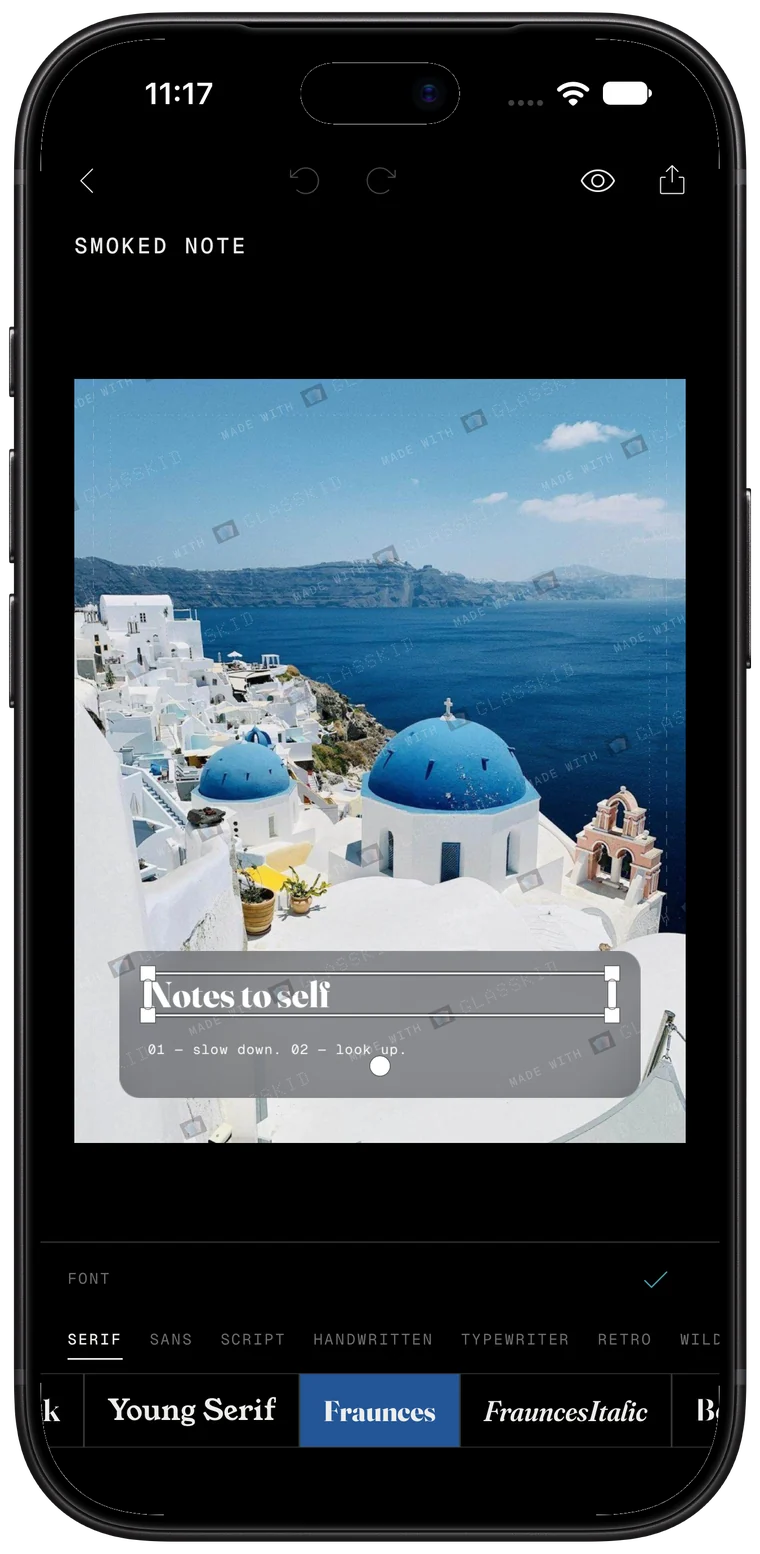
The font choices: serif, sans, script, handwritten, typewriter, retro and wild

Text

Over 100 fonts

Seven families of type, each one a tap away. Set it on a glass card or straight on the picture; colour, style and shadow follow.
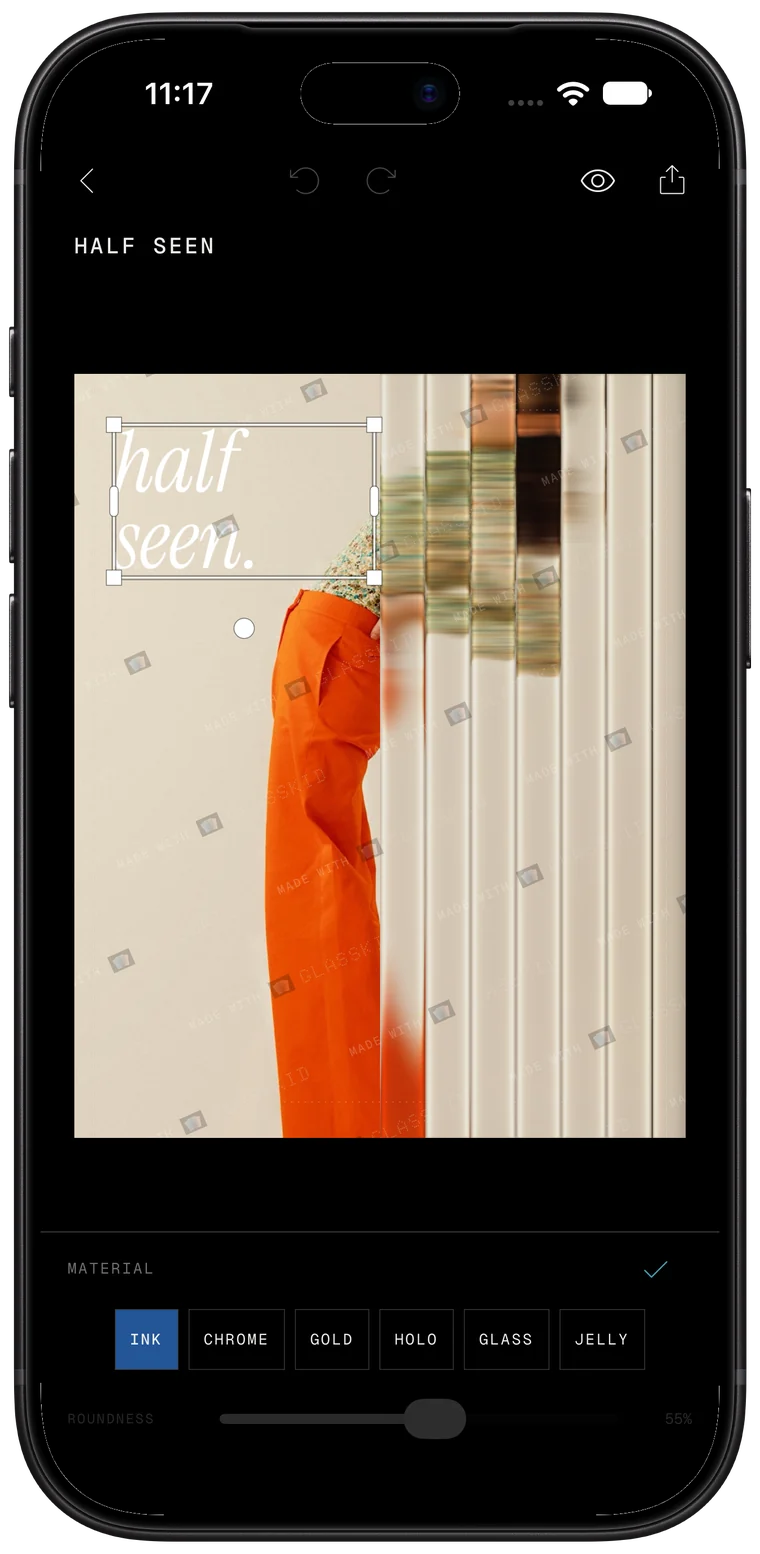
The material choices for text: ink, chrome, gold, holo, glass and jelly

Text

Letters made
of something

Ink, chrome, gold, holo, glass or jelly: type with a surface of its own, lit by the same light as the picture.
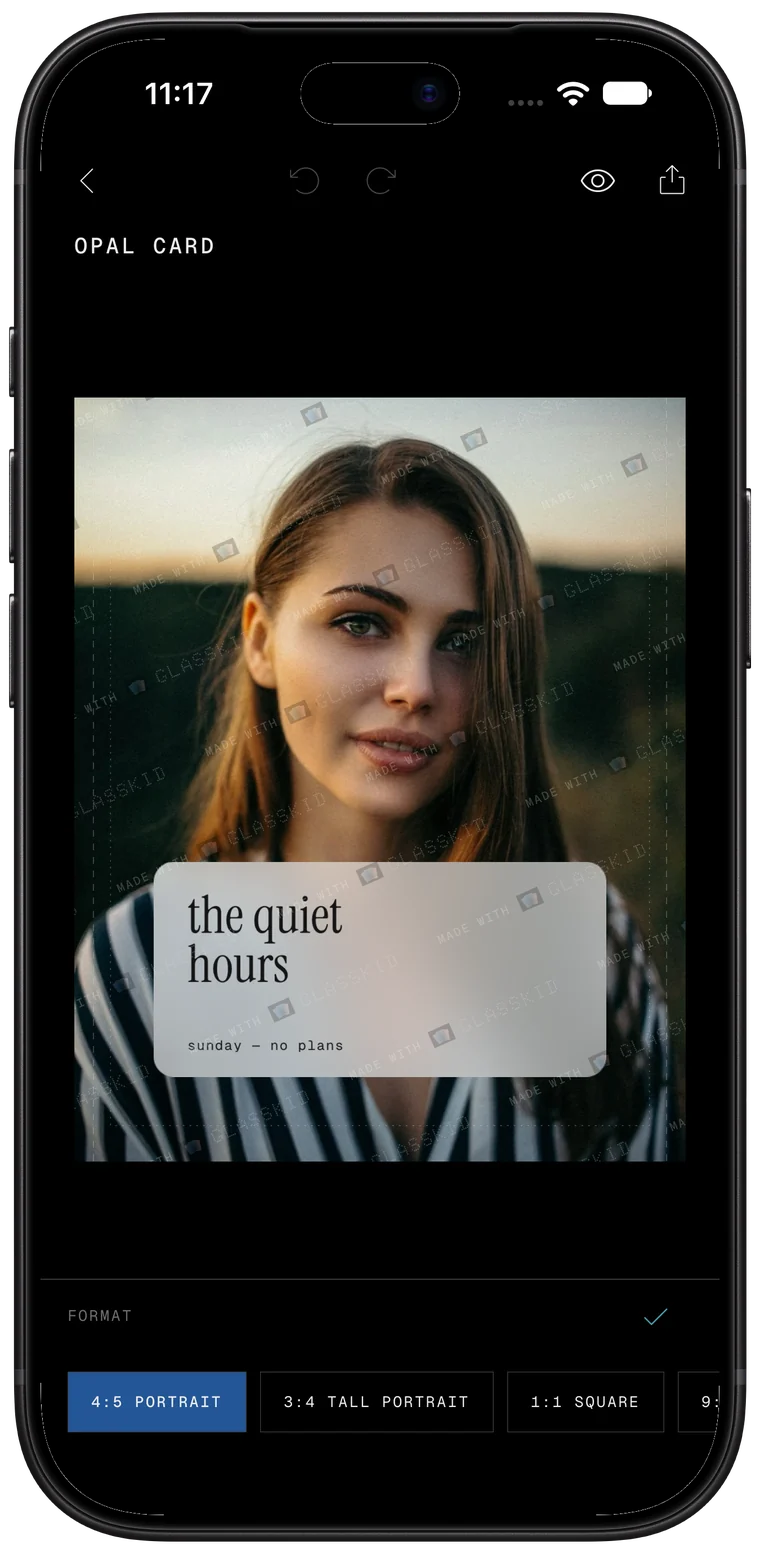
The format choices: 4:5 portrait, 3:4 tall portrait, 1:1 square and 9:16

Page

Made for
the feed

4:5, 3:4, 1:1 and 9:16. Switch the format and the picture refits itself: what filled the frame keeps filling it, and a title stays on its card.

  • Photo or videoPick or drop it in. Crop and replace; for a clip, trim, speed and sound.
  • Glass cardsFour ready-made cards with a title and a few lines, grouped so the words move with the glass.
  • LayersPick, reorder, hide or lock what is on the picture.
  • Background and snapChoose the colour behind the picture and snap to guides, or work free.
  • Preview and exportSee the picture as it will leave, then export a photo or an MP4 with the glass over it.
  • Undo, and always savedEvery step can be undone and every step is saved the moment you make it.
Devices05/07

One app.
Every screen.

A real app on each device, not one stretched to fit.

Thumb-first on iPhone. Room to breathe on iPad. A proper desktop studio on the Mac, with the glass controls beside the picture. One purchase unlocks all three.
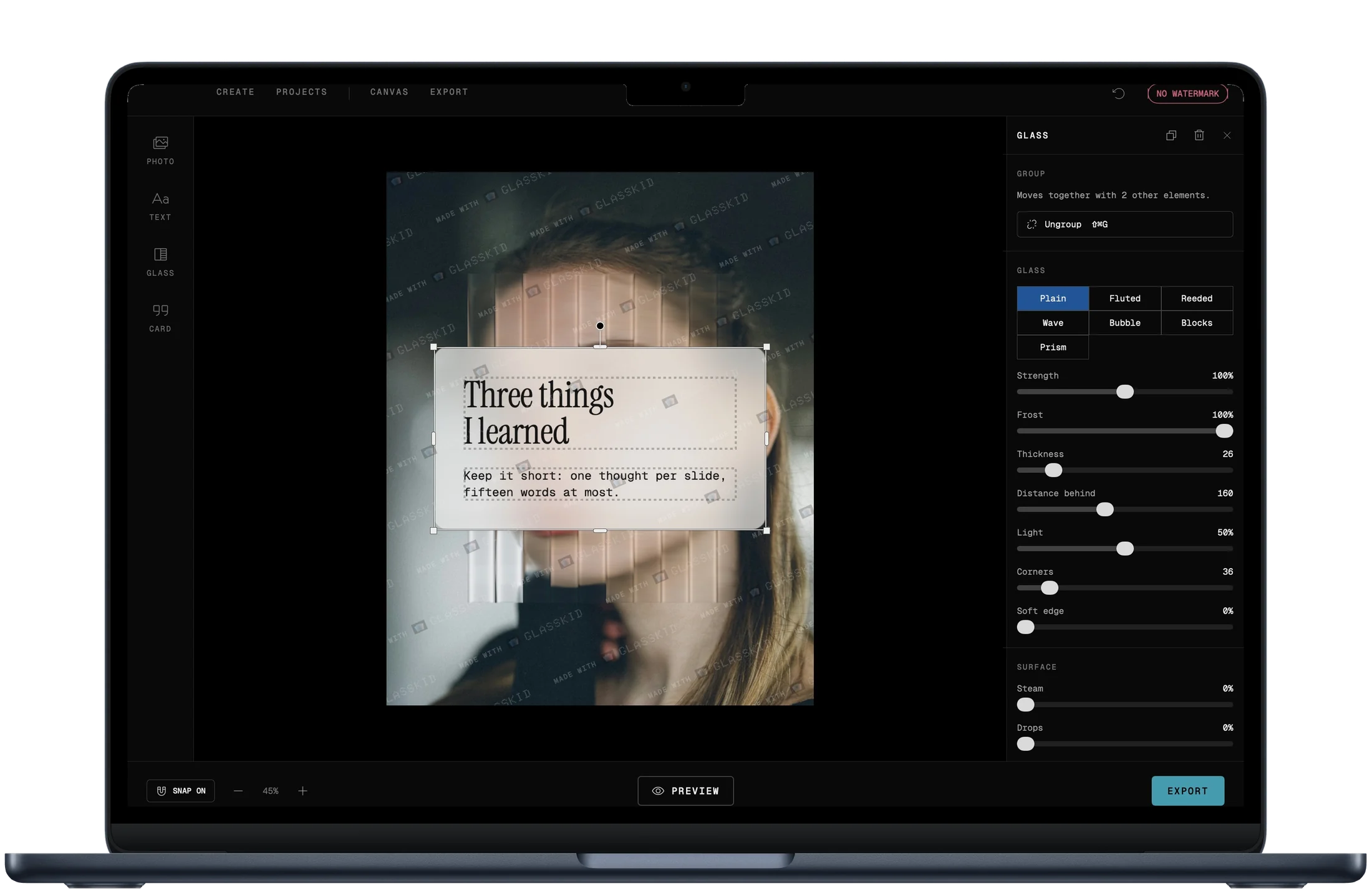
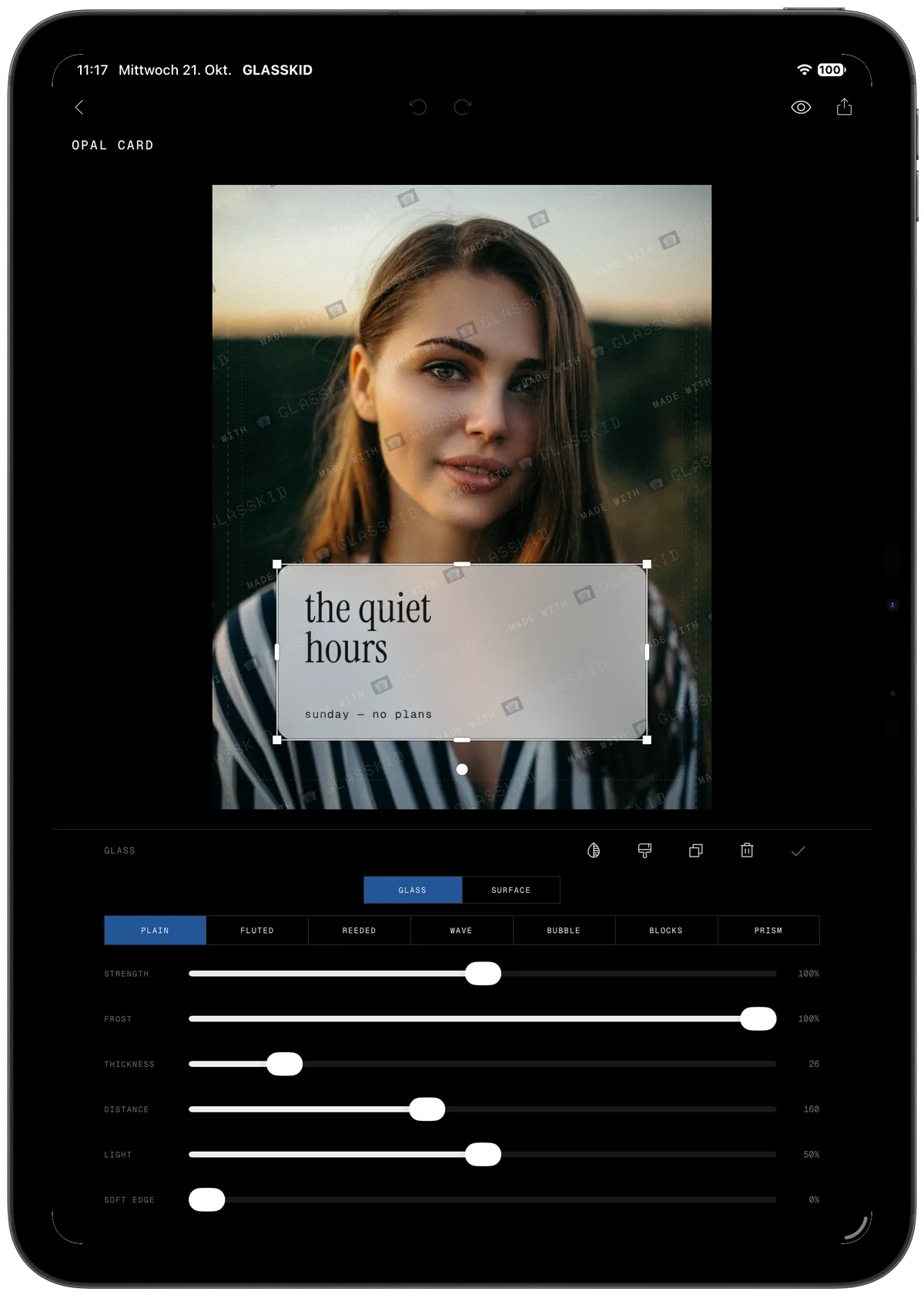
GLASSKID on the Mac: a glass card with text over a portrait, the glass controls beside it GLASSKID on iPad GLASSKID on iPhone: the font choices

iPhone Duo ready

Fold it. Open it. Post it.

GLASSKID is made for iPhone Duo too: closed, it is the pocket studio you know, with the buttons standing in a column right under your thumb.
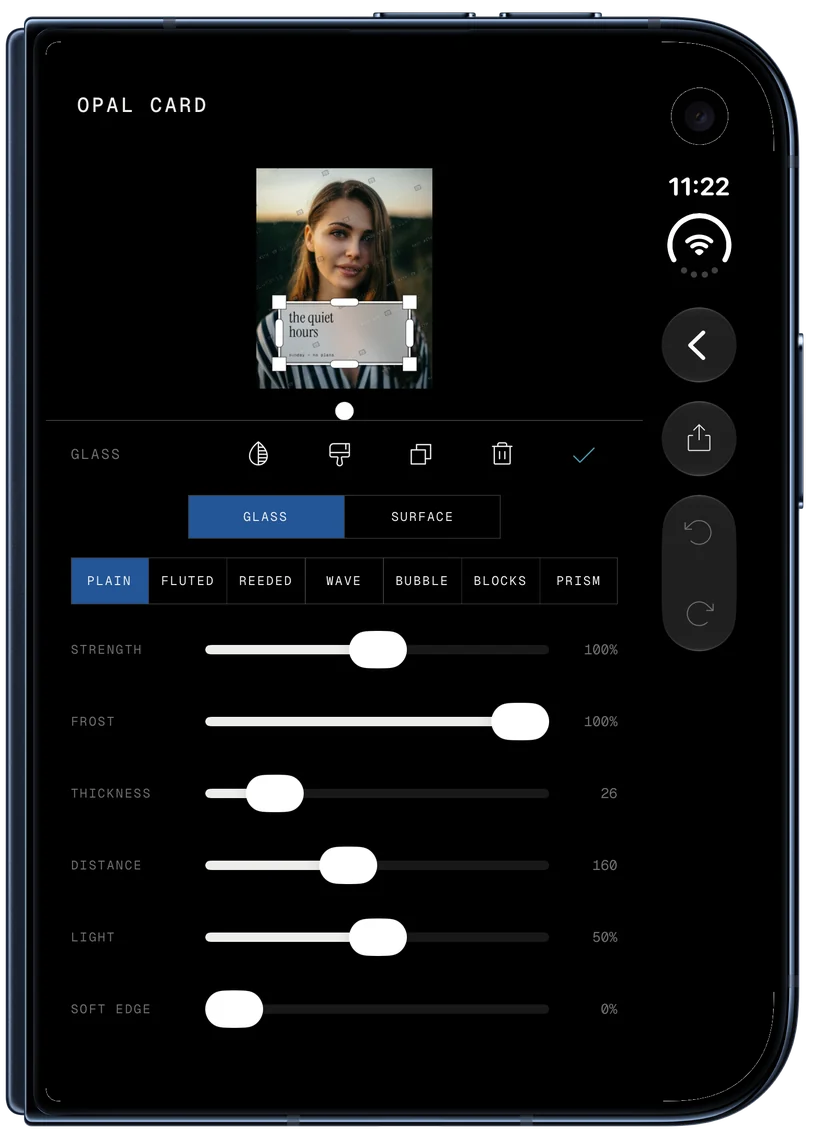
GLASSKID on the closed iPhone Duo, its buttons in a column at the side
Why it works06/07

Pictures people
stop for.

A feed is a river of flat photos. A picture seen through glass is the one that makes a thumb pause.

No app can promise followers, and GLASSKID does not. What it gives you is the part you control: pictures that look made, not just taken, and a look that is yours.

01

It stops the scroll

Refraction, frost and light along a glass edge read as depth. Depth is what a flat photo lacks, and the eye goes to it first.

02

Your words are in the picture

A headline on a glass card says what the post is about before anyone reads the caption. It travels with the picture when it is shared or saved.

03

A look people recognise

Use one pane and one card style across your posts and the grid becomes a signature: people know whose picture it is before they see the name.

04

Quick enough to keep up

Pick a photo or a clip, lay a pane, set a card, export. A few minutes a post, so you actually post, and consistency is what builds an audience.

Made for

  • Beauty and skincare
  • Portrait and fashion
  • Product launches
  • Creators and studios
  • Travel and food
  • Events and nightlife
  • Stories and reels
Pricing07/07

Try it.
Then keep it.

Download GLASSKID free and try everything.

The free download is for trying the app, not a free version to keep using: every picture you export carries a GLASSKID watermark across it. One purchase of $1.99 unlocks the app and takes the watermark off for good. No subscription, on iPhone, iPad and Mac.

To try

$0

Test the app

  • Every tool
  • Photos and videos
  • A watermark across every export

Unlocked

$1.99

Once

  • No watermark
  • In full resolution
  • iPhone, iPad and Mac

No account, no tracking, no ads. Your photos stay on your device.

Hold glass
to the light.

GLASSKID arrives on the App Store soon, for iPhone, iPad and Mac.

From the makers of

FRAMEKID

Social Design Studio