The whole list
Everything.
Really.
This is all of it: every tool, every material, every way out of the app. One plain line per thing, no small print. Jump to what you care about or read it top to bottom.
01/11
Start
Where every post begins. Take a template, let the Designer deal you one or start from nothing.
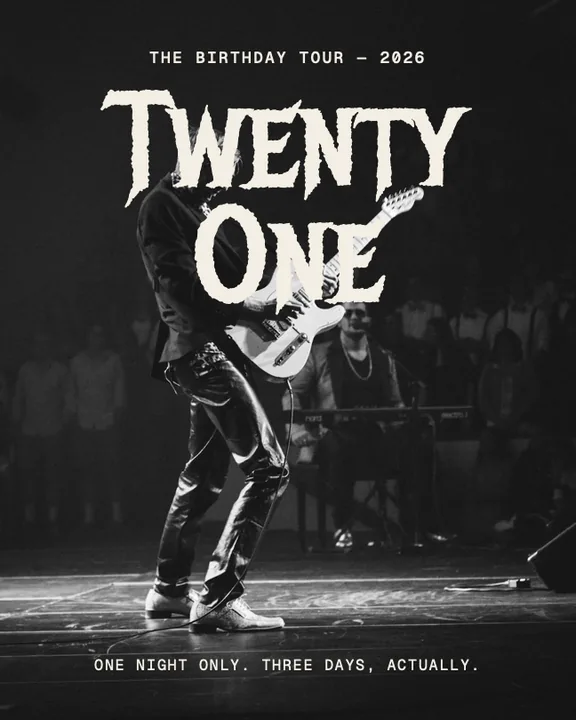
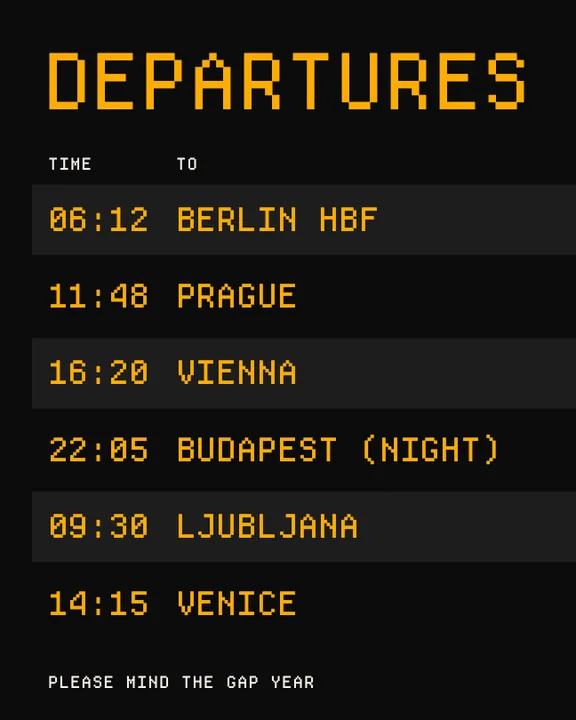
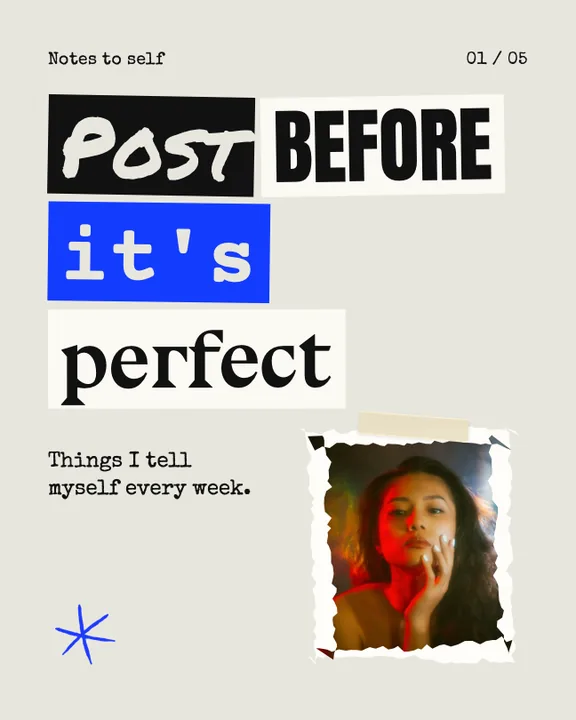
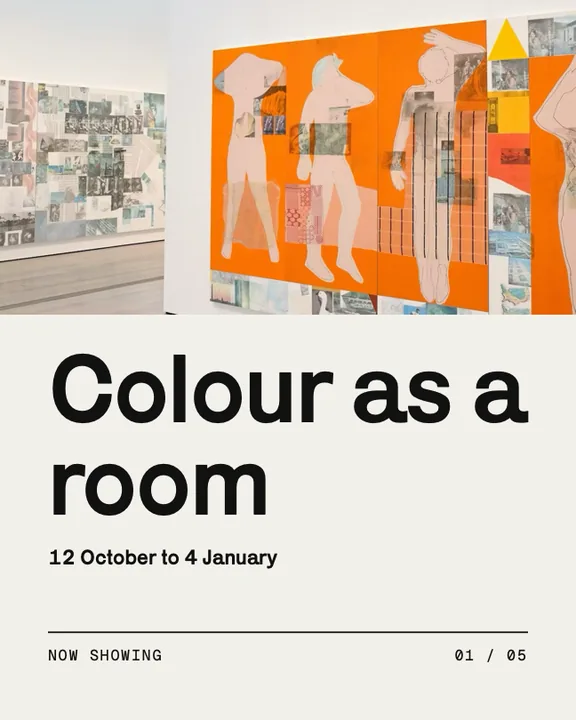
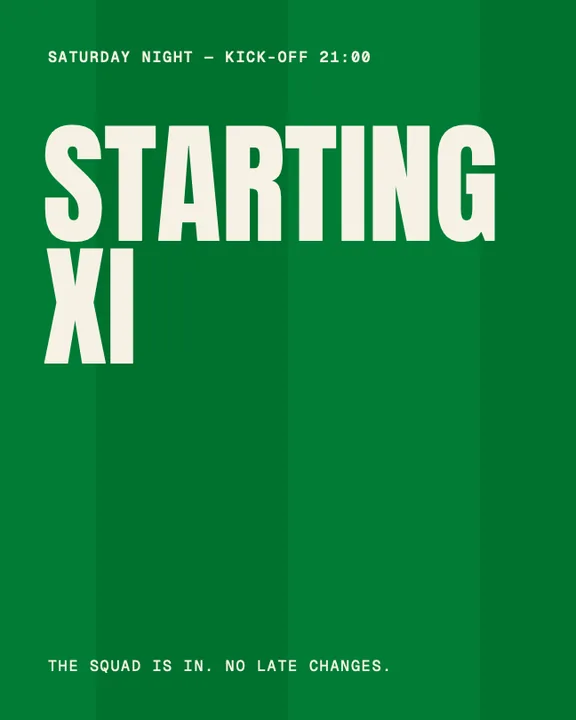
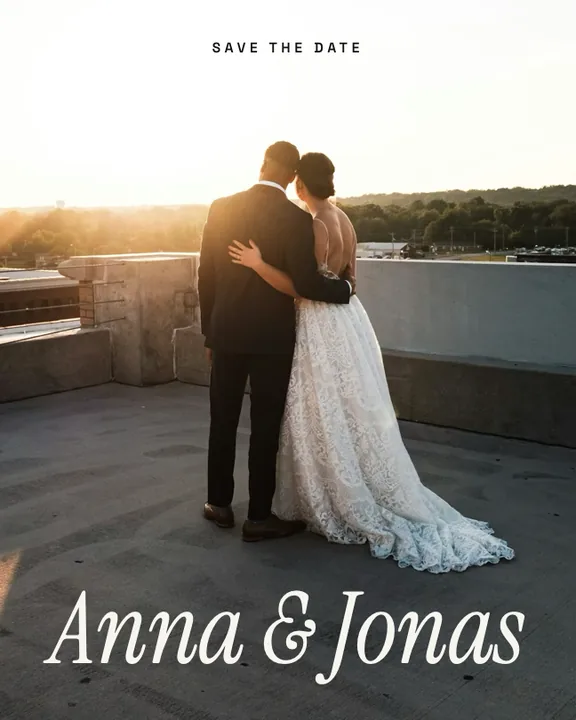
- 280+ templates
- Finished carousels, each built around one idea. Pick one and make it yours.
- Every genre
- Now, Fashion, Festival, Season, Travel, Wedding, Food, Beauty, Fitness, Business, Home and more.
- Single tiles
- One-slide posts for when a single picture says it all.
- Story sets
- Matching 9:16 frames, so your Story looks like your feed.
- Video templates
- Layouts with moving clips already in place.
- Search and filters
- Find a template by word, by format, by length or by how many photos it takes.
- Preview first
- Swipe through any template in every format before you choose it.
- Fill with my photos
- Choose your photos, put them in order, nudge the crop. The template fills itself.
- Favourites
- Star what you love and find it again in one tap.
- Blank canvas
- Rather start from zero? Hit the plus.
- Your own templates
- Save any carousel you made as a template and use it again and again.
- The Designer
- Choose a genre and an occasion and it deals you a finished carousel. Roll again as often as you like.
- 36 looks
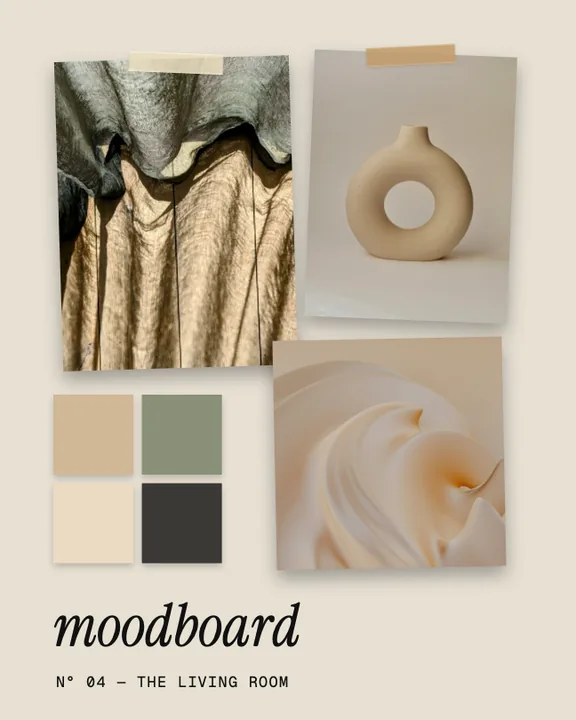
- Zine, Postcard, Gig poster, Menu, Mood board, Race bib: the Designer speaks a lot of styles.
- 13 occasions
- Announcement, tips, sale, launch, prices, hiring, FAQ. The Designer knows what the post is for.
02/11
Canvas
One long canvas instead of a stack of cards. This is where FRAMEKID is different.
- Seamless canvas
- Photos, type and stickers can run right across the slide edges. That is the whole point.
- Four formats
- 4:5, 3:4, 1:1 and 9:16. Switch whenever you like.
- Up to 20 slides
- Add a slide, drop a slide. As long as the story needs.
- Seam lines
- Dashed lines show where one slide ends and the next begins.
- Safe zones
- Guides for Story, Reels and TikTok show where the buttons will sit.
- Snapping
- Things click into place along edges and centres. Or switch it off and go free.
- Layers
- See everything on the canvas. Reorder it, rename it, hide it, lock it.
- Groups
- What belongs together moves together.
- Undo and redo
- Try anything. Nothing is ever lost.
- Background colour
- Any colour you can think of, for the whole carousel.
- Paper grounds
- Kraft, crumpled, folded, old paper or parchment under everything.
- Arrange
- To the front, to the back, copy, delete, fade. The basics, done right.
- Post preview
- See the carousel the way your followers will, and how the cover sits in your profile grid.
03/11
Photos
Everything you can do to a picture, from a quick crop to real film.
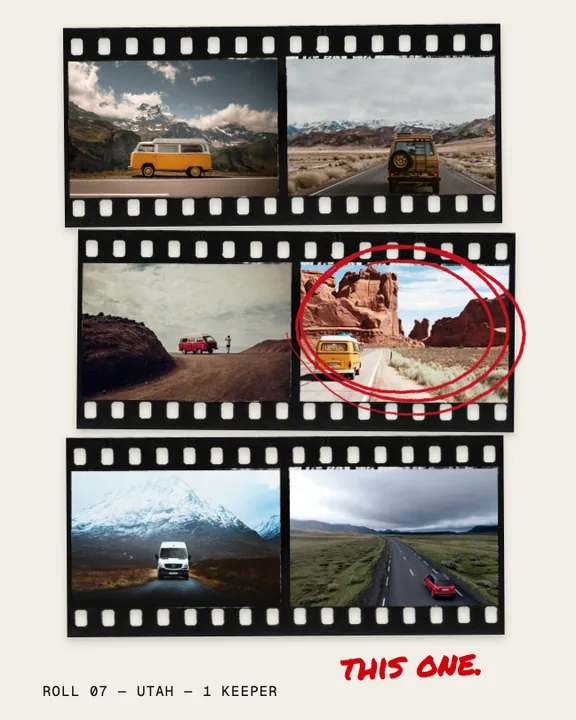
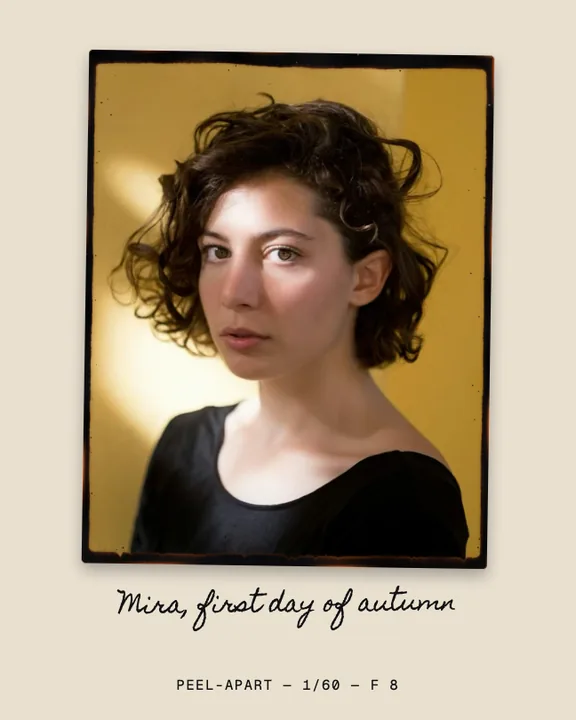
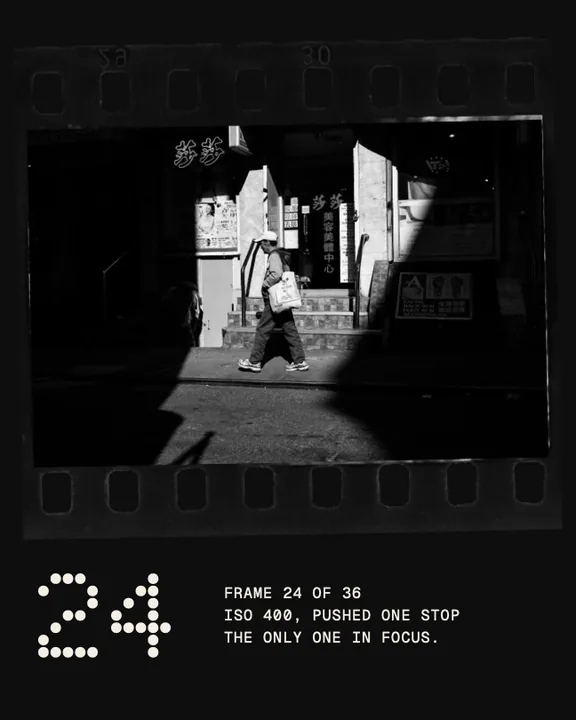
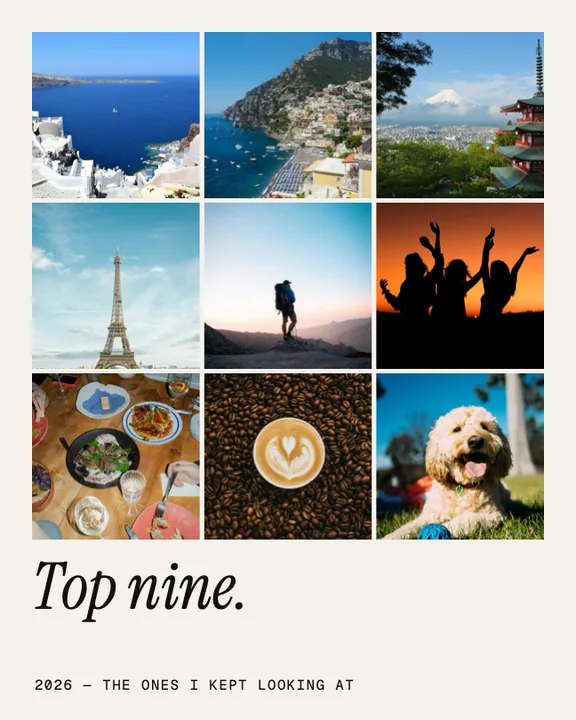
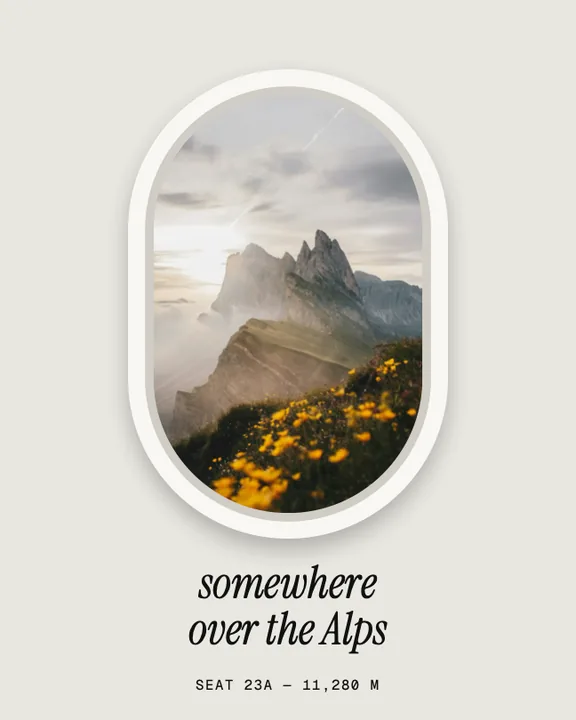
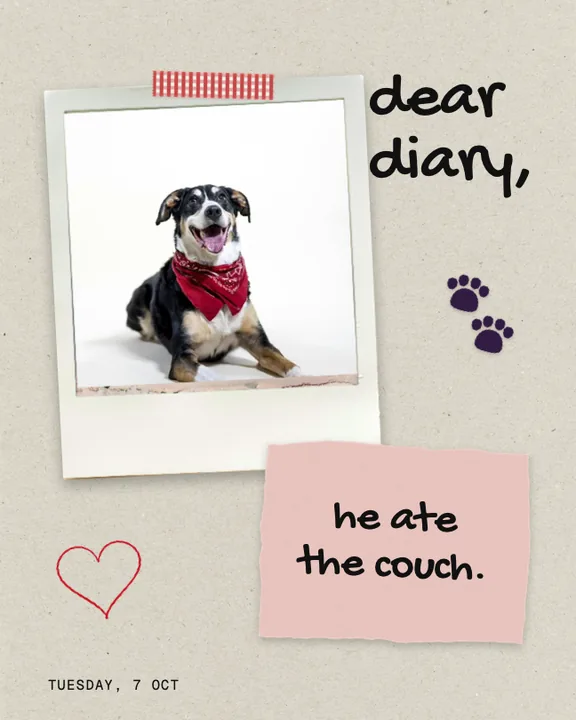
- Photos and videos
- Straight from your library, as many as you like.
- Replace
- Swap a photo and keep everything else exactly as it is.
- Crop
- Drag and pinch inside the frame until it sits right.
- Cut out
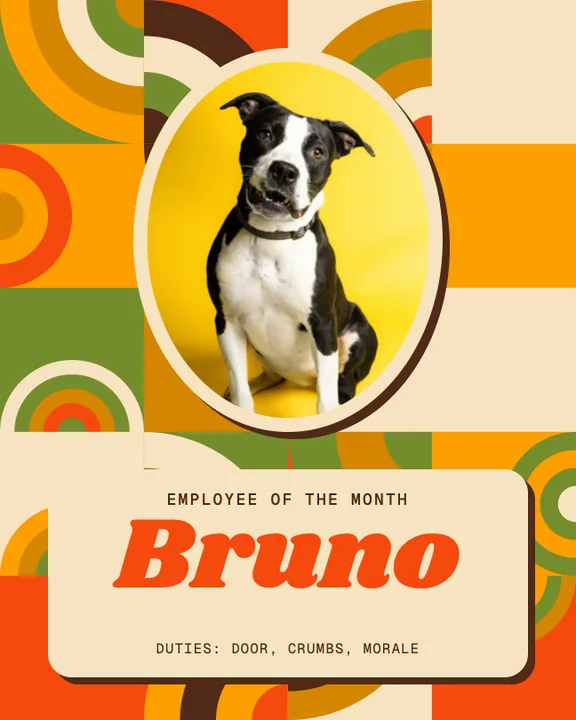
- One tap lifts people, pets and products off their background. On your device.
- Cut out with outline
- The same, with a clean white sticker line around the shape.
- 14 shapes
- Oval, arch, capsule, heart, star, ticket and more. Cut any photo to shape.
- Torn edges
- Tear any side of a photo. Not happy with the tear? Tear again.
- Paper rim
- A white paper edge under the tear, like a real print.
- Drawn frames
- Fine liner, marker, brush, dry brush or ink, drawn around your photo by hand.
- Shadows
- Soft, hard or long. You choose direction, distance and colour.
- Six film looks
- Everyday 400, Night 800, Slide 100, Silver 400, Soft silver and Expired.
- Real grain
- Scanned 35 mm, 16 mm and 8 mm film grain. Not a filter, the real thing.
- Halation
- The soft red glow around bright lights that only film has.
- Exposure
- Lighter, darker. Sometimes that is all a photo needs.
- Riso print
- The two-colour print look, in four ink pairs.
- Photocopy
- Hard, grainy, black and white. Straight out of a zine.
- Collages
- 12 grid layouts with spacing, round corners and a coloured mat.
- Film frames
- Scanned film strips: colour, black and white, square and 120.
- Instant frames
- Polaroid and peel-apart prints, scanned from real ones.
04/11
Type
Words that look designed. Pick a font, bend it, cast it in chrome.
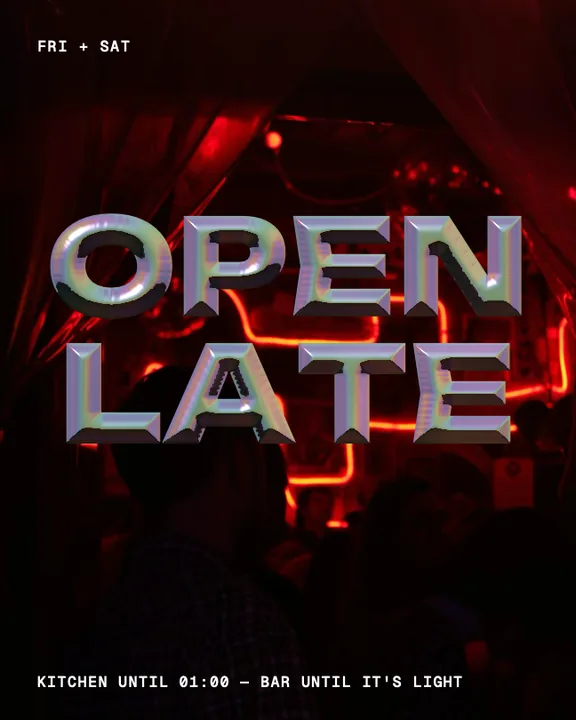
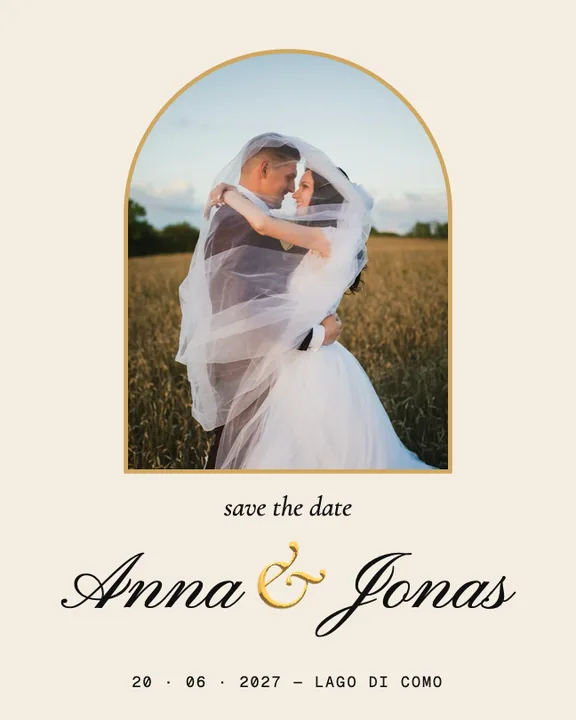
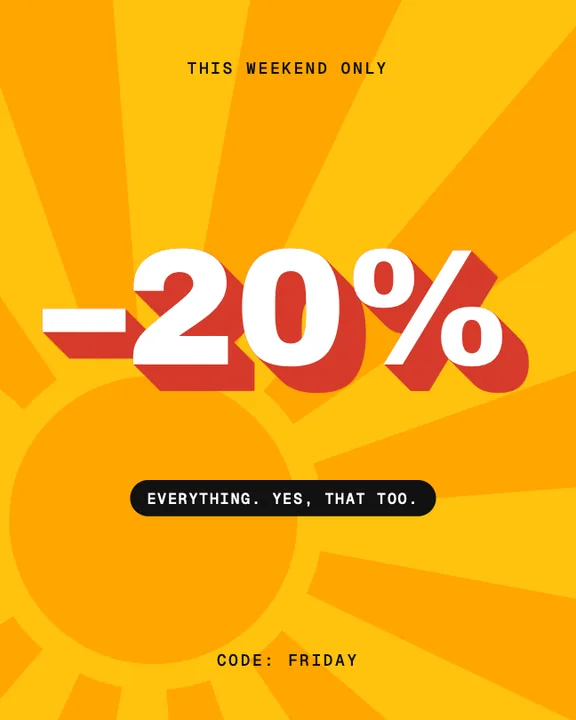
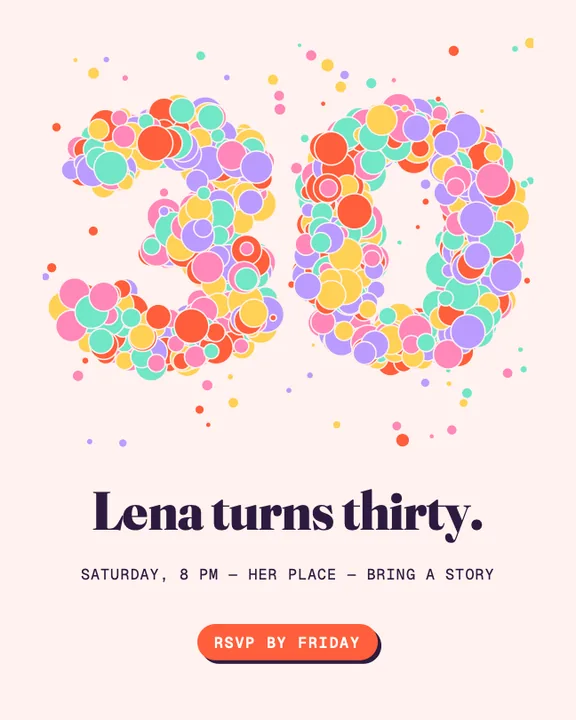
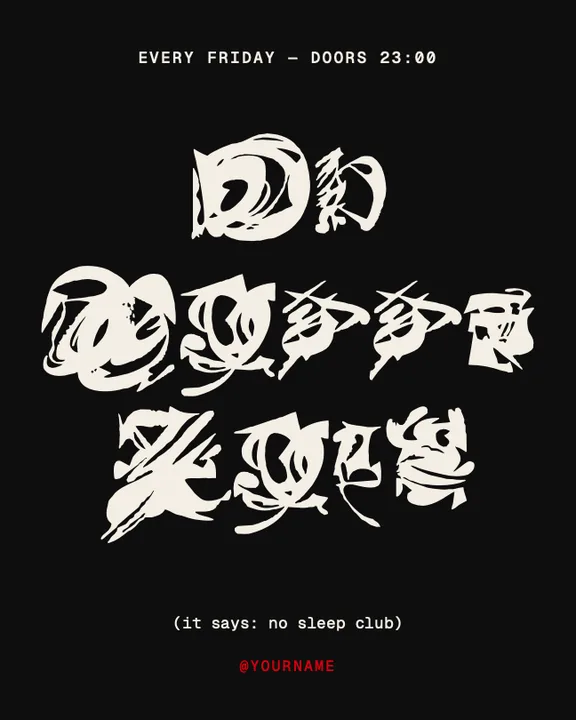
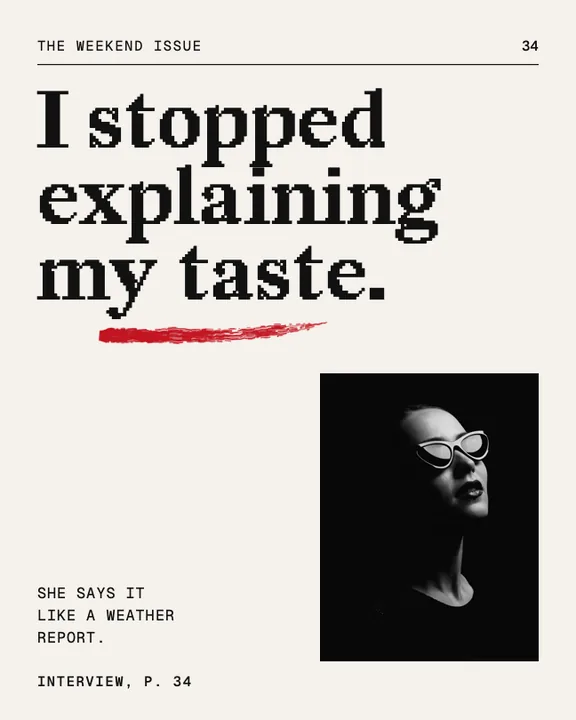
- 110+ fonts
- Serifs, grotesks, scripts, display faces. Picked one by one, no filler.
- Text styles
- Headline, Statement, Editorial, Elegant, Handwritten, Typewriter. Good pairings in one tap.
- Your own fonts
- Add your TTF or OTF files and use them like any other font.
- Colour
- Ready swatches, your brand colours or any colour you like.
- Spacing
- Letter spacing and line height, as fine as you want them.
- Alignment
- Left, centre, right.
- Type on a circle
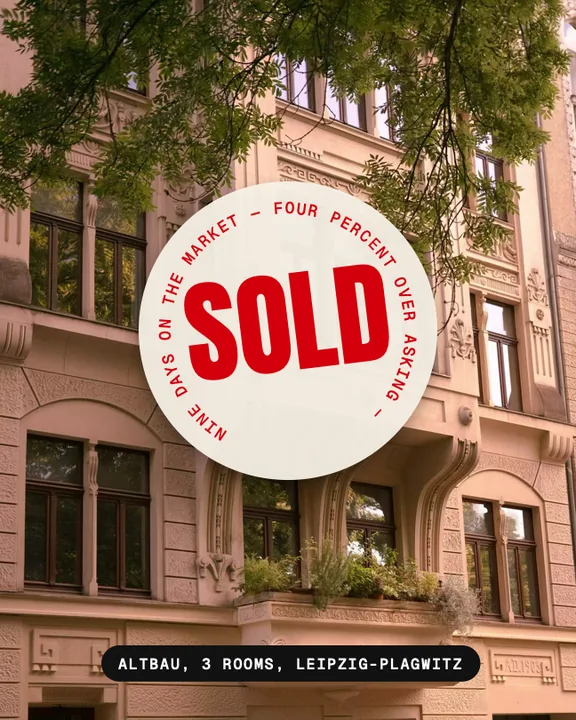
- Bend a line around a circle. Stamps, badges, seals.
- Chrome type
- Letters of polished chrome.
- Gold type
- Warm, heavy and shiny.
- Holo type
- Holographic foil that shifts colour.
- Glass type
- See-through letters that bend what lies behind them.
- Jelly type
- Soft, glossy and a little silly.
- Long shadows
- Pull a shadow out of a word until it stands like a block.
- Hard and soft shadows
- For type as for everything else.
- Words in beads
- Type a word and a pattern builds it from little balls.
- Quote library
- Quotes on life, courage, love, time, work and more, ready to drop in.
- Quote layouts
- Every quote arrives as a designed block, with or without the author.
- Your own words
- Type your own quote and get the same layouts.
05/11
Elements
The small things that make a post feel made by hand.
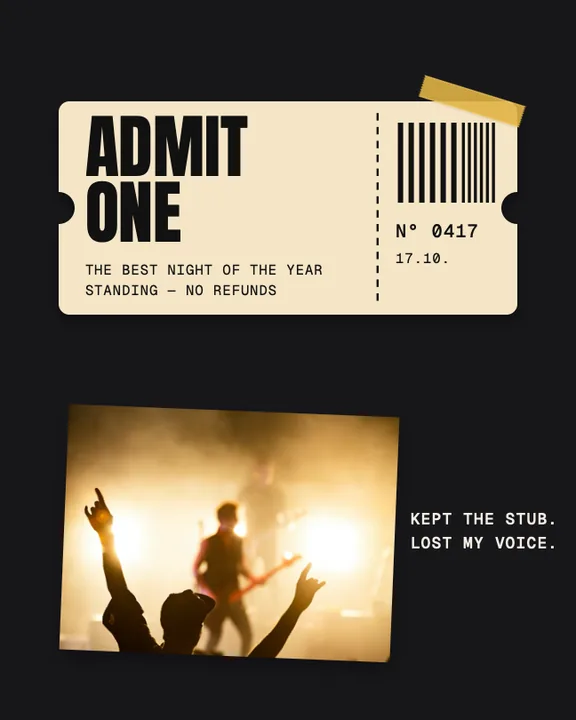
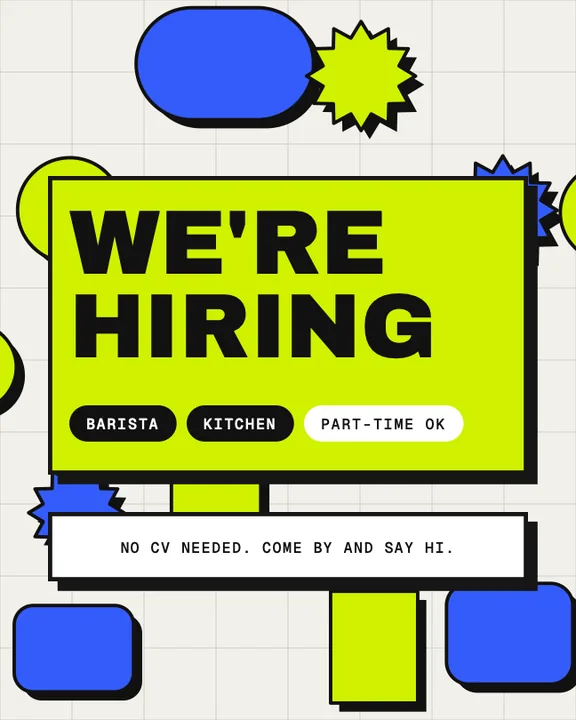
- Shapes
- Building blocks in any colour, as round as you like.
- 160+ stickers
- Hearts, stars, fruit, faces. The fun drawer.
- 240 icons
- Thin line icons for every topic. Tint them any colour.
- Scribbles
- 44 hand-drawn arrows, circles, underlines and stars.
- Tape
- 12 pieces of real tape to stick your photos down.
- Torn paper
- Strips and scraps of real paper to write on.
- Notes
- Paper slips and sticky notes.
- Plastic wrap
- Real foil laid over a photo. Crinkled, shiny, straight off a record sleeve.
- Your logo
- Drop it on any slide.
- Draw
- Draw on a slide with your finger, an Apple Pencil or the mouse.
- Five pens
- Pen, marker, highlighter, pencil and an eraser.
- Any colour, any width
- Each pen remembers how you like it.
06/11
Effects
Glass, light and patterns. The things nobody expects from a carousel app.
- Glass
- A pane of glass over anything. It bends and blurs what lies behind it.
- Seven kinds of glass
- Plain, fluted, reeded, wave, bubble, blocks and prism.
- Frost
- From polished clear to deep milk glass.
- Thickness and distance
- Thicker glass bends more. Move the picture away from the pane and it blurs.
- Glass colour
- Tint the glass any colour, from a hint to a deep stain.
- Steam
- Fog on the pane, like a bathroom mirror.
- Drops and runs
- Water drops that clear the fog, and trails where they ran down.
- Dust and spots
- A window that has seen some weather.
- Glass text cards
- Frosted cards that keep your text readable on any photo.
- Light
- Window, blinds or leaves. A shadow that falls across your slides.
- Angle, softness, warmth
- Turn the light, soften it, warm it up.
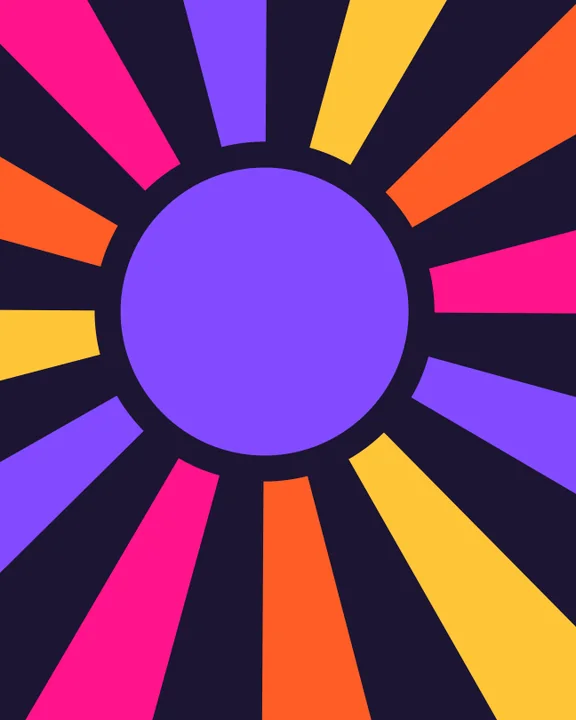
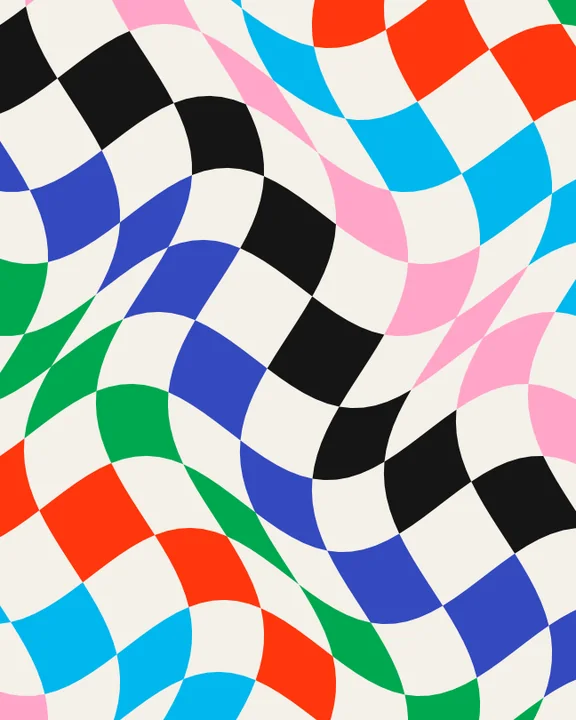
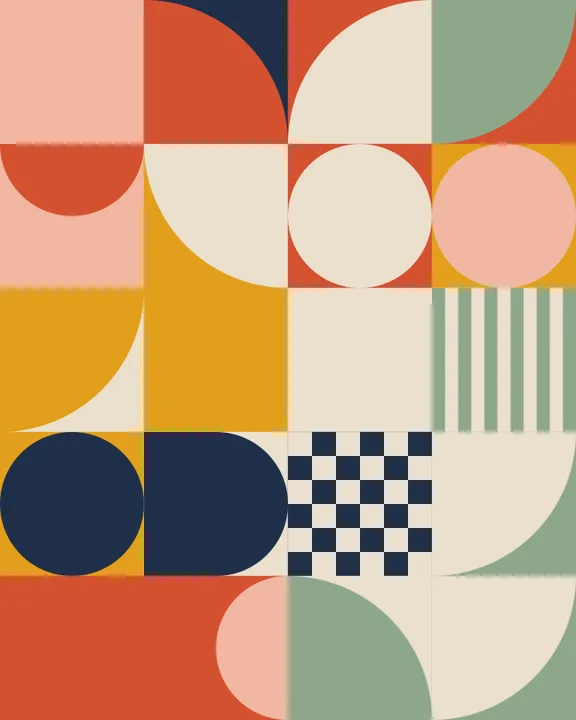
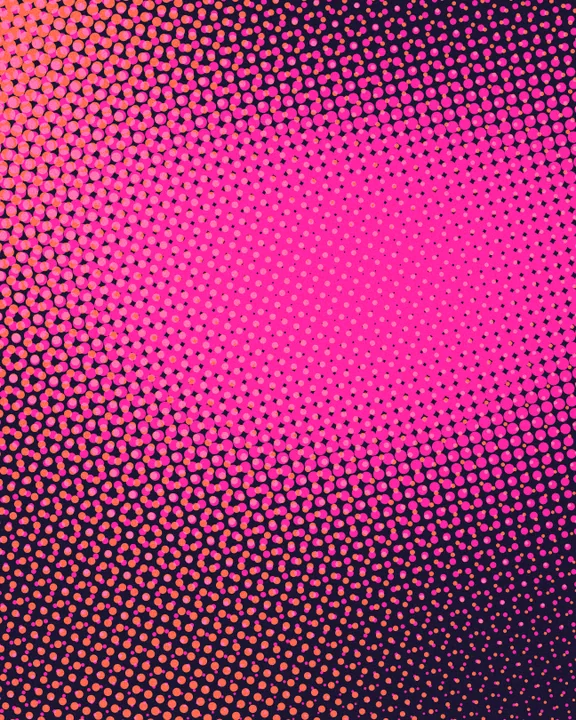
- 12 patterns
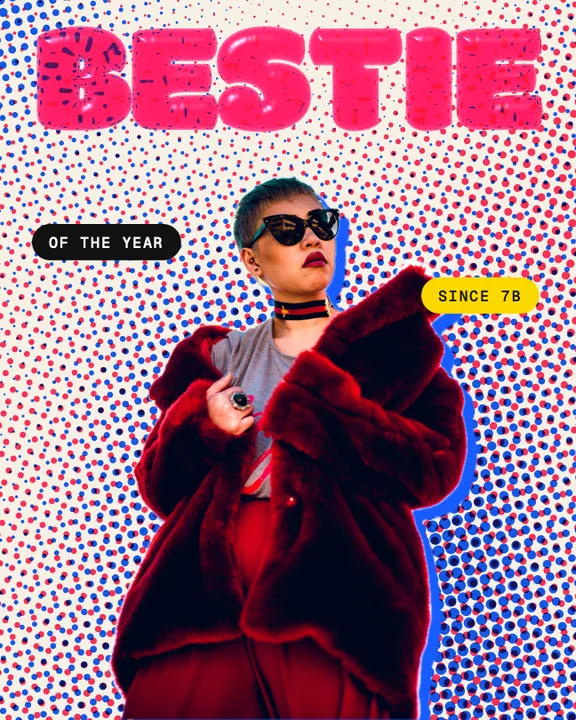
- Mosaic, aura, waves, arcs, rays, cut-outs, halftone, confetti, blocks, warp, beads and arrows.
- Surprise
- One tap gives a pattern a new style, new colours and a new picture.
- Poster layouts
- Deal a layout and your words land on the pattern like a real poster.
07/11
Video
Clips inside your carousel, and the whole carousel as a clip.
- Video in slides
- Drop a clip where a photo would go.
- Trim
- Keep the part that matters.
- Speed
- Slow it down or speed it up.
- Sound
- On or muted, per clip.
- Video export
- The whole carousel as one 9:16 video for Reels, TikTok and Stories.
- Glide or cut
- Slides glide into each other or cut hard. Your call.
- Seconds per slide
- You set how long each slide stays.
- Loop
- Let the video glide back to the start.
- H.264 or HEVC
- Plays everywhere, or smaller files.
08/11
Brand kit
Set it up once. Every post looks like you from then on.
- Logo
- Add it from Photos or Files.
- Brand colours
- Pick them or type the HEX value.
- Brand fonts
- One for headlines, one for text.
- Handle
- Your @name, filled in wherever a template asks for it.
- Apply in one tap
- Put your whole brand on any template at once.
09/11
Plan
See your feed before it is live. No Instagram login, nothing leaves your device.
- Feed grid
- Your next posts side by side, the way your profile will show them.
- Plan a post
- Put a carousel or a single tile into the grid.
- Placeholders
- Keep a place for an idea you have not made yet.
- Posts that are up
- Add what is already posted, so the grid is complete.
- Split a picture
- One picture across 3, 6 or 9 posts.
- Captions
- Write the caption next to the post and copy it when it is time.
- Hashtag sets
- Save your hashtags and reuse them.
- Dates and reminders
- Give a post a date and let the app nudge you.
- Colours only
- Squint mode: see just the colours of your grid.
- Export from the plan
- Save a planned post to Photos when its day comes.
10/11
Export
Out of the app and into the world, in the right size.
- JPEG, PNG, HEIC
- One picture per slide, in the order you made them.
- Two sizes
- 1080 px for Instagram or 2160 px when it has to be sharp.
- The format LinkedIn wants for carousels.
- 9:16 photos
- Story frames, one per slide.
- Save to Photos
- All slides land in your library, in order.
- Open Instagram
- Jump straight over when you are done.
- Share anywhere
- Send your slides to any app you like.
11/11
The app
The same studio wherever you open it.
- iPhone
- Thumb-first. Everything within reach of one hand.
- iPad
- The canvas gets room, the tools stand beside it.
- Mac
- A real desktop app with keyboard shortcuts. Drag photos in from the Finder.
- iPhone Duo
- Ready from day one: closed, open and half folded.
- One purchase
- Buy once, use it on iPhone, iPad and Mac.
- On every device
- Begin on the iPhone, finish on the Mac. Your projects follow you.
- Always saved
- Every step is saved the moment you make it. Battery dies, app closes: nothing is lost.
- Projects
- Recent, favourites, sort by name, duplicate, rename.
- No account
- No sign-up and nothing to log in to.
- On your device
- Your photos and projects stay with you.
- No ads, no tracking
- We want your posts to look good. We do not want your data.
- Free to start
- Try every tool before you pay a cent.
Total
things.
One app.
And we keep adding. Whatever arrives next, a Lifetime purchase has it included.